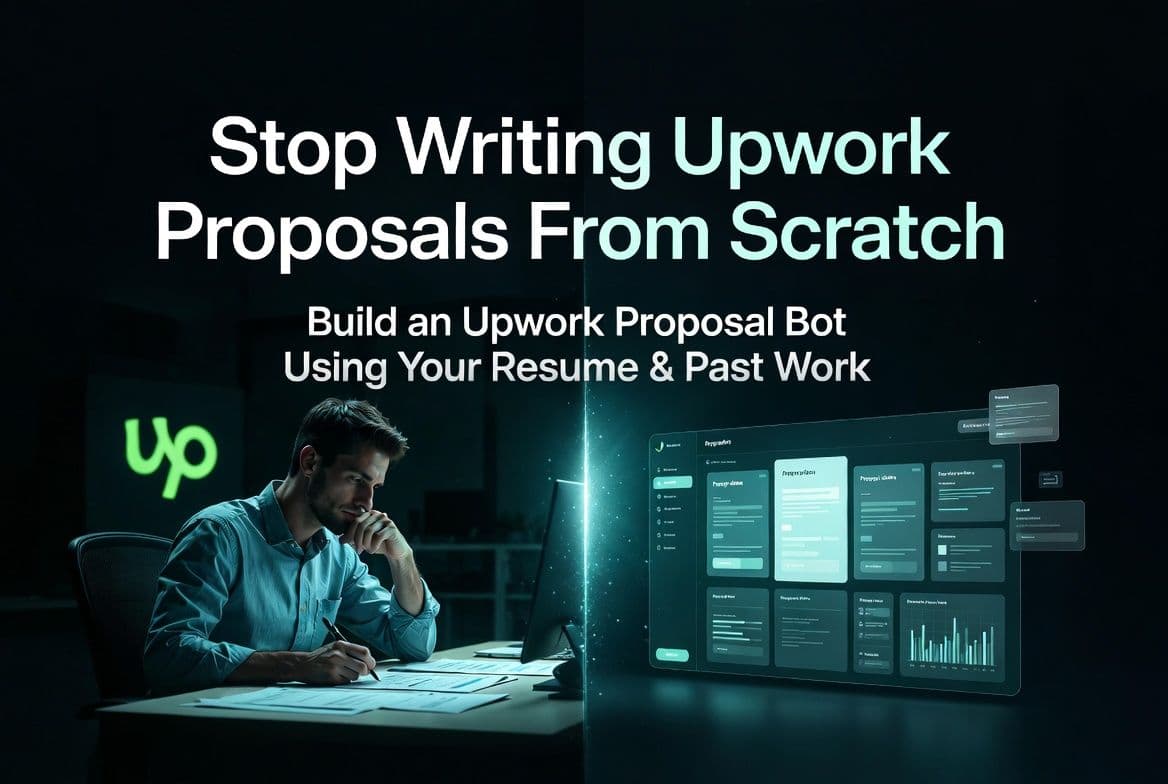
Stop Writing Upwork Proposals From Scratch: Build Your Own Proposal Bot Using Your Resume (Step-by-Step System)
Build an Upwork proposal bot using your resume and past work. Write faster, stay consistent, and send better proposals without starting from scratch.
03 Apr 2026•7 min read

SEO & Content Marketing Specialist
Why Writing Upwork Proposals Feels Repetitive (And What to Do Instead)
Writing Upwork proposals sounds simple until you have to sit down and do it every day. That is usually when an Upwork proposal bot starts to feel like something you actually need.
You open a job post, read through it carefully, and start writing. At first, it feels fine. But after a few applications, you realize you are repeating the same ideas in slightly different ways. The structure stays the same. The effort stays the same. But the results do not always follow.
That is where it gets frustrating.
The problem is not your writing. It is the fact that you are starting from scratch every single time.
Most freelancers do this without realizing it. They rely on effort instead of building a system that can reuse what already works. And over time, that slows everything down and makes the process feel heavier than it should.
A better approach is to use what you already have. Your resume, your past proposals, and the work you have done are more than enough to build a simple system that generates tailored proposals for you. Tools like ChatGPT and platforms like BoundBot make this easier than most people expect.
In this guide, I will walk you through how to set this up step by step, using your own experience. Once it is in place, you will not need to start from zero every time you apply.
What Is an Upwork Proposal Bot?
An Upwork proposal bot is not something that replaces your thinking. It is a system that uses what you already know and turns it into a structured workflow.
Instead of writing every proposal manually, you create a setup where your experience, past work, and writing style are already organized. When a new job appears, that system uses your existing data to generate a relevant first draft.
At a basic level, it brings together a few key inputs:
- your resume defines your skills and background
- your past proposals shape your writing style
- your results add credibility
- the job description provides context
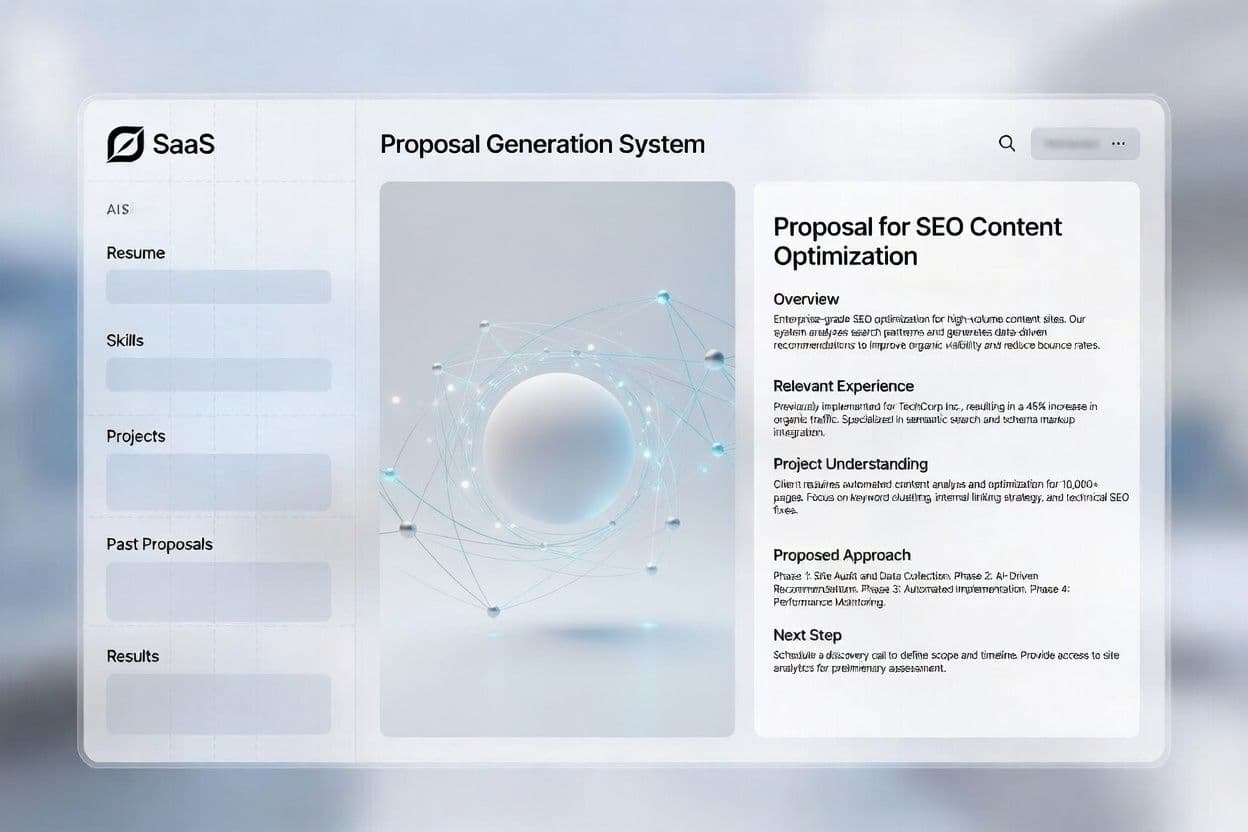
Upwork proposal bot system generating structured proposal from resume and past work
These inputs work together to produce a proposal that feels specific to the job, not generic.
Tools like ChatGPT or platforms such as BoundBot make it possible to connect all of this into a simple system without any technical setup.
The key idea is straightforward: instead of starting from zero each time, you build a structure that helps you respond faster while staying consistent with your experience.
What You Need Before Building Your Proposal Bot
Before setting anything up, it is worth organizing a few key things. The quality of your proposal bot depends on the inputs you give it.
The good part is you likely already have everything you need.
The Core Inputs You’ll Use
- 10–20 past proposals: Focus on proposals that got replies, interviews, or actual jobs. These show patterns that already work.
- Your resume or CV: This gives a clear view of your skills, tools, and experience in one place.
- Past results or achievements: Even simple outcomes help. Clients care about what you have done, not just what you can do.
- A tool to organize and generate proposals: This is where systems like BoundBot or tools like ChatGPT become useful.
Step 1: Export Your Best 10–20 Proposals
Start by pulling together a small set of your strongest proposals. You do not need everything. A focused selection is more useful than a large collection.
What to Select
Choose proposals that clearly show how you approach a client’s problem:
- ones where your opening felt direct and relevant
- proposals where your experience matched the job closely
- responses that were clear, structured, and easy to follow
You are not looking for perfect writing. You are looking for clarity and relevance.
How to Extract Them
This step is straightforward:
- open your sent proposals on Upwork
- copy the full proposal text
- place everything into one clean document
Keep formatting simple. Plain text makes it easier to reuse and refine later.
Which Proposals Should You Keep?
Not every proposal deserves a place in your system. A simple filter helps you stay focused on what actually works.
Swipe to view all columns →
| Proposal Type | Should You Use It? | Why |
|---|---|---|
| Got reply but no hire | Yes | Shows strong opening and relevance |
| Got hired | Best | Proven to convert |
| No response | No | No validation |
| Very long / generic | No | Weak structure |
The Pattern You’re Looking For
When you review your selected proposals, a structure usually becomes visible:
- a clear opening that connects with the client’s need
- a short, relevant example of past work
- a simple next step or call to action
This pattern is important because it is repeatable. Your system will rely on this, not on random phrasing.
What You’ll Have After This Step
By the end of this step, you will have a small, high-quality set of proposals that reflect how you communicate when it works best.
This becomes the foundation your system will build on in the next step.
Step 2: Turn Your Resume and Past Work Into Usable Inputs
Now that your proposal examples are ready, the next step is to organize your experience in a way your system can actually use.
You are not adding anything new here. You are simply making your existing information easier to reuse.
What to Include
Focus only on details that help a client quickly understand your value:
- core services you offer
- tools or platforms you use
- types of projects you’ve handled
- results you can mention clearly
How to Structure It
Keep everything short and separated.
Instead of using your full resume, break it into simple sections:
- Skills: what you do
- Work: the kind of projects you’ve handled
- Results: outcomes you can show
This makes it easier to reuse the right information when generating a proposal. Once this is ready, your system has a clear base to work from. You are no longer trying to remember what to say. You are pulling from a structured set of information that reflects your actual work.
Step 3: Create the System Prompt (Define How Your Proposals Are Written)
At this stage, your inputs are ready.
Now you need a clear way to turn them into a consistent proposal.
This is where the system prompt comes in.
A system prompt sets the rules for how your proposal should be written. It defines the tone, the structure, and what should be included so every draft follows the same standard.
Without it, your output will vary. With it, your proposals stay focused and consistent.
What Your Prompt Should Control
Keep it simple and practical. Your prompt should define:
- tone - natural and direct
- structure - how the proposal flows
- focus - relevance to the client’s need
- length - short and easy to read
The goal is not to sound impressive. It is to sound clear and relevant.
Core Structure to Follow:
Swipe to view all columns →
| Part | Purpose |
|---|---|
| Opening | Connect with the client’s need |
| Experience | Show relevant work or results |
| Approach | Explain how you would handle the task |
| Closing | Suggest a next step |
You can use this prompt inside tools like ChatGPT or platforms such as BoundBot to generate proposal drafts. If you want to understand how structured AI systems handle inputs and responses beyond simple prompts, this guide on the best AI chatbot for small businesses explains it clearly.
Step 4: Use a Job Description to Generate a Tailored Proposal
Now your system is ready to be used with real job posts.
Start by selecting a job that matches your skills. Copy the job description and place it into your tool, then apply the system prompt you created. Within seconds, you will get a structured proposal draft based on your resume, past work, and defined writing style.
What makes this step different is that you are no longer starting from zero. The system reads the job requirements, connects them with your experience, and follows a clear structure to produce a relevant first draft. It is not guessing. It is using the inputs you prepared earlier.
At this stage, your role is simple. Review the draft, adjust a few lines if needed, and make sure the examples match the job. You are not rewriting the proposal. You are refining it.
Once you get used to this flow, the process becomes much faster and more consistent. Instead of spending time thinking about what to write, you focus on improving what is already generated.
Real Example: What Changes When You Stop Writing From Scratch
Most proposals fail in the first few lines.
Not because the freelancer lacks skill.
But because the message feels general.
A typical proposal starts like this:
“I can help you with this project. I have experience in similar work…”
It sounds fine.
But it does not give the client a reason to keep reading.
Now look at the same situation with a more structured approach.
“I saw you’re trying to improve your blog content for SEO. I’ve worked on similar projects where I helped SaaS blogs grow organic traffic by focusing on search intent and content structure. I can review your current pages and suggest clear improvements. You can also check my portfolio to see similar projects and the kind of results I’ve delivered.”
Same freelancer.
But now the message feels clear, relevant, and worth reading.
Benefits of Using an Upwork Proposal Bot System
Once this system is in place, the difference becomes clear. You are no longer relying on effort every time. You are using a structured Upwork proposal bot that supports your workflow.
• You save time on every proposal: Instead of writing from scratch, you generate and refine proposals faster using an AI proposal system for freelancers.
• Your proposals stay consistent: Your tone, structure, and messaging stay aligned across every job, improving your overall Upwork proposal quality.
• Your responses feel more relevant: Each proposal connects directly with the client’s need, making your Upwork proposals more personalized.
• You stop overthinking the process: You follow a clear proposal writing system instead of deciding what to write every time.
• Your past work starts working for you: Your experience and results are reused through a resume-based proposal workflow, not rewritten repeatedly.
• You can apply more without lowering quality: You increase output while maintaining clarity, making your freelance proposal process scalable.
At this point, you are no longer trying to write better proposals. You are using a system that makes them better by default.
Ready to Build Your Own Proposal System?
If you want to stop repeating the same work and start using a structured approach, this is the right time to set it up.
You can start simple. Add your inputs, define your prompt, and see how the system works with real job posts. Platforms like BoundBot are built exactly for this kind of workflow, where your knowledge, structure, and responses stay connected in one place.
Start small, test your setup, and improve it as you go. Once it works, you won’t go back to writing proposals from scratch.
If This Helped, Here’s What You Should Read Next,
• How I Won a $15K Upwork Contract Using a Free AI Tool
• Multi-Channel Chatbot Setup: How to Run One AI System Across All Platforms
• Best AI Chatbot Alternatives to Ada AI (Full Comparison Guide)
Frequently Asked Questions About Upwork Proposal Bot
How many proposals should I send daily when using an Upwork proposal bot?
There is no fixed number, but quality matters more than quantity. With a structured system, you can apply to more jobs without rushing. Focus on relevant opportunities instead of sending too many generic proposals.
Can I use the same proposal for multiple jobs with this system?
Not exactly. The system helps you reuse structure and experience, but each proposal should still match the job description. Small adjustments keep your proposal relevant and improve your chances of getting a reply.
Do clients notice if proposals are generated using AI?
Clients usually do not focus on how the proposal is written. They care about relevance. If your proposal clearly addresses their need, it will stand out regardless of how it was created.
Is it safe to use AI tools for writing Upwork proposals?
Yes, as long as you use AI to assist your writing and not to fully automate actions. Reviewing and sending proposals manually keeps your process aligned with platform guidelines.
What should I do if my proposals still don’t get replies?
Start by improving your opening lines and relevance. Most issues come from weak hooks or unclear positioning. Focus on connecting your experience directly to the client’s problem.
LAUNCH THE AGENT. KEEP THE HUMAN CONTROL.
START FREE, CONNECT A CHANNEL, AND SHIP YOUR FIRST BOUNDBOT IN MINUTES.