01
The visitor still has to hunt.
A help icon adds no value when the reply only points back to the same navigation or contact page.
Answer the decision in the conversation, then link the next move.
Give website visitors a clear place to ask, decide, and reach your team—without sending them through a dead-end chat widget.
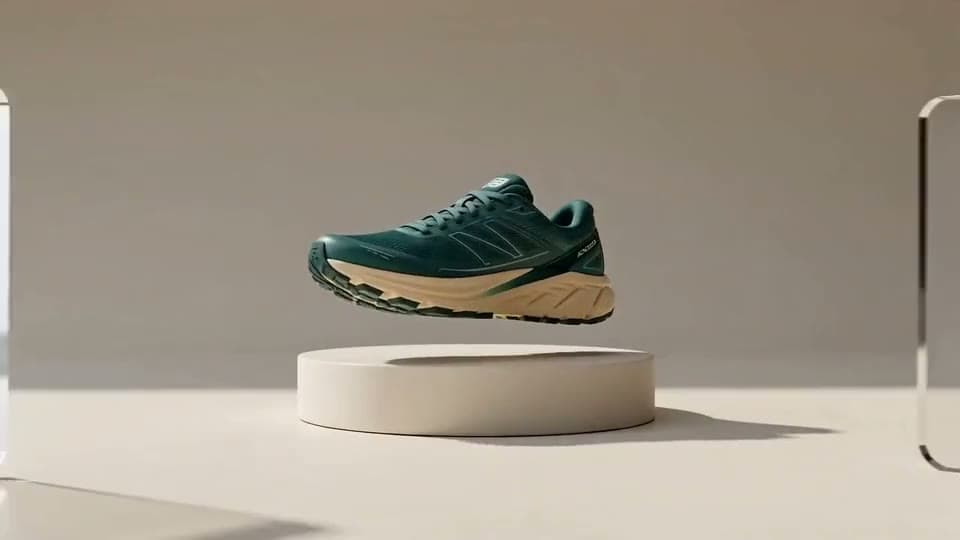 Demo product
Northstar Goods
Trailmark Runner
Everyday trainer · forest
Product page · WebChat
Online now
Use the content visitors already see
Move from browsing to a clear choice
Collect intent inside the conversation
Continue after the visitor leaves
Why website chat underperforms
The widget has to understand the business, create a next step, and carry the conversation somewhere useful after the first answer.
A help icon adds no value when the reply only points back to the same navigation or contact page.
Answer the decision in the conversation, then link the next move.
Questions about fit, delivery, pricing, and availability often signal a shopper who is ready to move.
Capture the intent while the context is still fresh.
If a person needs to follow up, the team should inherit the question and details instead of starting over.
The inbox gives the widget an operational back room.
From page visit to next step
WebChat can begin with a question, search maintained sources, collect the missing detail, and route the thread to your team.
Welcome
Invite the visitor to ask about products, policies, setup, or another job the site is ready to support.
Build the website brain
A website support bot becomes useful when the public copy, product details, and internal routing agree on the answer.
Website support stack
Sources the team can maintain
Website crawl
Product, policy, and help pages
Focused FAQs
Short answers for repeat questions
Product catalog
Structured buying context
WebChat channel
Widget and inbox connection
A storefront conversation layer
The widget stays visually small while the workflow behind it handles knowledge, intent, routing, and follow-up.
Turn maintained pages and FAQs into direct conversational help instead of another list of links.
Resolve common questions, surface product context, and capture a lead when the visitor is ready.
Move unresolved or high-value threads into the inbox with the conversation still attached.
Launch the smallest useful widget
Choose the visitor question that matters most, make the answer dependable, then expand the surface after real conversations arrive.
Start on product, pricing, onboarding, or support pages where visitors repeatedly hesitate or leave.
Crawl the relevant content and add FAQs or files for details the public site does not explain well.
Decide when to collect a lead, create a request, or hand the thread to a teammate.
Launch the widget, read real conversations, and improve the source or prompt behind the weak spots.
No. It can answer support questions, help with product discovery, and capture lead details. Start with one primary job so the experience stays clear.
BoundBot can use website pages, FAQs, uploaded files, and product information. The quality of the reply depends on how current and specific those sources are.
Yes. Website conversations can move into the shared inbox for human follow-up with the thread and customer context visible.
No full redesign is required. Configure the channel and install the widget on the site, then tune its visual treatment and behavior to match the experience you want.
Continue exploring
Add a grounded website AI chatbot for support, product questions, and lead capture from one web experience.
Answer repetitive support and product questions across website chat, Telegram, Discord, and Slack from one grounded support workflow.
Build a FAQ chatbot that responds from structured knowledge instead of vague model memory.
Give the site a useful front desk
Connect the pages, define the continuation, and make WebChat useful before the visitor has to open another tab.