Multi Channel Chatbot Platforms Compared: 10 Best Tools for Teams Managing 4+ Channels
Looking for the best multi channel chatbot platforms? Compare 10 tools, features, pricing, and find the right solution for managing multiple channels easily.
25 Mar 2026•7 minutes

SEO & Content Marketing Specialist
Why Multi Channel Support Breaks for Most Teams
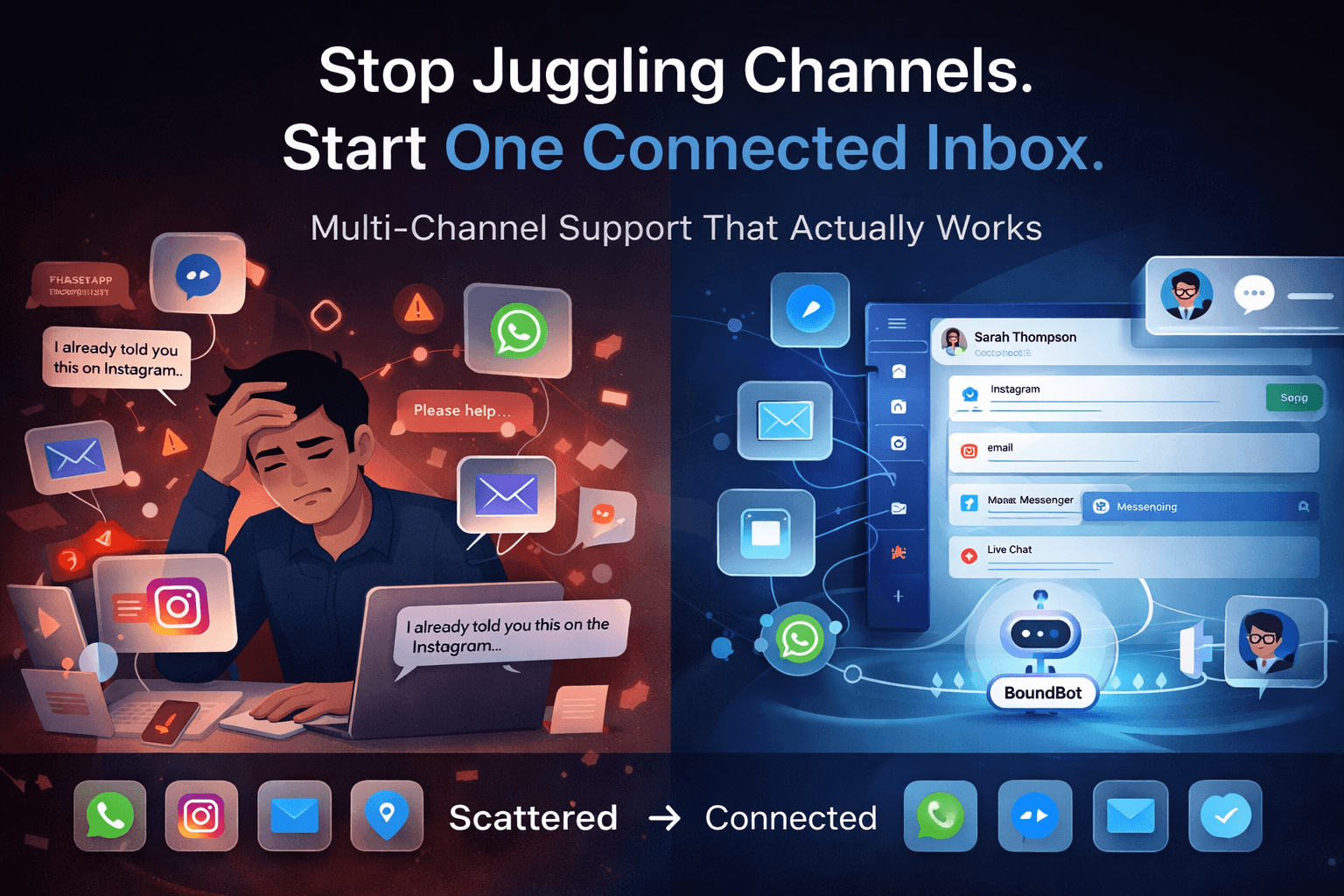
Customer support today doesn’t live in one inbox anymore. A single customer might reach out on Instagram, follow up on WhatsApp, and later send an email. For many teams, those conversations end up scattered across different tools, making it harder to keep track and respond consistently.
This is where most support systems start to break. Agents switch between platforms, context gets lost, and response time slows down. From the customer’s side, it feels disconnected.
According to Salesforce, 85% of customers expect consistent interactions across channels, yet most businesses still manage conversations in silos. At the same time, Zendesk reports that 74% of customers expect support to be available 24/7, making manual handling even more difficult.
That’s why multi channel chatbot platforms are becoming essential. Not just to automate replies, but to bring conversations, context, and workflows into one place.
In this guide, we’ll compare 10 of the best multi channel chatbot platforms, based on channels supported, inbox quality, AI capabilities, pricing, and real-world usability, so you can choose the right tool for your team.
What a Real Multi Channel Chatbot Platform Should Actually Include
Not every tool that connects a few channels is truly built for real support workflows. Many platforms say “multi channel,” but in practice, conversations still feel scattered and hard to manage.
A proper multi channel chatbot platform should make your work simpler from the moment a message comes in to the moment it’s resolved. Everything should stay connected, clear, and easy to handle.
Here’s what actually matters:
- Supports multiple active channels: This goes beyond just web chat. A strong platform should handle email, WhatsApp, Messenger, Instagram, and other commonly used channels in one system.
- One shared inbox for all conversations: Your team should not need to jump between tabs. All messages should appear in one place with full context.
- Connected conversation history: If a customer switches from Instagram to email, the system should still recognize them and keep the conversation linked.
- AI that can actually help, not just reply: Good platforms use AI to answer common questions, guide users, and reduce repetitive work instead of relying only on fixed rules.
- Smooth handoff to human agents
When a conversation needs a human, it should transfer instantly without losing previous messages or context.
It’s also important to understand the difference between multi channel and omnichannel. Most tools today support multiple channels, but only a few keep conversations fully connected across them.
That difference is what separates a tool that simply collects messages from one that actually helps you manage support at scale.
At a Glance: Multi Channel Chatbot Platforms Compared
Before diving into details, here’s a quick look at how the top multi channel chatbot platforms compare. The key difference isn’t just how many channels they support, but how well they keep conversations connected in one place.
Table 1: Comparison of 10 Multi Channel Chatbot Platforms
Swipe to view all columns →
| Platform | Channels Supported | Inbox Quality | AI Capability | Pricing (Starting) | Best For |
|---|---|---|---|---|---|
| Intercom | Email, live chat, SMS, social (Messenger, WhatsApp via integrations) | Centralized inbox with automation, routing, and team collaboration | Fin AI agent + AI Copilot for agents | Starts from ~$29/seat/month; AI usage-based | SaaS and product-led support teams |
| Zendesk | Email, voice, chat, social, WhatsApp | Unified agent workspace combining tickets and messaging | AI agents, automation workflows, and agent assist tools | Starts from ~$19/month (varies by plan) | Enterprise and large support teams |
| Freshchat (Freshdesk Omni) | Chat, WhatsApp, SMS, LINE, Google Business Messages | Omnichannel inbox designed for messaging-first support | Freddy AI for automation and suggestions | Starts from ~$15/agent/month | SMB to mid-market support teams |
| BoundBot | Web chat, WhatsApp, Slack, Telegram, and more | Unified inbox built for cross-channel conversation management | Grounded AI agents with deterministic workflows and human handoff | Free plan available; paid tiers scale | Teams managing 4+ channels with one system |
| HubSpot Service Hub | Live chat, email, WhatsApp, Messenger | Shared inbox connected with CRM and contact history | AI assistant (Breeze) for responses and automation | Pricing varies based on usage and setup | CRM-focused teams and growing businesses |
| Tidio | Live chat, Messenger, Instagram, WhatsApp | Simple shared inbox for small teams | Lyro AI chatbot for handling FAQs | Starts from ~$24/month | Small businesses and ecommerce |
| Manychat | Instagram, WhatsApp, Messenger, TikTok | Social-first inbox focused on campaigns and flows | Automation-first with AI enhancements | Starts from ~$15/month | Social commerce and marketing |
| Chatbase | Website chat, WhatsApp, Slack, email (via integrations) | AI-focused conversation layer (not full inbox-first) | AI agents with actions and knowledge-based responses | Credit-based pricing | AI-first support automation |
| Botpress | Web chat + integrations (WhatsApp, Telegram, Slack, Teams) | Builder-focused interface, not inbox-first | Advanced AI agent workflows and custom logic | Starts from ~$89/month; usage-based | Developers and custom AI setups |
| respond.io | WhatsApp, Messenger, Telegram, LINE, Viber, email, SMS | Strong unified inbox with cross-channel merging | AI assist tools for replies and routing | Starts from ~$79/month | Messaging-heavy teams with multiple channels |
Multi Channel Chatbot Platforms Compared by Use Case and Team Needs
Most teams don’t struggle because they lack tools. They struggle because their conversations are split across tools.
A customer might send an email, then follow up on WhatsApp, then message on Instagram. Without a connected system, these become separate threads. Agents lose context, responses slow down, and customers repeat themselves.
Multi channel chatbot platforms are meant to solve this by bringing conversations into one system. But in practice, each tool approaches this problem differently. Some focus on enterprise workflows, some on social automation, and others on AI-driven responses.
So instead of ranking them blindly, here’s how the leading platforms actually fit based on real team needs.
Intercom: Best for SaaS and Product-Led Teams
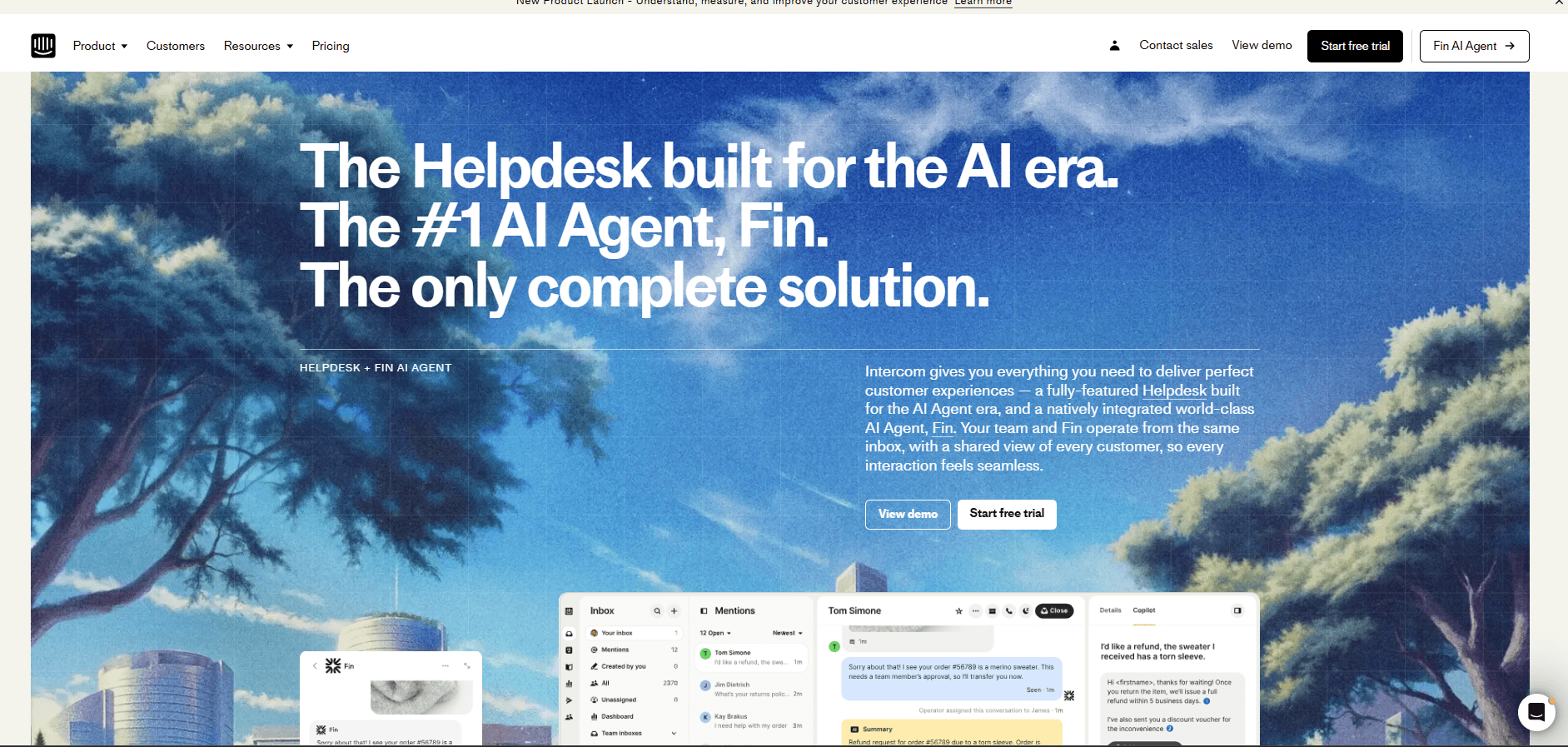
Intercom is built for companies where support is part of the product experience. It combines chat, email, and in-app messaging into one inbox, with automation and its Fin AI agent handling common queries. This makes it strong for onboarding, support, and user engagement in one flow. The tradeoff is cost, which increases quickly as usage and AI features scale. It fits SaaS teams that want support tightly integrated with product workflows.
Intercom multi channel chatbot platform
Zendesk: Best for Enterprise Support Teams
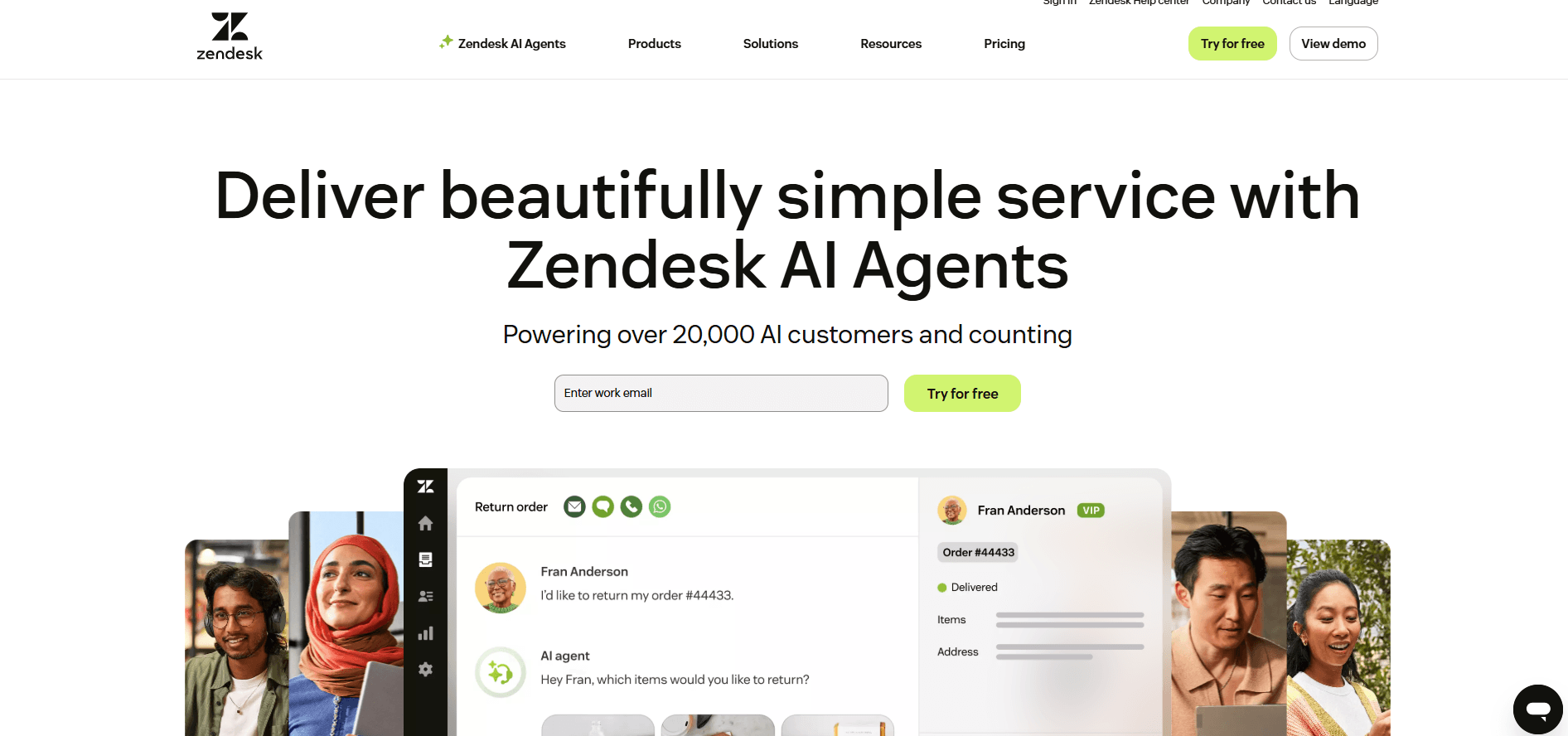
Zendesk is designed for large-scale support operations managing email, chat, voice, and social channels. Its workspace combines ticketing and messaging, giving teams structure and control at high volume. AI and automation help route and resolve issues faster. However, setup and maintenance can be heavy, especially for smaller teams. It works best for enterprises that need detailed workflows and multi-agent coordination.
Zendesk multi channel chatbot platform
Freshchat: Best for Growing Support Teams
Freshchat focuses on messaging-first support, bringing channels like WhatsApp, SMS, and web chat into one inbox. Its Freddy AI helps automate repetitive queries, reducing manual workload. Compared to enterprise tools, it is easier to deploy and manage, but offers less flexibility at scale. It’s a strong fit for teams moving from basic tools to a more structured multi-channel setup.
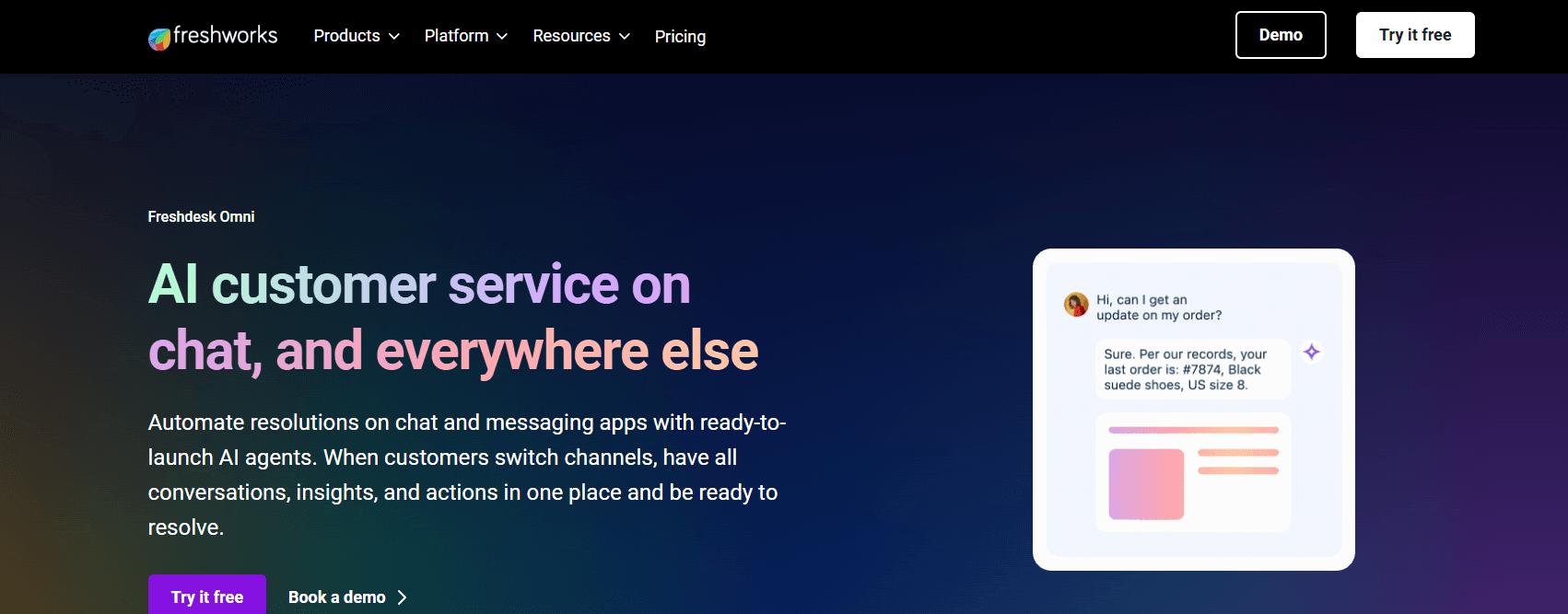
Freshchat multi channel chatbot platform
HubSpot Service Hub: Best for CRM-Connected Support
HubSpot stands out by connecting support conversations directly with customer data. Messages from chat, email, and social channels are tied to CRM records, giving agents full context during interactions. This improves personalization and tracking. However, advanced automation and scaling features require higher-tier plans. It works best for teams already operating inside the HubSpot ecosystem.
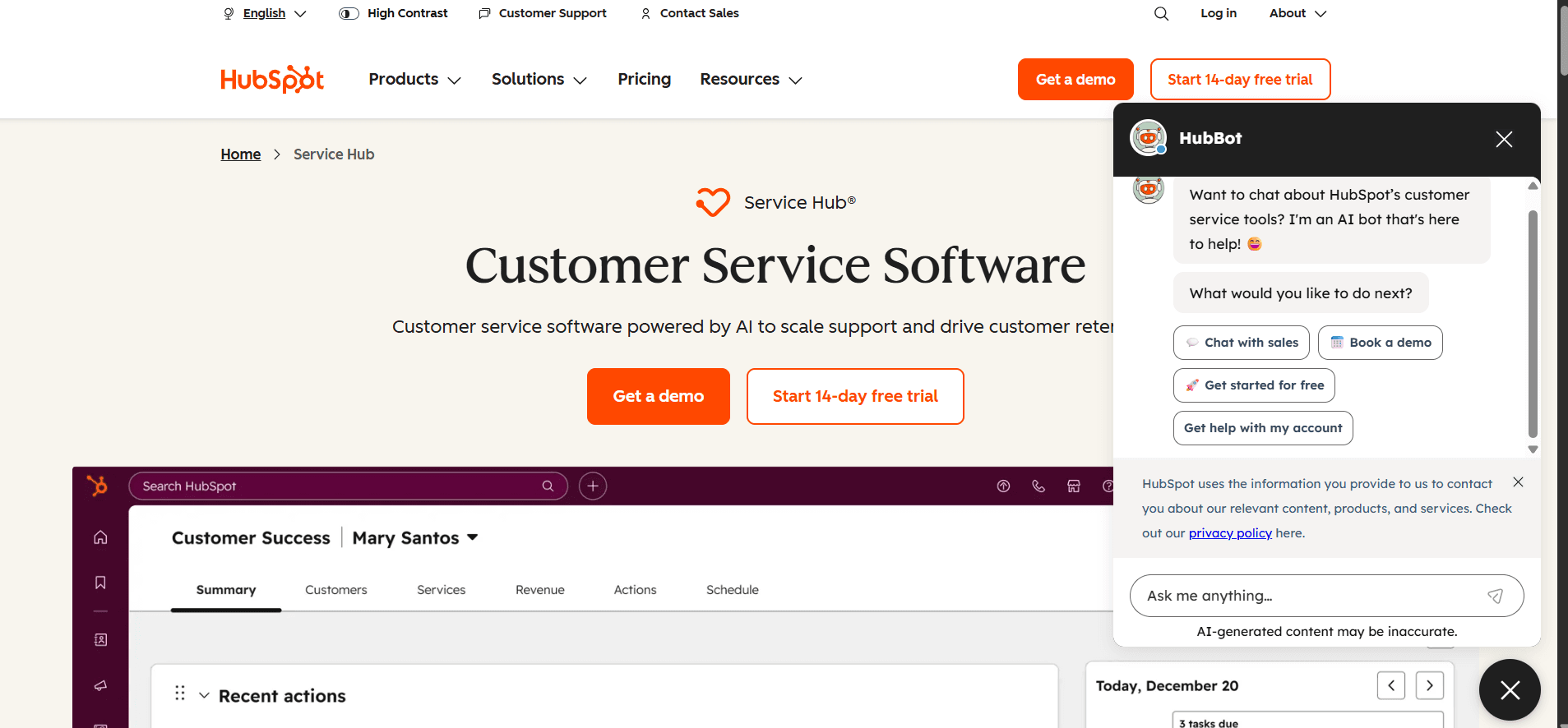
HubSpot multi channel chatbot platform dashboard connected with CRM and customer conversations
Tidio: Best for Small Teams and Ecommerce
Tidio is built for simplicity. It combines live chat, email, and social messaging into a single inbox, with its Lyro AI handling common customer questions. This helps small teams respond faster without increasing headcount. The limitation is depth, as it lacks advanced workflows and customization. It’s ideal for ecommerce businesses that need quick setup and lightweight automation.
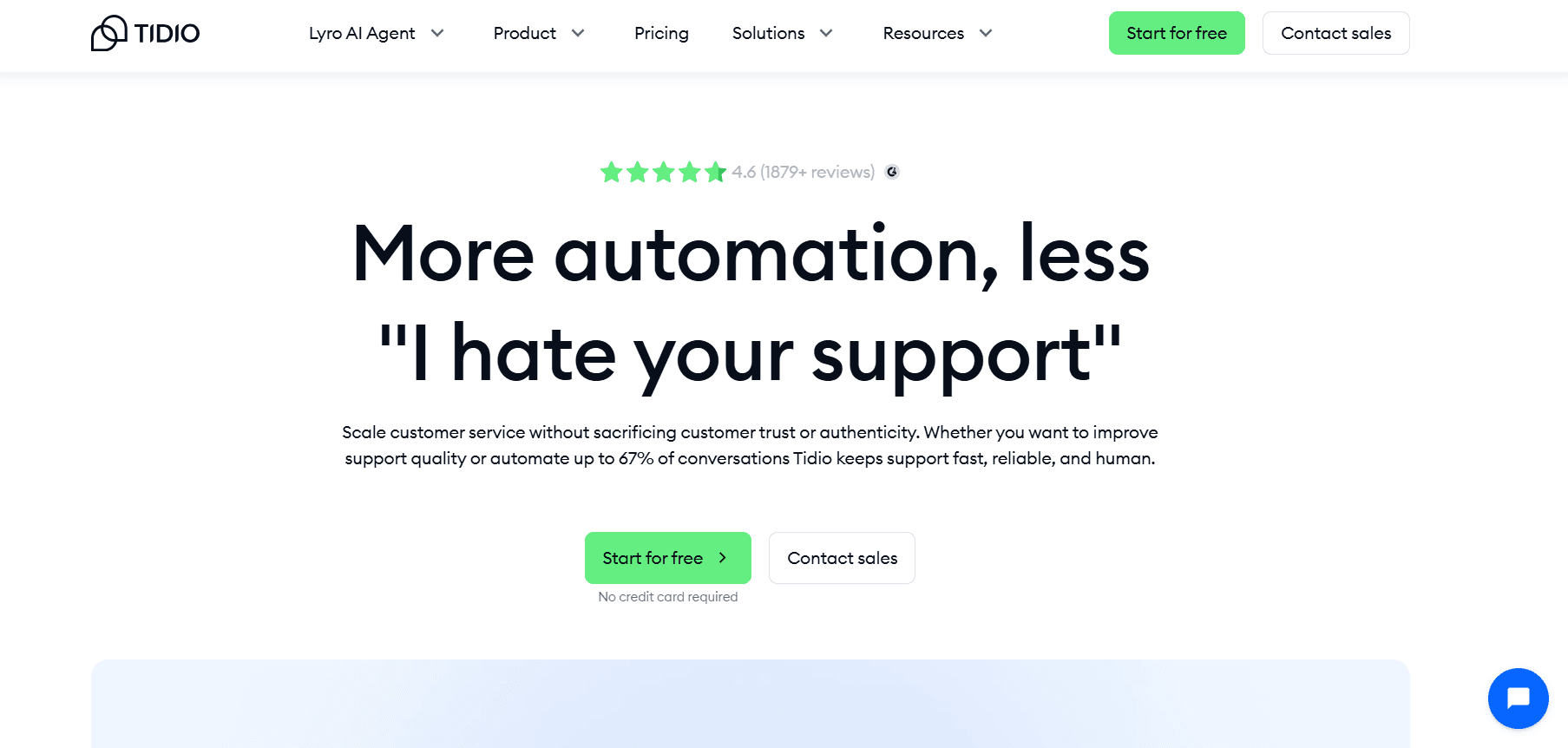
Tidio multi channel chatbot platform interface with live chat and automation features
Manychat: Best for Social-First Businesses
Manychat is focused on platforms like Instagram, WhatsApp, Messenger, and TikTok. It excels at building automated flows for lead generation and engagement rather than full support workflows. While it handles high volumes of social conversations well, it is not designed for complex support cases or multi-channel ticketing. It’s best for brands where social messaging drives most customer interaction.
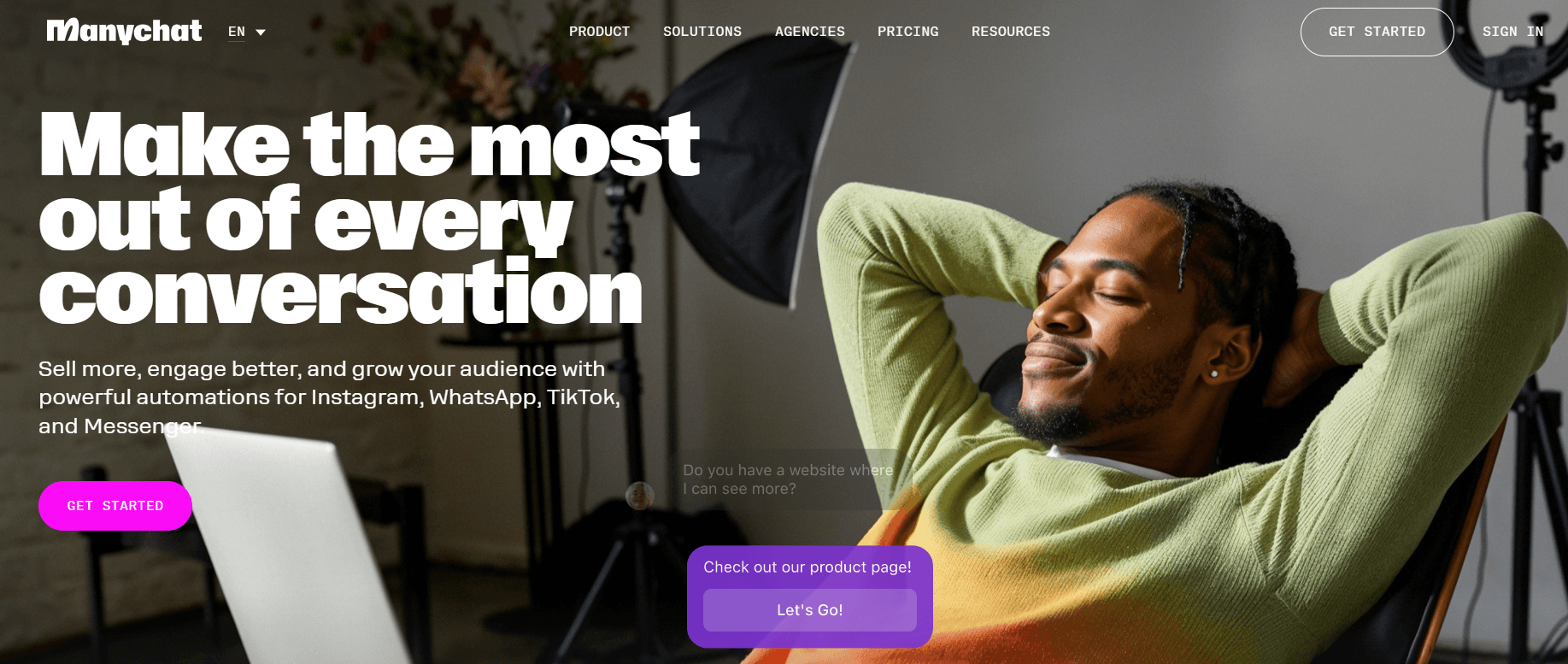
Manychat multi channel chatbot platform
Chatbase: Best for AI-First Support Automation
Chatbase is built around AI agents that can answer questions and take actions using company data. It allows teams to automate a large portion of conversations across channels like web chat and messaging apps. This reduces manual workload significantly. However, performance depends heavily on how well the data is structured and maintained. It fits teams prioritizing AI-driven support from the start.
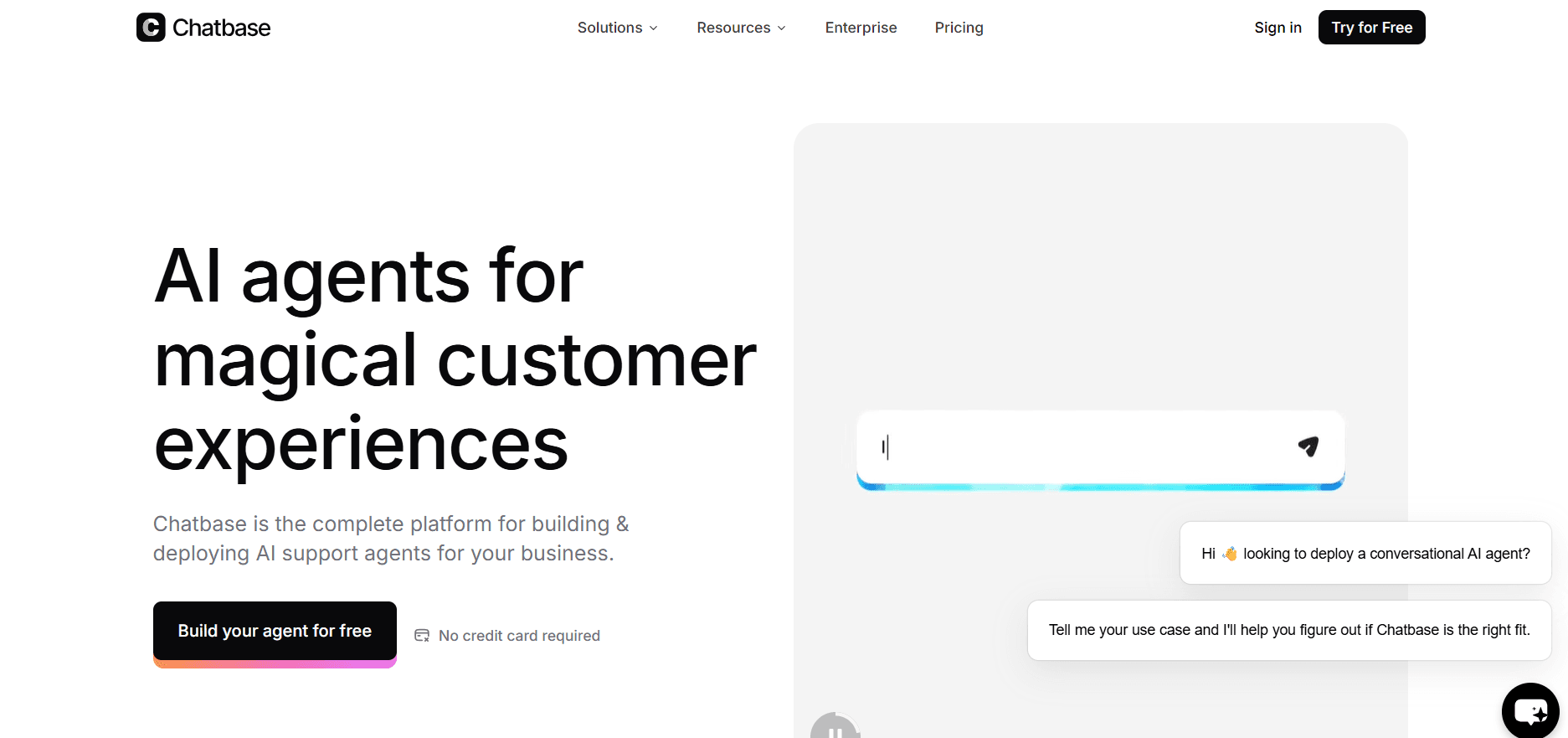
Chatbase AI multi channel chatbot platform dashboard with automated support agent
Botpress: Best for Custom AI and Developer Control
Botpress is designed for teams that want full control over how their AI behaves. It supports multiple integrations and allows advanced customization of workflows and logic. This makes it powerful for building tailored solutions, but it requires technical setup and ongoing management. It’s best suited for developers or teams building custom AI support systems.
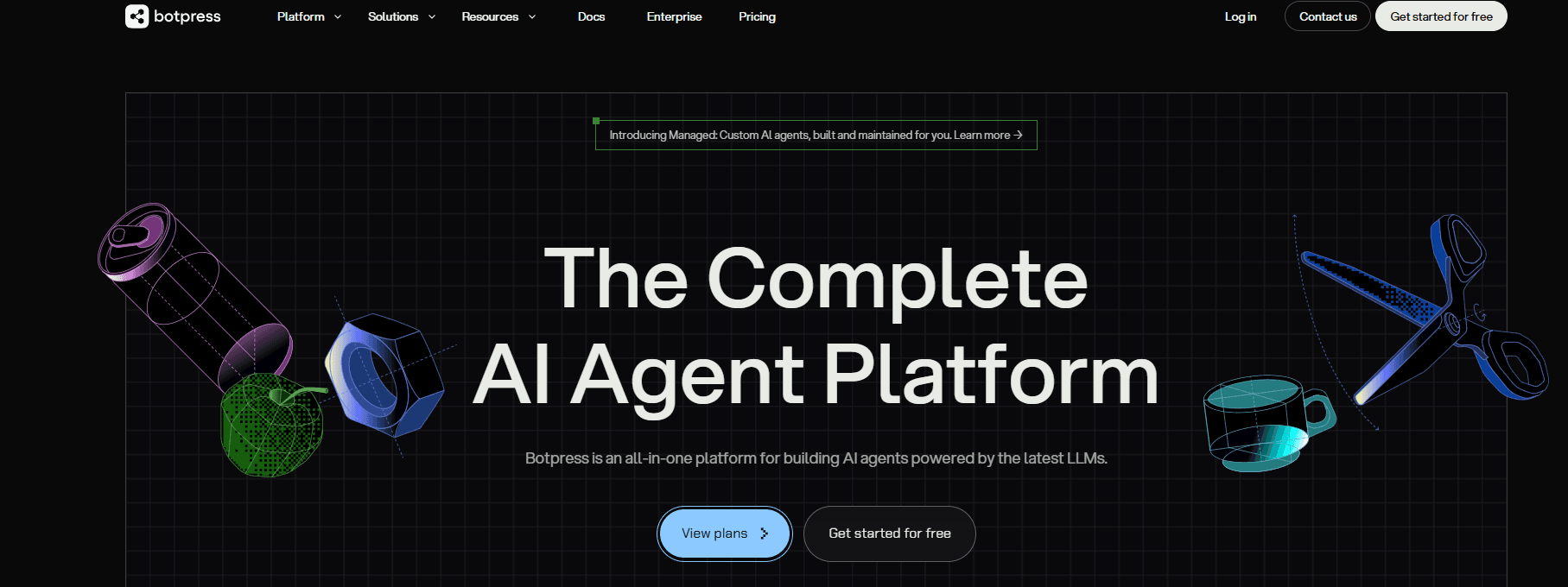
Botpress multi channel chatbot platform builder interface with custom AI workflows
respond.io: Best for Messaging-Heavy Operations
respond.io is built for teams handling large volumes of conversations across messaging platforms like WhatsApp, Telegram, and Messenger. Its unified inbox merges conversations from different channels into one thread, helping teams maintain context and respond faster. The platform is powerful but can feel complex for smaller teams. It works best for businesses where messaging is the primary support channel.
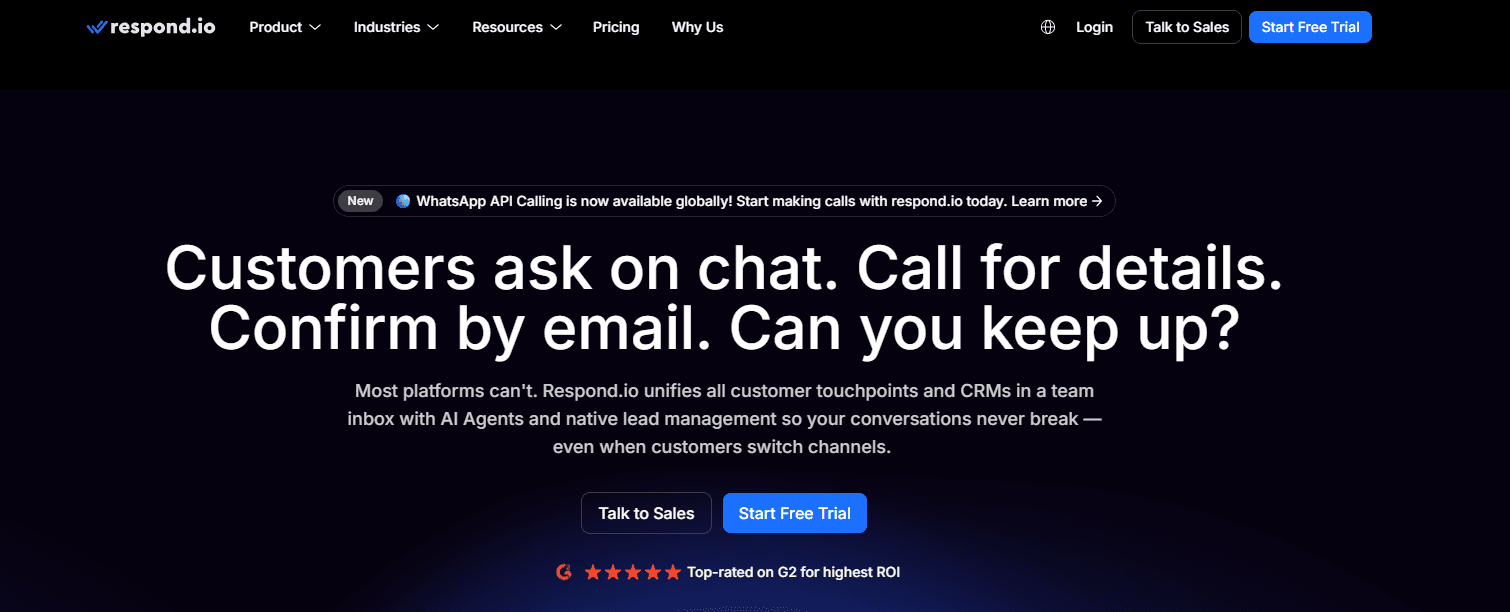
respond.io multi channel chatbot platform unified inbox with messaging channel integration
BoundBot: Best for Teams Managing 4+ Channels in One Workflow
Handling one channel is simple. The challenge starts when conversations spread across multiple platforms.
Teams often switch between tools, lose track of context, and end up responding without full visibility. Over time, this slows response speed and creates inconsistent customer experience.
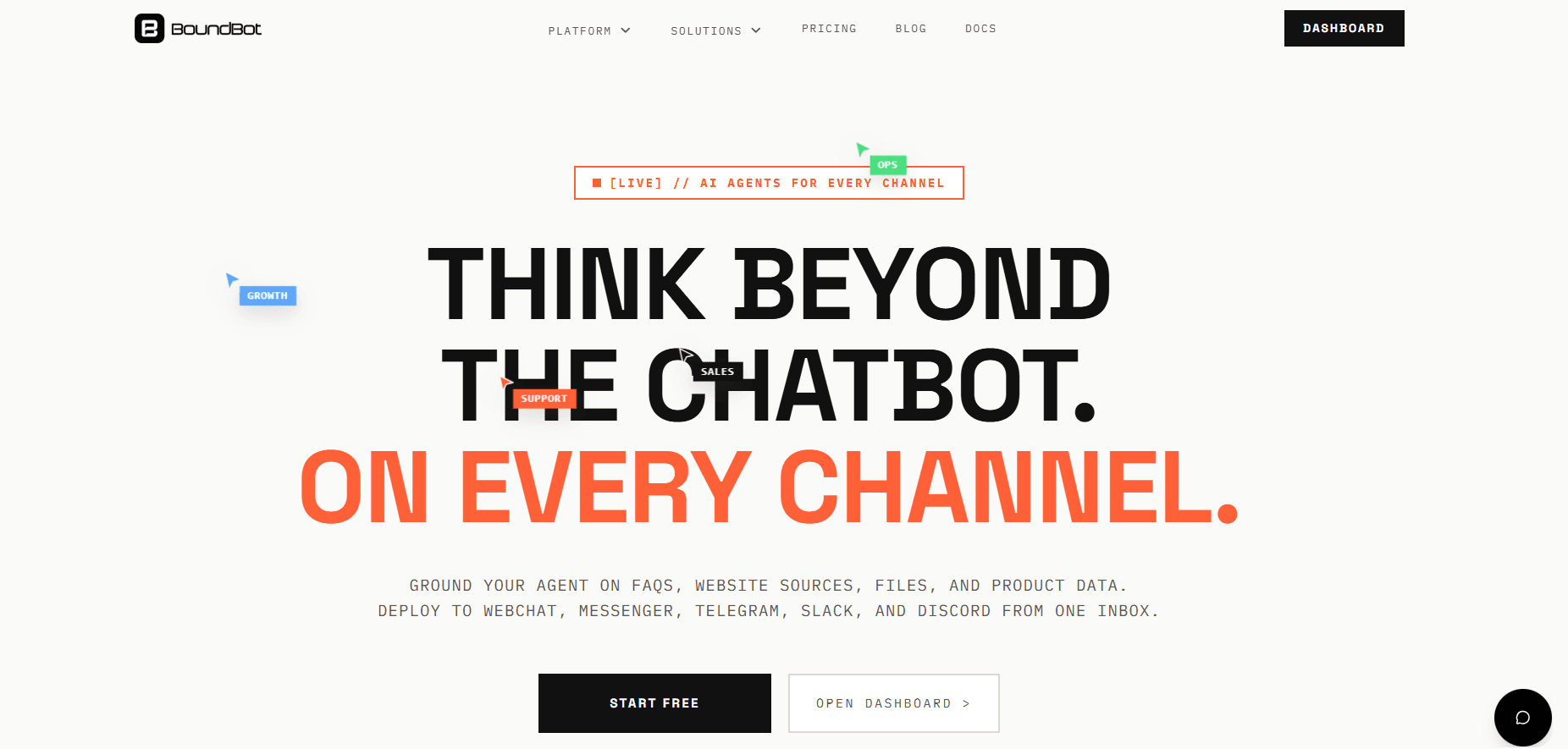
BoundBot multi channel chatbot platform unified inbox connecting multiple channels with AI and human handoff
BoundBot is built to solve that gap. It brings conversations from channels like webchat, WhatsApp, and messaging apps into a single inbox, keeping interactions connected even when customers move between platforms.
Its approach combines grounded AI with controlled automation and clear human handoff, helping teams respond accurately without adding complexity.
The result is fewer tool switches, faster replies, and a more structured workflow across channels.
It works best for teams managing 4 or more channels daily that need a simple, connected system instead of scattered tools.
Where Most Multi Channel Chatbot Platforms Still Fall Short
Even after adopting a multi channel chatbot platform, many teams continue to face the same challenges. The issue is not the lack of tools, but how conversations are handled across channels. Most platforms focus on adding more channels, but fewer focus on keeping interactions connected and easy to manage.
One common problem appears when customers switch between channels. A conversation might begin on email and continue on WhatsApp, but the system treats them as separate threads. This breaks context, forces agents to piece information together manually, and slows down response time.
Another gap shows up in how AI and automation are implemented. In many platforms, AI works as an added feature rather than being part of the workflow. This leads to inconsistent replies and limits how useful automation can be in real support situations. The transition from AI to human agents also often lacks continuity, requiring customers to repeat information.
As teams grow and handle more channels, the system itself becomes harder to manage. Inbox clutter increases, tracking conversations becomes difficult, and pricing structures become more complex as usage scales. These issues highlight a clear gap: the real challenge is not adding channels, but managing conversations, context, and workflows in one connected system.
Why Teams Choose BoundBot for Multi Channel Support
After trying different tools, many teams realize the issue is not just handling messages. It’s keeping conversations connected as channels grow. This is where BoundBot takes a more structured approach.
- One inbox across all channels: Conversations from webchat, WhatsApp, and messaging apps are managed in a single place, so teams don’t need to switch between tools.
- Connected conversation history: Interactions stay linked even when customers move between channels, reducing the need to repeat information.
- Grounded AI, not random replies: Responses are based on your data, helping maintain accuracy and consistency in real support scenarios.
- Controlled automation with clear handoff: Automation handles repetitive queries, while agents step in with full context when needed.
- Built for multi-channel workflows: Designed for teams handling multiple channels daily, not just one or two.
For teams managing 4 or more channels, this creates a simpler and more reliable way to handle support without losing control or context.
Bringing Your Support System Into One Place
Managing customer conversations today is no longer about adding more tools. It’s about choosing a system that keeps everything connected as your channels grow. The right platform helps your team respond faster, stay consistent, and reduce unnecessary effort without losing control.
As your support expands across multiple channels, clarity becomes your biggest advantage. Instead of juggling tools, focus on building a workflow that works in one place.
If you’re handling multiple channels daily, now is the right time to simplify. Explore how BoundBot can help you manage everything in one connected system.
FAQs About Multi Channel Chatbot Platforms
1. What are the best multi channel chatbot platforms for customer support?
Some of the best multi channel chatbot platforms include Intercom, Zendesk, Freshchat, and HubSpot for structured support, while tools like Manychat focus on social messaging. Platforms like BoundBot are designed for teams managing multiple channels in one unified system.
2. Why do businesses need a multi channel chatbot platform?
Businesses need a multi channel chatbot platform to manage conversations from different channels in one place. It helps reduce response time, keep conversations connected, and improve customer experience across email, chat, and messaging apps.
3. Can a multi channel chatbot handle WhatsApp, email, and social media together?
Yes, most modern multi channel chatbot platforms support channels like WhatsApp, email, live chat, and social media. The key difference is whether the platform keeps conversations connected or treats each channel separately.
4. How much does a multi channel chatbot platform cost?
Pricing varies depending on features, number of agents, and usage. Some tools offer free plans, while others start from around $15 to $30 per month and scale based on conversations, AI usage, or advanced features.
5. How do I choose the right multi channel chatbot platform for my business?
Start by identifying how many channels your team manages and what problems you want to solve. Look for a platform that offers a unified inbox, reliable AI support, and simple workflows that match your team’s daily operations.
LAUNCH THE AGENT. KEEP THE HUMAN CONTROL.
START FREE, CONNECT A CHANNEL, AND SHIP YOUR FIRST BOUNDBOT IN MINUTES.