We Sell Across Multiple Countries: Which Tool Brings LINE, WhatsApp, Telegram and Messenger Chats Into One Place?
Selling in several countries means customers on LINE, WhatsApp, Telegram and Messenger. Here is which tools connect all four, how routing by location or language works, and where BoundBot fits.
27 Nov 2026•7 min read

Software Engineer
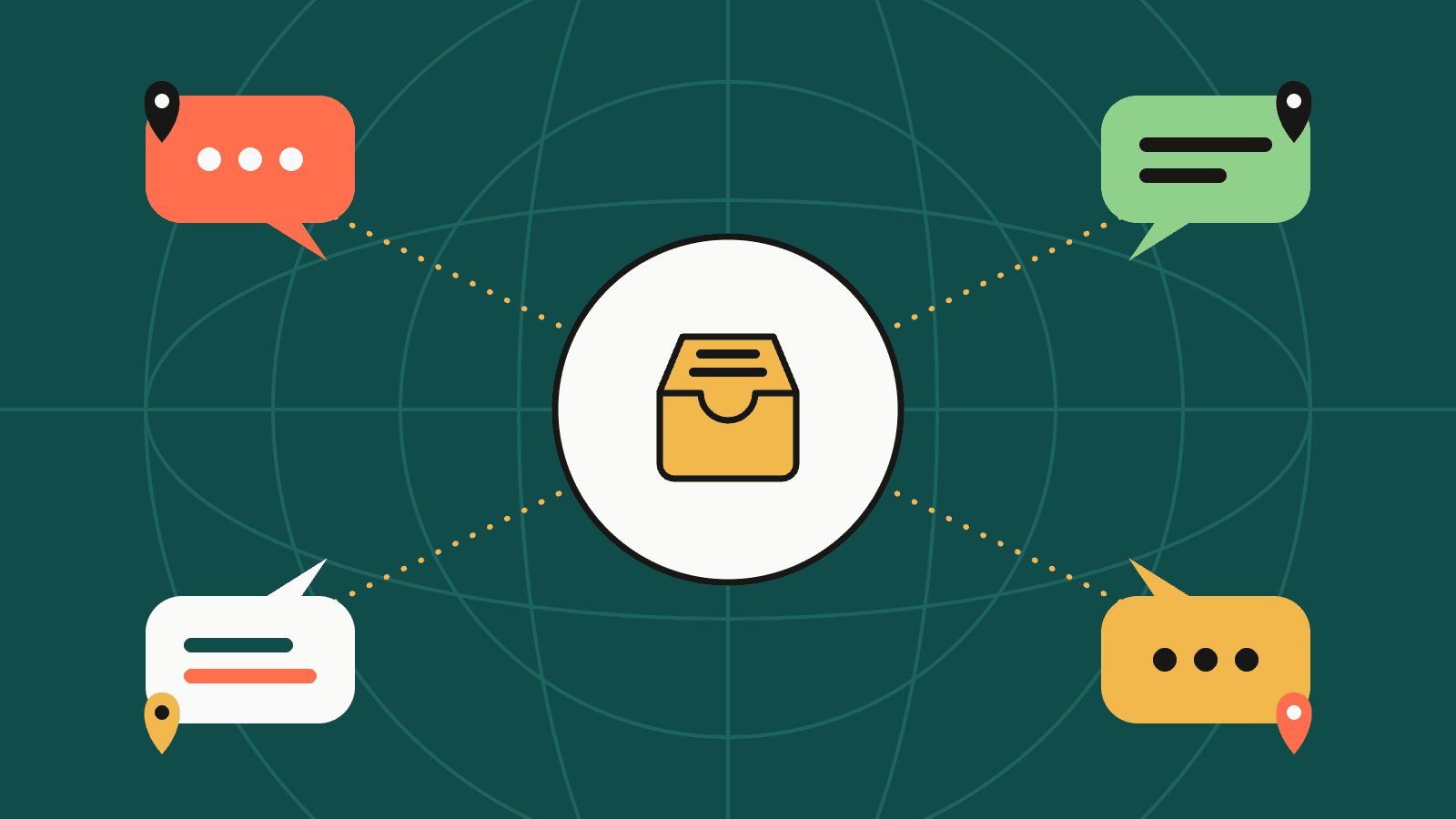
If you sell across multiple countries and customers message you on LINE, WhatsApp, Telegram or Messenger, look for a shared inbox that has its own LINE connection and assignment rules, because LINE is the channel you cannot assume a tool supports. respond.io, Zendesk and Chatwoot each list LINE next to the other apps and can send chats to the right team by rules you set. BoundBot brings WhatsApp, Telegram, Messenger and website chat into one inbox with an AI agent that replies in the customer's language, but it does not have a LINE channel today.
Everything below about BoundBot and the other tools was checked on their own sites and docs on 27 November 2026.
Which tool can bring LINE, WhatsApp, Telegram and Messenger chats into one place?
Start with the channel list, because that is where most shortlists fall apart. You cannot assume LINE is supported, and BoundBot is one example of a tool without it. Here is what each vendor's own pages said when we opened them.
Swipe to view all columns →
| Tool | LINE | Other channels the page names | Routing by location or language |
|---|---|---|---|
| [respond.io](https://respond.io/integrations/line) | Yes, LINE Official Accounts | WhatsApp and Messenger on its LINE page. We did not confirm Telegram in this check | Says it can route conversations to the right agent or department. Language and country rules were not described on the page we read |
| [Zendesk](https://support.zendesk.com/hc/en-us/articles/4409149119514) | Yes, listed as a messaging channel | WhatsApp and Telegram, plus Facebook Messenger through Sunshine Conversations | Skills based routing. The article uses a German language skill as its example and lists skills on Professional plans and above |
| [Chatwoot](https://www.chatwoot.com/features/channels) | Yes | WhatsApp, Telegram and Facebook | [Automation rules](https://www.chatwoot.com/features/automations) list Country and Browser Language as conditions, with Assign Agent and Assign Team as actions |
| BoundBot | No | WhatsApp, Telegram, Messenger and Instagram, website chat, Slack and Discord | No automatic assignment to a teammate. One bot per channel, and the AI replies in the customer's language |
We have not run a hands-on test of the first three products for this article. The table reports what their own pages state, so ask each vendor to show you your exact case in a demo.
Why LINE decides your shortlist
A business cannot plug a personal LINE account into a helpdesk. LINE's developer documentation says the first step to using its Messaging API is to create a LINE Official Account, and messages are then sent from that account. A support tool has to build and maintain its own connection to that API, and not every tool has.
That matters if you sell in East or Southeast Asia. respond.io's LINE page describes LINE as the most popular messaging channel in Japan, Taiwan and Thailand. If one of those is among your countries, a tool without LINE leaves your biggest local channel outside the shared inbox, and you are back to someone answering from a separate app.
Check the channel list before the feature list: Write down the one app each country's customers use most. Remove every tool that does not connect to all of them. Only then compare routing, reports and price. It is faster than falling for a feature tour and finding the gap later.
What automatic routing by location or language really involves
There are three common ways to get a chat to the right people. They differ in how much setup they need.
One number or account per country
You run a separate WhatsApp number, LINE account or Telegram bot for each market. The channel a chat arrives on tells you the country, so no detection is needed. This is the simplest and most reliable method, and it works in almost any shared inbox.
Rules on customer details
The tool looks at something it knows about the customer, such as country or language, and assigns the chat to a team. Chatwoot's automation page lists Country and Browser Language among its rule conditions. Ask how those values get filled in for a chat that starts in a messaging app, since a phone number carries a country code but a LINE or Telegram user does not.
Skills that match agents to chats
In Zendesk, a chat is given a skill such as a language, and only agents with that skill receive it. You create the skills and the rules that attach them. This suits larger teams with agents hired for specific languages.
What manager visibility should include
Manager visibility is a vague phrase, so turn it into questions you can ask in a demo:
- Can I see every open chat across all countries in one list, and filter it by channel or country?
- Can I see who owns each chat and how long the customer has waited?
- Can I see chats that have gone quiet before the customer gives up?
- Can I see volume per channel over time, so I know where to add staff?
- Can I limit what each country team sees, if privacy or focus requires it?
Per-agent reports, such as response time for each person, are something to ask helpdesk vendors about directly. Decide if you need them now or only once the team grows.
Where BoundBot fits, and where it does not
BoundBot is an AI-first shared inbox. It fits a multi-country seller when the channels are ones it supports and a small team covers everything.
What it does
- One inbox. The Inbox combines WebChat, WhatsApp, Messenger, Telegram, and Slack or Discord, and you can filter the list by channel.
- A bot per channel. The channels docs say every channel points to a bot. A WhatsApp number for each country can point to its own bot with that market's prices, policies and language instructions.
- Replies in the customer's language. The pricing page lists multi-language support among the AI features. Test your own languages in the Playground before relying on it.
- A manager view. The overview dashboard shows conversations, messages in and out, channel health and a needs attention list of threads with no activity for at least 24 hours.
- Separate workspaces. The team settings docs say multiple workspaces are available on higher tiers, which gives each country its own bots, channels and inbox.
What it does not do
- It has no LINE channel. The docs list WebChat, WhatsApp, Messenger and Instagram, Telegram, Slack and Discord.
- It does not assign a chat to a named teammate by location, language or workload.
- It has two workspace roles, Owner and Member, and no per-agent performance reports in the docs we read.
On price, the pricing page on 27 November 2026 showed Starter at $9.99 a month and Pro at $29.99 a month in USD as discounted prices, with WhatsApp and Telegram on Starter and above. Check the page for the current figure.
A hypothetical example: one shop, three countries
This is a made-up example to show the thinking, not a customer story. A skincare shop sells in Thailand, Indonesia and Brazil. Thai customers write on LINE, Indonesian customers on WhatsApp, and Brazilian customers on WhatsApp and Messenger. Four people answer chats.
- They list the must-have channels: LINE, WhatsApp and Messenger. LINE is on the list, so BoundBot alone cannot cover Thailand.
- They shortlist tools with a LINE connection and ask each for a demo using a Thai LINE message sent at night.
- They set up one WhatsApp number per country, so the channel itself tells the team which market a chat belongs to.
- They agree who watches which country's chats and who checks stale threads each morning.
If the same shop sold only in Indonesia and Brazil, the picture changes. WhatsApp and Messenger are both supported in BoundBot, so one bot per country answering in Indonesian or Portuguese, with people stepping in from one inbox, could be enough for four staff.
For more on the routing side, see our guides on routing chats by availability, language and team role and routing enquiries to the right branch. A wider list of tools is in the multi-channel chatbot platforms comparison.
Frequently asked questions
What types of platforms centralize WhatsApp and social conversations into a single agent workspace?
Two types. Helpdesk and shared inbox platforms pull each channel into one queue and assign chats to people with rules. AI-first inboxes, such as BoundBot, let an AI agent answer routine questions on every connected channel and leave the rest in one inbox for the team.
Which chatbot platform supports SMS, WhatsApp, and web?
Check each vendor's channel page, because SMS is often a paid add-on or missing. BoundBot supports WhatsApp and website chat. Its docs do not list an SMS channel, so it is not the right pick if SMS is a must.
Are there unified messaging platforms for sales and customer support?
Yes. Most shared inboxes serve both, since the same chat often starts as a question and ends as an order. In BoundBot, lead capture is listed on paid plans, so the bot can save contact details from a sales chat while support threads sit in the same inbox.
What support software works best across multiple channels?
The one that connects to every app your customers use and matches your team size. Large teams with shifts and departments usually need assignment rules and per-agent reports. Small teams often get more from a fast AI first reply and one shared list.
Next step
List your countries and the main messaging app in each. If LINE is on the list, start with the tools in the table that support it. If your customers are on WhatsApp, Telegram, Messenger or your website, you can try BoundBot's Free plan with the website widget first and see how many chats the AI handles before you pay for anything. The pricing page shows what each plan adds.
LAUNCH THE AGENT. KEEP THE HUMAN CONTROL.
START FREE, CONNECT A CHANNEL, AND SHIP YOUR FIRST BOUNDBOT IN MINUTES.