How to Handle Customer Complaints With AI Without Sounding Like a Robot?
Forget the limitations of traditional support. Today’s AI-powered virtual assistants provide tireless, 24/7 customer service with a surprisingly human touch. By leveraging the latest free AI tools.
23 Mar 2026•10 min read
SEO Content Writer
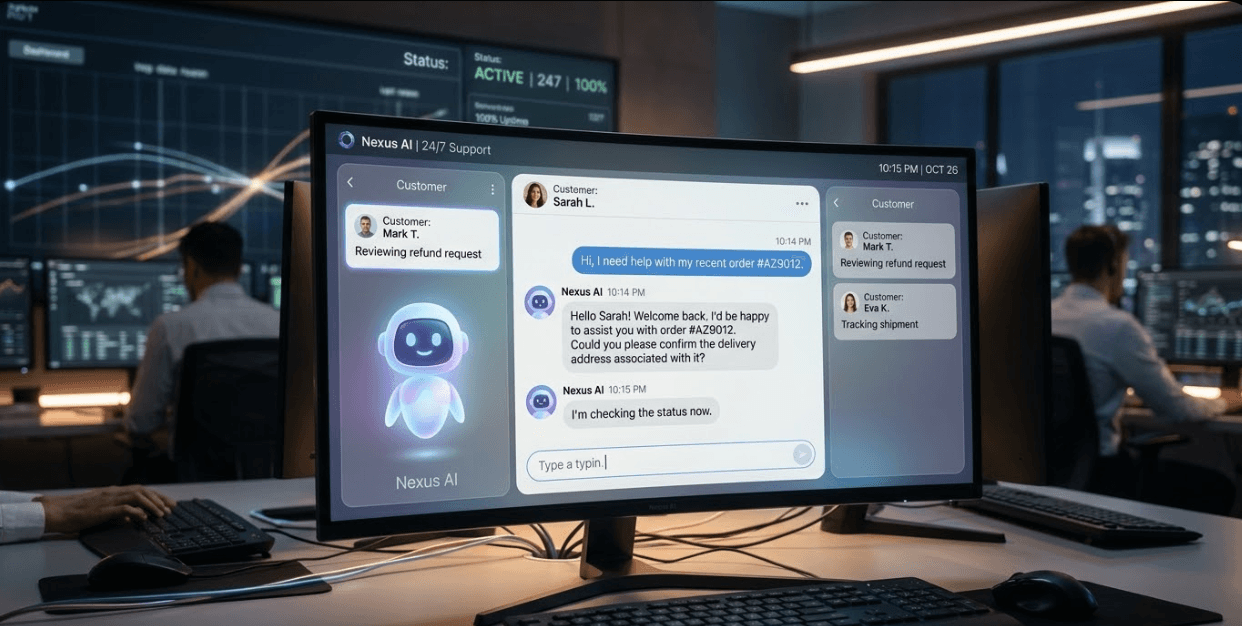
Why Does Having A Conversation With AI Feel Hollow?

frustration of dealing with same generic responses
An AI-powered virtual assistant can answer in seconds, never sleeps, and costs a fraction of a human team. Yet a surprising number of customers still hate it, not because the technology is broken, but because the conversation feels empty. Like talking to someone who memorised the script but never understood the job.
This is one of the biggest blind spots in AI business today. Companies invest heavily in automation to scale their support, but somewhere between the technology and the conversation, the human touch gets lost.
The good news? A well-built personal AI does not have to feel that way. It can listen, adapt, and respond in a way that actually makes the customer feel heard and not processed.
So what separates a frustrating bot from one that genuinely helps? Let's break it down.
Why AI Generated Text Sounds So Choppy and Emotionless?
The first and most obvious problem is the words AI picks, and here is why:
- The AI assistant spits out a generic answer that does not match what you actually asked
- The language feels stiff as if it was pulled straight from a business report
- There is zero personality, zero warmth, just cold automation doing its thing
- It keeps looping you in circles until you give up
Real people don’t talk like that.
When you are complaining about a late delivery, you don’t need a paragraph that sounds like a legal document.
AI text often sounds authoritative, as if it is lecturing you rather than helping you. Then there is the tone:
Overly authoritative tone
- Sounds like they talk at you
- Lacks a friendly, conversational feel
- Feels one-sided rather than engaging
Unnatural transitions
- Uses words like “Furthermore,” “Moreover,” “Additionally” too often
- Makes the writing feel like a formal school essay
Robotic structure
- Sentences feel predictable and repetitive
- Follows a rigid pattern instead of a natural rhythm
Lack of personality
- No human touch or individuality
- Readers can easily tell that it’s AI generated
Real human writing has rhythm. Some sentences are short. Some are a bit longer because the writer is trying to explain something carefully, and they want you to follow along. However, AI usually writes in the same beat all the way through.
Why Does AI Advice Sound So Generic?
AI tends to give a report rather than have an actual conversation with you. It tells you the steps, lays out the options, and signs off. But it does not feel like someone actually thought about your specific problem.
And that is the deeper issue because AI lacks real world experience. It has never actually dealt with an angry customer, never had to calm someone down, never had to make a judgment call without a rulebook. So the advice it gives is often pre-set and limited. The companies that train these bots are also careful not to give advice that could get them into trouble, so the responses end up being safe, generic, and not really productive.
Why Does AI Lack Real Emotional Intelligence?

A person sitting comfortably on a couch, smiling with delighted and having a conversation
There is no real mind behind the work. No psychology, no actual thinking. AI does not wonder what the customer is really feeling, it does not read between the lines. It just matches your question to the closest answer it has learned.
Humans have the ability to sense emotion. They can tell when someone is frustrated, confused or just curious. AI can barely guess that, and even when it tries, it feels dull.
The advice AI gives is pre-set by the company. So even if your problem is unusual, the bot is going to try to fit your situation into one of the boxes it already has. That is frustrating for customers, and it is one of the main reasons people still prefer to talk to a real person.
Why Customers Still Want to Talk to a Human?
Think about what a good human support agent actually does. They know the customer's past choices. They can make a smart guess about what the customer wants without being told. They know if a product is in stock, if the delay is unusual, or if there is a workaround no one put in the FAQ.
They also handle the questions that have no pre-set answer. Situations that are a bit uncommon, a bit complicated, or where the customer is upset and just needs someone to listen for a moment but AI cannot do that.
A human agent builds trust in a way that a chatbot rarely manages. And trust is what keeps customers coming back.
Can an AI-Powered Virtual Assistant Actually Sound Human?

solving customer's problems without sounding generic
Yes — but not completely.
Handling customers well takes more than switching on an AI tool. The difference between a bot that frustrates people and one that actually helps comes down to how well it has been taught. That means giving it the right context, the right boundaries, and enough specific instruction to respond like someone who genuinely knows your business.
How to Train Your AI to Sound Human in 4 Steps?
Step 1 — Assign it a role and personality Do not launch your AI as a blank tool. Give it a job title, a tone, and a character. Something like:
"You are a customer support specialist with ten years of experience helping small business owners. You are patient, warm, and you always find a solution."
That single instruction changes everything about how it responds.
Step 2 — Feed it your real business knowledge:
Generic AI gives generic answers. Upload your actual FAQs, product guides, service documents, and past support threads. The more specific the input, the more useful and on-brand the output. Your AI should know your products the way your best support agent does.
Step 3 — Test it against your 20 most common complaint types:
Before going live, run it through the situations that matter most. Write out your most frequent customer complaints and edge cases, then see how it handles each one. Fix the gaps before your customers find them.
Step 4 — Update it monthly as your product and tone evolve:
An AI trained six months ago is already out of date. Every time your product changes, your pricing shifts, or your brand voice evolves, your AI needs to know. Build a monthly review into your workflow so the responses stay accurate and on-brand.
What Every AI Business Gets Wrong About Word Choice?
Here are the things that genuinely make AI text feel more human and less like a form letter:
Talk like a person:
- Not too formal, not full of slang
- Keep it simple, transparent and short
Use active voice: "We fixed the issue" hits differently than "The issue was fixed." Active voice puts a human behind the action.
Mix up your sentences:
- Do not start three lines in a row with "This" or "The"
- Vary the length — some short, some longer
- Let ideas breathe instead of stuffing everything together
- Good automation should feel rhythmic, not mechanical
Cut the filler:
- Swap "in order to" with "to"
- Replace "due to the fact that" with "because"
Avoid the repetition:
- Do not use the same adjective twice in a paragraph
- Do not restate the same idea with slightly different words
- Say it once, say it well
What AI Must Not Do in Customer Support?
This is important. There are patterns that make AI text feel untrustworthy, and most of them are common habits.
Here is what quietly kills the credibility of any AI assistant response and what to watch out for:
Stop over explaining everything:
- Either say it with confidence or do not say it at all
- Weak qualifiers make even good customer service copy feel uncertain
Mix up sentences:
- When every line reads at the same pace, it sounds like a machine wrote it
- Rhythm is what separates real writing from automation output
Kill the generic claims:
- "Seamless, innovative, and robust" sounds fancy without any sense
- What does your personal AI actually do? Say that instead
- Specificity builds trust, vague language destroys it
Show ownership:
- "It was decided" — by who?
- Put a person, a team, or a system behind every action
- AI business communication earns more respect when it owns its statements
Format with purpose, not decoration:
- Don’t over-format everything with bullet points, em dashes and brackets everywhere
- Use formatting only when it genuinely helps the reader follow along
- Over-formatted text feels like it is trying too hard
Be specific about time:
- Don’t say “Recently” or “Nowadays” without being specific
The Tools Your Competitors Are Using for AI Support
OMQ Reply
OMQ Reply is an AI-powered tool built specifically for automating customer service emails and chat. It was founded in Germany in 2012, making it one of the more established players in the conversational AI space.
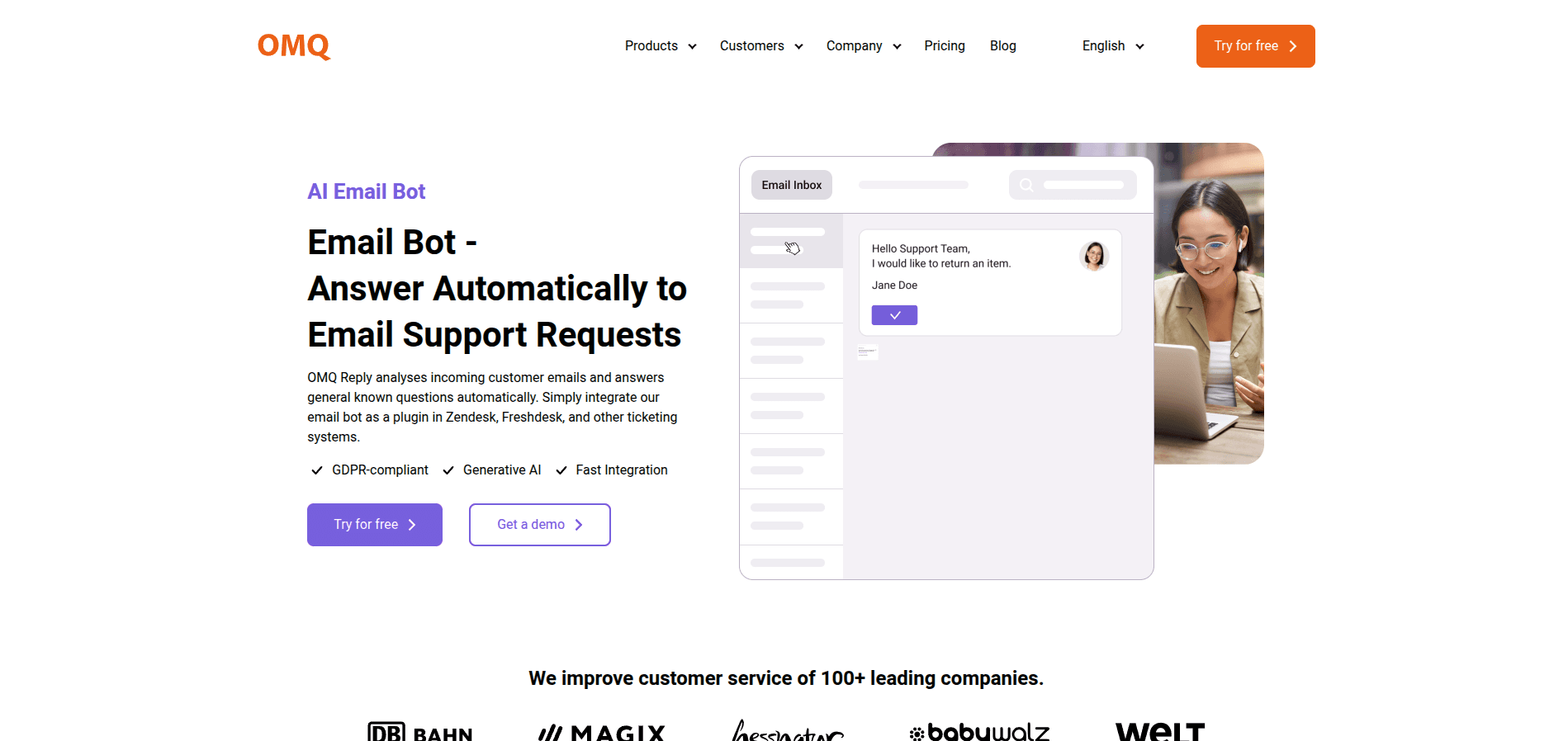
OMQ Reply Website
Rather than relying on keyword matching like older chatbots, it uses natural language processing to understand the intent behind a message. It understands what customers mean, not just what they type — so different wording always leads to the same correct answer.
The system works across three processing layers. The first handles straightforward, recurring requests through basic rules. The second uses NLP to interpret more complex or ambiguous messages. The third applies agent-style reasoning for situations that require judgment and weighing context before pulling the most appropriate response from your knowledge base.
It improves over time without manual retraining, learning from every new interaction to become more accurate. Language is not a barrier either — the tool supports over 30 languages natively, with no need to set up separate rules for each one. It runs on web, WhatsApp, Facebook, Messenger, Telegram, covering the channels where most customer conversations already happen.
According to OMQ's own data, around 80% of customer service inquiries tend to be repetitive — and that is exactly the workload this tool is designed to absorb, freeing up human agents for the cases that actually need them.
Overchat
Overchat is an AI aggregator. A single platform that gives you access to multiple leading AI models instead of locking you into just one. The models currently available include GPT-4.5, GPT-4.1, and GPT-4o mini from OpenAI; Claude Sonnet 4, 3.7, and 3.5 from Anthropic; Gemini 2.5 Pro and Gemma 3 from Google; Grok 4 and Grok 3 from xAI; and others including DeepSeek V3, Llama 4, Mistral, and Codestral.
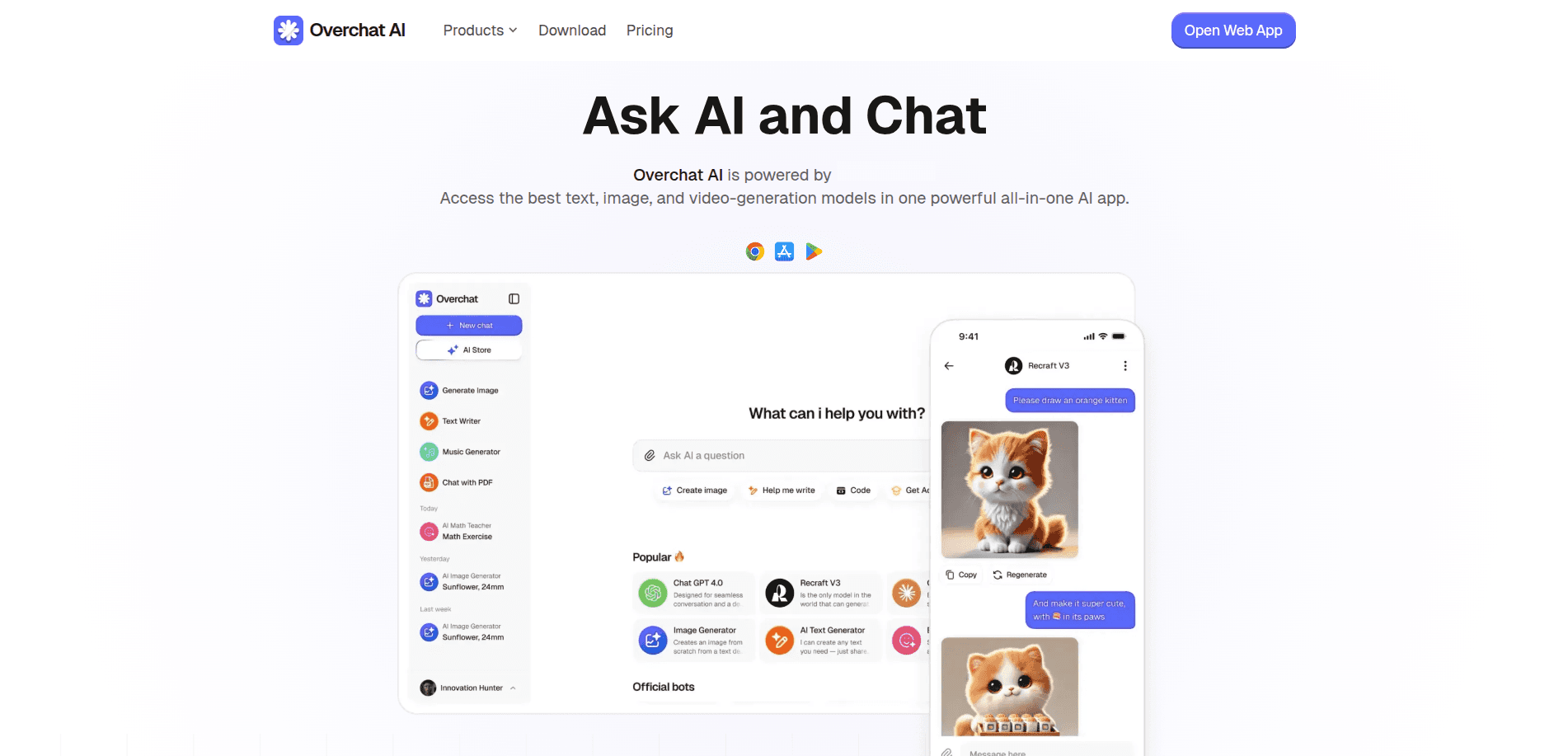
Overchat Website
The core idea is task-specific optimization. Different AI models have different strengths — one might be better at creative writing, another at coding, another at structured analysis. Instead of being stuck with whatever one platform does best, Overchat lets you route each task to the model most suited for it, all within the same interface.
Beyond model switching, the platform includes a set of dedicated tools built for specific jobs. The AI Writer generates content for blogs, SEO, and marketing with tone and style controls.
- Chat with PDF: Turns any document into a conversation. Upload a report, research paper, or contract and simply ask it questions — no more skimming through 30 pages to find the one paragraph that matters.
- AI Image Generator: Brings your ideas to life visually. Describe what you want and it produces the image using some of the most capable generation models available today, including SDXL, Flux.1, and Recraft V3.
- AI Translator: Goes far beyond swapping words between languages. It understands tone and context, so a formal business email stays formal, and a casual message stays warm across 100+ languages.
All communication channels — WhatsApp, Instagram, email, and live chat — can be managed from a single dashboard, which reduces the need to jump between platforms during a working day.
On the security side, Overchat is GDPR and CCPA compliant, uses AES-256 encryption for all chats, and protects data transfers with SSL. Users who are not logged in have their chat history kept private entirely.
It is worth noting that as a relatively new product, however some users have reported occasional bugs and slow load times, and feature rollouts can lag slightly behind what standalone platforms offer directly.
BoundBot
BoundBot is built around one core idea: the AI should sound like you, not like a generic chatbot. Instead of training on broad internet data, it works entirely from the materials you provide — FAQs, product catalogs, service guides, case studies, website copy, or any other documents that represent your business or personal brand.
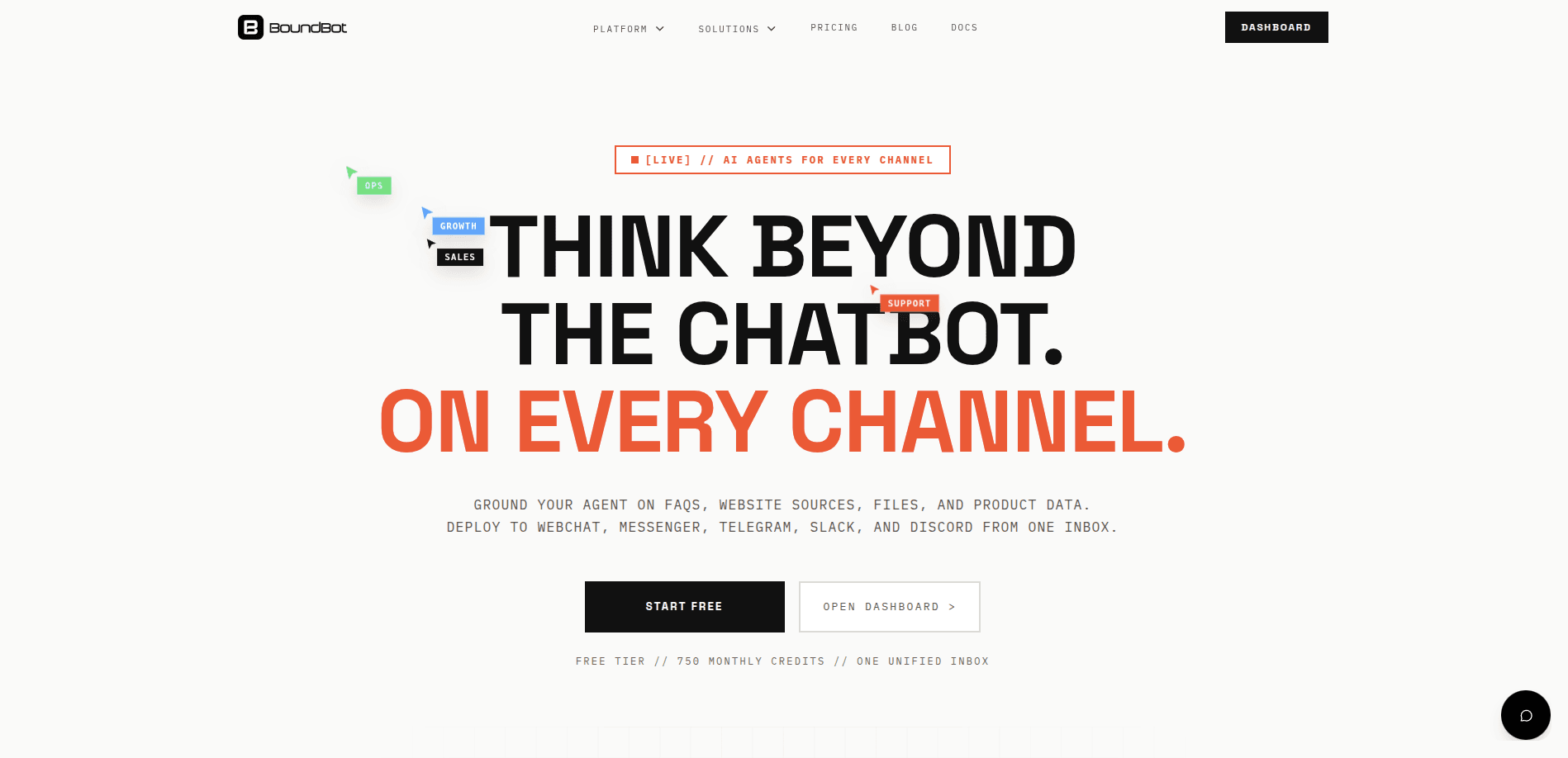
BoundBot Website
Once trained on your content, it builds a customized assistant that mirrors your tone, terminology, and way of communicating. The more specific and rich your source material, the more accurately it reflects your voice.
On the integration side, BoundBot connects to WhatsApp, Messenger, Slack, and Telegram, making it usable wherever your customers or clients already are.
For e-commerce businesses, it can take a product catalog and turn it into a conversational shopping assistant, one that answers product questions, compares options, and walks customers through purchasing decisions in a natural, helpful way.
For freelancers, you feed it examples of your past work, proposals, and writing style, and it can help you draft client messages and proposals that genuinely sound like they came from you.
Which one feels right for your business?
Frequently Asked Questions About BoundBot
Q1. What exactly is BoundBot and what does it do?
BoundBot is an AI-powered customer support tool designed to handle real customer questions with a human tone and structured business knowledge. BoundBot is built with a defined role, clear boundaries, and your specific product knowledge. So it responds like a trained team member, not a chatbot reading from a script.
Q2. Will BoundBot replace my customer support team?
No, but BoundBot is designed to handle the questions that have clear, repeatable answers, freeing your human team to focus on conversations that genuinely need a personal touch.
Q3. How is BoundBot different from other AI customer support tools?
Most AI support tools are trained lazily, given no real personality, and instructed to play it safe over being useful. BoundBot takes a different approach: it is given a defined context, a consistent tone, and a structured knowledge base specific to your business.
Q4. What kind of businesses can use BoundBot?
BoundBot is built to adapt to any business that handles recurring customer questions, whether it’s e-commerce, SaaS, or services. As long as you have a product, a set of common questions, and a tone you want to maintain, BoundBot can be configured to represent your brand accurately.
Q5. How do I get started with BoundBot?
Collect your business context, your frequently asked questions, your preferred tone, and the boundaries of what it should and should not handle. From there, it is deployed into your support workflow and can begin responding to customers immediately.
Have you read?
LAUNCH THE AGENT. KEEP THE HUMAN CONTROL.
START FREE, CONNECT A CHANNEL, AND SHIP YOUR FIRST BOUNDBOT IN MINUTES.