AI Product Catalog Management Guide for Ecommerce
Turn your product catalog into an AI sales assistant. Learn how AI product catalog management helps answer product questions and automate ecommerce sales.
15 Mar 2026•6 min read

SEO & Content Marketing Specialist
Turning Your Product Catalog Into an AI Sales Assistant
Running an online store means answering the same questions again and again. Customers want to know if a product is available, which option fits their budget, or how two plans compare before they decide to buy. When these requests pile up, sales teams spend more time responding to messages than helping customers make decisions.
This is where AI product catalog management becomes powerful. Instead of manually answering every question, your product catalog can become the knowledge source for an AI sales assistant.
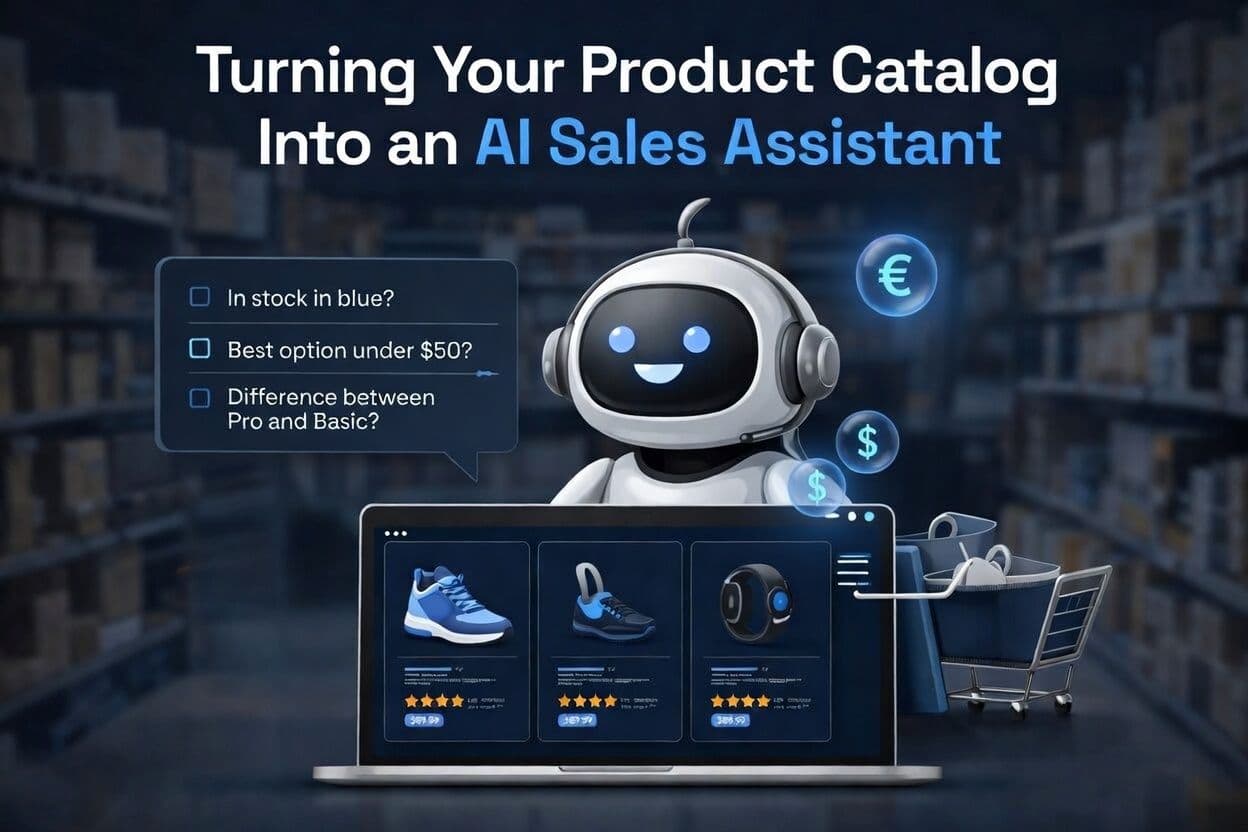
Once connected, the AI can instantly answer questions like:
• Do you have this in blue?
• What’s your best option under $50?
• What’s the difference between the Pro and Basic plan?
In this guide, you’ll learn how to upload your catalog, connect it to an AI agent, and turn product data into automated sales conversations.
Why AI Product Catalog Management Matters for E-commerce
In most online stores, the product catalog simply acts as a database. It lists items, prices, and specifications, but it doesn’t actively help customers make buying decisions. When shoppers have questions, they often need to search through multiple pages or contact support to find answers.
AI product catalog management changes this experience. When your catalog is connected to an AI agent, the product data becomes a real-time knowledge source that can respond to customer questions instantly.
The AI can analyze details such as price, variants, features, and availability, then use that information to guide customers toward the right option. Instead of browsing endlessly, shoppers can simply ask a question and receive a clear recommendation.
For growing ecommerce brands, this turns product data into something far more powerful. Your catalog no longer just lists products. It becomes the foundation of an AI assistant that helps customers discover, compare, and choose items more quickly.
Three Ways to Upload Your Product Catalog to BoundBot
Before an AI agent can recommend products or answer customer questions, it needs access to structured product data. In BoundBot, this happens inside the Knowledge → Products section of the dashboard, where your catalog becomes the foundation for AI-driven sales conversations.
Depending on the size of your inventory and how often it changes, there are three simple ways to upload your product catalog.
1. Add Products Manually
Manual entry works best for small stores or curated collections. Inside the Products tab, you can create items one by one by filling in fields like product name, price, description, category, and variants.
This method is ideal if you:
- manage a small catalog
- want precise control over product descriptions
- are testing how your AI agent responds to customer questions
Because each product is entered individually, you can fine-tune the information the AI will use when answering shoppers.
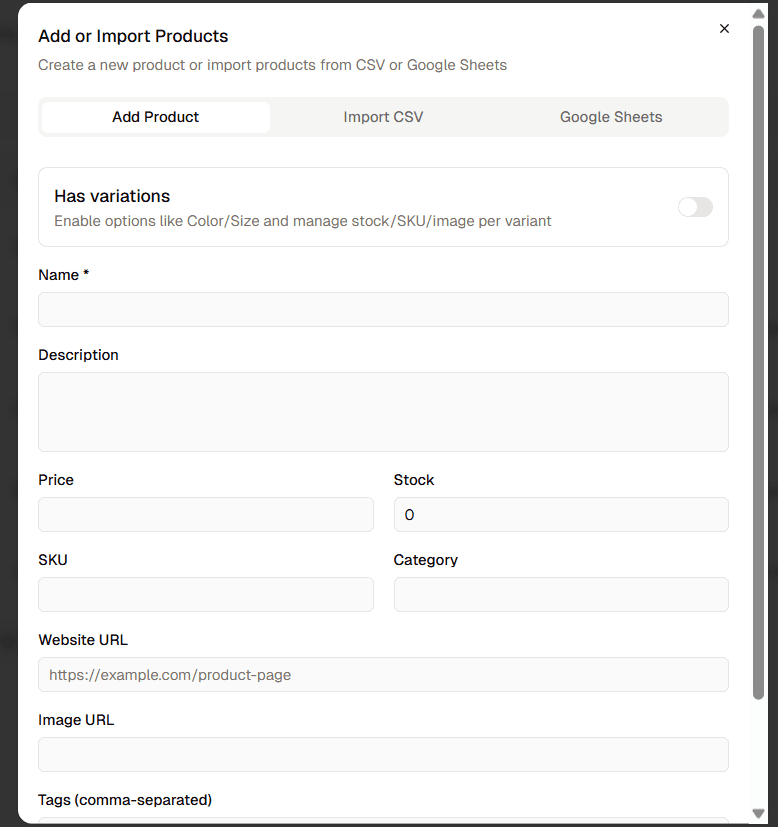
Manual product catalog entry form in BoundBot AI dashboard
2. Upload Products with a CSV File
For stores with larger inventories, CSV uploads are the fastest way to import product data. Most ecommerce platforms allow you to export product information as a spreadsheet.
A typical CSV catalog includes fields such as:
- product name
- price
- description
- category
- variants (size, color, model)
- stock availability
Once uploaded to BoundBot, the AI instantly understands these attributes. This allows it to answer product questions, suggest items, and compare options during a conversation with a customer.
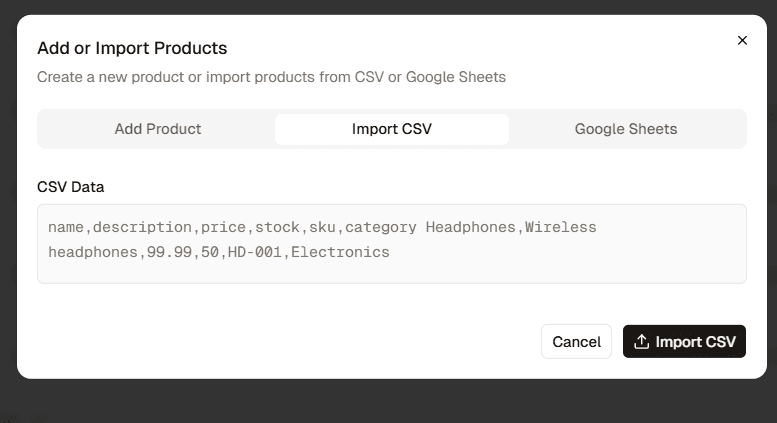
Uploading product catalog via CSV in BoundBot AI platform
3. Sync Your Catalog with Google Sheets
If your inventory changes frequently, connecting a Google Sheet provides a flexible solution. The sheet acts as a live catalog that can be updated whenever prices, stock levels, or product details change.
This method is especially useful for stores that:
- update inventory regularly
- manage products collaboratively with a team
- launch new products or promotions often
When the sheet is updated, the AI can refresh its product knowledge from the latest data. This helps ensure customers always receive accurate information about availability and pricing.
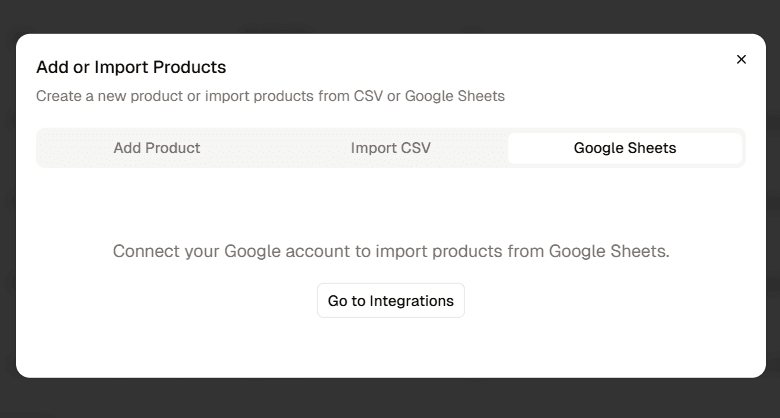
Connecting Google Sheets to import product catalog into BoundBot
Compare the Three Ways to Import Your Product Catalog
Swipe to view all columns →
| Method | Best For | Setup Speed | Maintenance |
|---|---|---|---|
| Manual Entry | Small catalogs | Slow | Medium |
| CSV Upload | Large inventories | Fast | Low |
| Google Sheets | Frequently Updated products | Medium | Low |
Once your catalog is connected, BoundBot can instantly use that data to answer product questions, suggest the right options, and guide customers toward a purchase. What was once a static product list becomes an AI-powered sales assistant that works around the clock.
How to Structure Your Product Catalog for Better AI Responses
Uploading products is only the first step. The quality of your catalog structure directly affects how well an AI agent can answer customer questions and recommend products.
A well-organized catalog helps the AI interpret product information more accurately during conversations.
Follow these simple practices:
• Use clear product names so the AI can identify items easily.
• Add consistent categories and tags to group similar products.
• Include detailed descriptions and key features to support comparisons.
• Structure variants such as color, size, or model clearly.
• Keep price and stock fields updated so recommendations remain accurate.
When product data is structured properly, the AI agent can respond faster, provide better suggestions, and guide customers toward the right purchase.
How the AI Agent Uses Your Product Catalog to Guide Customers
Inside BoundBot, every AI assistant runs as a bot configured within your workspace. Each bot can have its own tone, system prompt, and connected knowledge sources. This structure allows businesses to create specialized bots for support, sales, or product assistance.
To enable product recommendations and catalog questions, the bot needs access to your product data. Once the catalog is uploaded, the bot can reference that information during conversations with customers.
The process works like this:
- Create a bot: During setup, you define the bot’s role, tone, and system prompt. For ecommerce use cases, the bot typically acts as a product advisor that helps customers choose the right item.
- Connect knowledge sources: Product catalogs, FAQs, documentation, or website content can be added as knowledge. This allows the bot to answer questions using real business data.
- Enable conversation channels: Bots can be connected to channels such as WebChat, Messenger, Slack, Telegram, or Discord so customers can interact with them directly.
- Manage conversations in the inbox: Customer messages appear in the BoundBot inbox, where teams can monitor conversations or step in if human support is needed.
By combining bots, knowledge sources, and messaging channels, BoundBot turns product data into a conversational sales experience that helps customers explore products and make purchase decisions more easily.
Turn Your Product Catalog Into an AI Sales Assistant
For many ecommerce businesses, the product catalog is simply a list of products. But with the right tools, it can become a powerful engine for AI product catalog management that actively helps customers make purchase decisions.
By connecting your catalog to BoundBot, an AI agent can answer product questions, recommend relevant items, and explain differences between options in real time. Instead of manually responding to repetitive inquiries, your product data works as a conversational sales assistant.
If you want to simplify support and improve product discovery at the same time, you can start building your AI-powered product assistant with BoundBot today.
LAUNCH THE AGENT. KEEP THE HUMAN CONTROL.
START FREE, CONNECT A CHANNEL, AND SHIP YOUR FIRST BOUNDBOT IN MINUTES.