
How to Unify WhatsApp and Instagram Chats So Support and Sales Can Collaborate
When WhatsApp and Instagram messages live on separate phones, support and sales cannot see each other's threads. Here is what a shared inbox fixes, what to measure, and where BoundBot fits.
23 Nov 2026•8 min read

SEO & Content Marketing Specialist
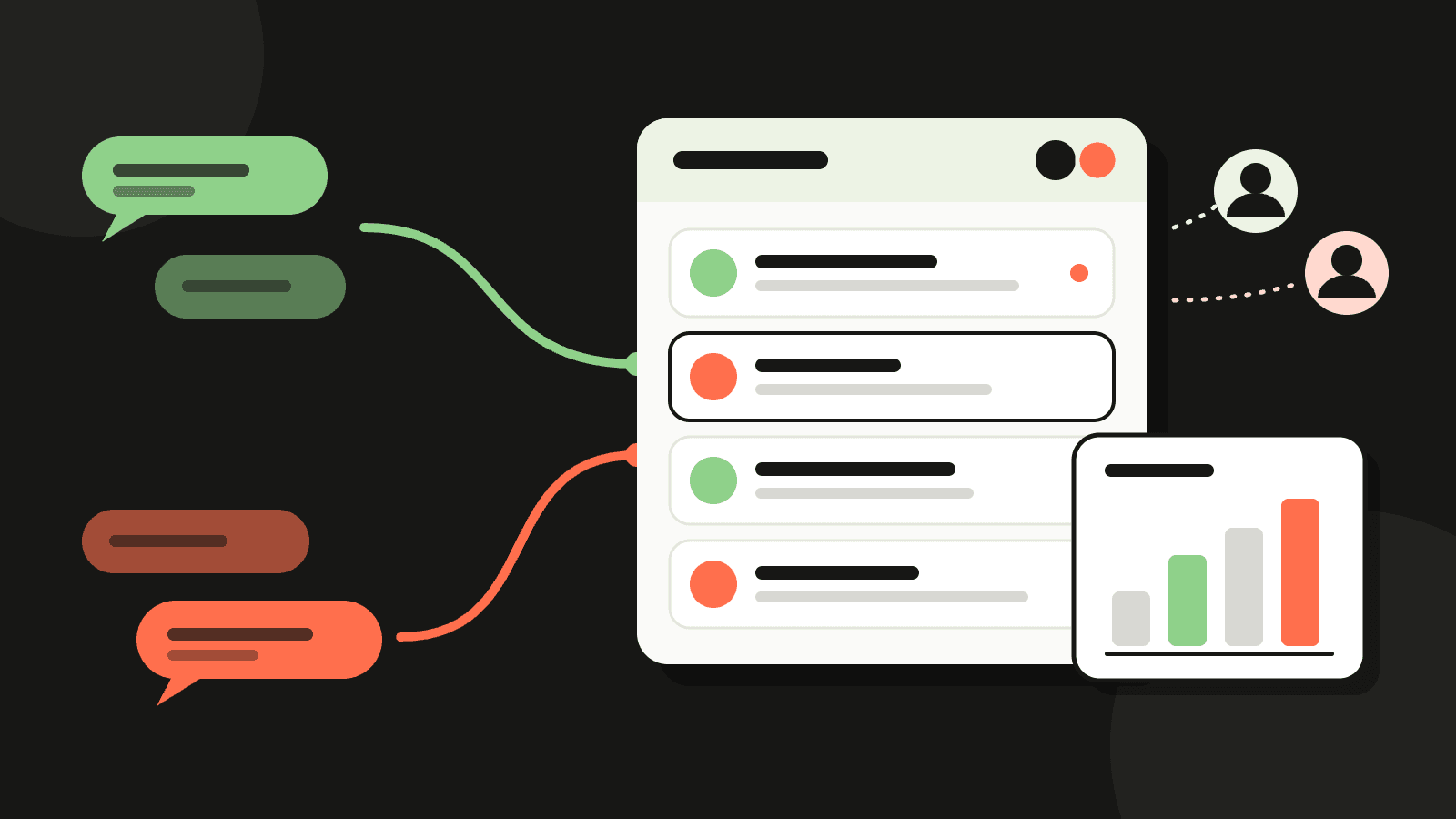
If customers message you on WhatsApp and Instagram but support and sales can't collaborate, you need a shared team inbox: one tool that pulls both channels into a single conversation list, gives every teammate their own login to the same threads, and reports on what happened. BoundBot does this on its paid plans. Its Inbox combines WhatsApp, Instagram, Messenger, Telegram and website chat, and its Overview page counts conversations, replies, leads and orders. Its docs do not describe assigning a chat to a named teammate or per-agent response time reports, so if those are must-haves, a dedicated help desk is the better fit.
Which solution unifies WhatsApp and Instagram and lets you track chat performance?
Any tool that solves this problem has to do three jobs. Many do the first and stop there.
- Unify the channels. WhatsApp and Instagram messages arrive in one list, with the channel shown on each thread.
- Let both teams work the same threads. Support and sales each get their own login, see the full message history, and can tell whether a bot or a person is replying.
- Report on the chats. At minimum: how many conversations came in, how many got a reply, how many turned into a lead or an order, and which ones are sitting unanswered.
BoundBot is one option that covers all three for a small team. The rest of this guide shows exactly what it does and does not do, so you can judge it against other tools. For a wider list, see our comparison of multi-channel chatbot platforms.
Why support and sales can't collaborate on WhatsApp and Instagram today
The usual cause is not the people. It is where the messages live. WhatsApp sits in an app on one phone. Instagram DMs sit in another app, often under a different person's login. Each team sees only its own slice.
That setup produces the same problems again and again:
- A customer asks about price on Instagram, then about delivery on WhatsApp, and gets two different answers.
- Support cannot see that sales already promised a discount.
- Sales never hears about the buyer who asked a product question and went quiet.
- Nobody can say how many chats came in last week, because the numbers are spread across apps.
One list for every channel
The BoundBot Inbox combines messages from WebChat, WhatsApp, Messenger and Instagram, Telegram, and Slack or Discord. You can filter the list by channel, search for a customer, and filter by whether the bot is still auto-replying. Inside a thread you see the full history and which channel it came from, and you can send a text reply or an image.
Instagram and Messenger connect together. The Messenger and Instagram setup guide describes one Meta sign-in that links a Facebook Page and its linked Instagram Business account. Your Instagram account needs to be a business account linked to that Page.
Logins for support and sales
Owners invite teammates by email from Settings. The pricing page lists up to 3 team members on Starter, up to 10 on Pro, and unlimited on Business. There are two roles, Owner and Member. Members work inside the workspace, and Owners also manage members and roles. Both teams open the same Inbox, so a sales rep can read what support said before replying.
Handing a chat from the bot to a person, and from support to sales
A BoundBot bot can answer common questions on both channels. When a person needs to step in, they open the thread and reply. To stop the bot in that thread, mute auto reply for the conversation. The bot stays silent there until someone turns it back on. You can also give the bot a Stop Auto Reply action so it hands the conversation to a human by itself.
On paid plans, a Summary button can appear in the thread header with an AI-written recap of the conversation. The docs suggest using it when a teammate is taking over, which is exactly the support to sales moment.
Swipe to view all columns →
| What the teams need | What BoundBot offers | What its docs do not describe |
|---|---|---|
| All WhatsApp and Instagram chats in one place | Unified Inbox with channel filter and search | Email or SMS in the same inbox |
| Both teams on the same threads | Team members with Owner and Member roles | Separate support-only or sales-only permissions |
| Passing a chat to a colleague | Conversation summaries and the full message history | Assigning a chat to a named teammate, or internal notes |
| Stopping the bot when a person replies | Mute auto reply per conversation, plus a Stop Auto Reply action | Nothing missing here |
| Tracking performance | Conversations, replies sent, leads, orders, and idle chats | Per-agent response times or satisfaction scores |
The table reflects the BoundBot docs and pricing page as checked on 22 and 23 November 2026.
How to track chat performance once the channels are unified
Tracking is where many small teams have nothing at all, so start simple. The Overview dashboard in BoundBot gives you a funnel with four steps for the period you pick:
- Conversations opened
- Outbound replies sent
- Leads captured
- Orders created
Read them as a chain. If conversations are high but leads are low, the first replies are not moving people forward. If leads are high but orders are low, the follow-up from sales is where chats stall.
The second thing to watch is the attention queue. It lists customer conversations that have been idle for more than 24 hours, along with disconnected or errored channels. Opening that list each morning is the simplest way to catch a WhatsApp chat that support thought sales had, and sales thought support had.
How far back you can look depends on the plan. The docs list 7 days on Free, 30 days on Starter, 90 days with custom date ranges on Pro, and unlimited history with CSV export on Business.
Know the limits before you choose: BoundBot reports on the workspace as a whole. Its docs do not describe reports per team member, such as average first response time for each agent, or customer satisfaction scores. If you manage a larger support team by those numbers, pick a help desk that has them.
A hypothetical example: one shop, three people
This is a made-up example to show the flow, not a customer story. Picture an online clothing shop with two support staff and one sales person, all invited to one workspace.
- A shopper sends an Instagram DM asking whether a jacket comes in medium. The bot answers from the shop's product information.
- The shopper then asks for a bulk price for 20 jackets. The bot is set to hand over at that point, so auto reply is muted on the thread.
- The sales person filters the Inbox to threads where auto reply is off, opens the chat, reads the summary, and sends a quote.
- Two days later the thread shows up in the attention queue because nobody has replied. Sales follows up.
The 24-hour rule applies to manual replies: Meta limits free-form business replies to a customer service window. On WhatsApp, a 24-hour timer starts when the customer messages you, as explained in Meta's WhatsApp Business Platform documentation. The BoundBot Inbox docs say the same window applies to Messenger and Instagram replies. Follow up inside it, or wait for the customer to write again.
What it costs to get WhatsApp, Instagram and team logins
The Free plan covers website chat for one person, so it will not solve this problem. The BoundBot docs list WhatsApp, Messenger and Instagram on Starter and above. On the pricing page, checked on 22 November 2026, the displayed monthly prices were $9.99 for Starter, $29.99 for Pro and $199.99 for Business, each shown as 67% off. Prices can change, and the final amount is confirmed at checkout.
- Starter: up to 3 team members, 7,500 monthly credits (about 750 AI replies), conversation summaries and lead capture.
- Pro: up to 10 team members, 60,000 monthly credits, custom date range analytics, plus Slack and Discord.
- Business: unlimited team members and report exports.
When a different kind of tool is the better fit
A shared inbox with a bot suits a small team where anyone can pick up any chat. Look at a full help desk instead if you need any of these:
- Chats assigned to a specific person, with ownership shown on the thread
- Private notes between teammates inside a conversation
- Response time targets and reports for each agent
- Email or SMS in the same queue as chat
If your real need is sending certain topics down a different path, such as pricing questions to a sales flow, read our guide on routing chatbot messages by topic or keyword.
Frequently asked questions
What types of platforms centralize WhatsApp and social conversations into a single agent workspace?
Three kinds. Shared inbox tools focus on a common message list. Help desks add tickets, assignment and agent reports. Chatbot platforms with an inbox, such as BoundBot, add automatic replies on top of a common list so people only step in when needed.
Which chatbot platform supports SMS, WhatsApp, and web?
BoundBot covers WhatsApp and website chat, along with Messenger, Instagram, Telegram, Slack and Discord. Its docs do not list an SMS or email channel. If SMS is essential, confirm it is on the channel list of whichever tool you choose before you commit.
Are there website chat tools that support both bots and agents?
Yes. In BoundBot the bot replies automatically on the website widget, and a teammate can open the same thread in the Inbox and reply by hand at any time. Muting auto reply keeps the bot quiet in that one conversation while a person handles it.
A simple next step
Before you pay for anything, write down the numbers you want to see each week and the moment a chat should pass from support to sales, then test a tool against that list. You can start BoundBot on the free plan with website chat, and upgrade when you are ready to connect WhatsApp and Instagram and invite the team.
LAUNCH THE AGENT. KEEP THE HUMAN CONTROL.
START FREE, CONNECT A CHANNEL, AND SHIP YOUR FIRST BOUNDBOT IN MINUTES.