What Tool Allows Multiple Chatbot Integrations in One Platform?
A plain guide to chatbot platforms that hold several integrations at once: chat channels, knowledge sources, booking tools and live data, with what BoundBot connects today.
23 Nov 2026•7 min read

Software Engineer
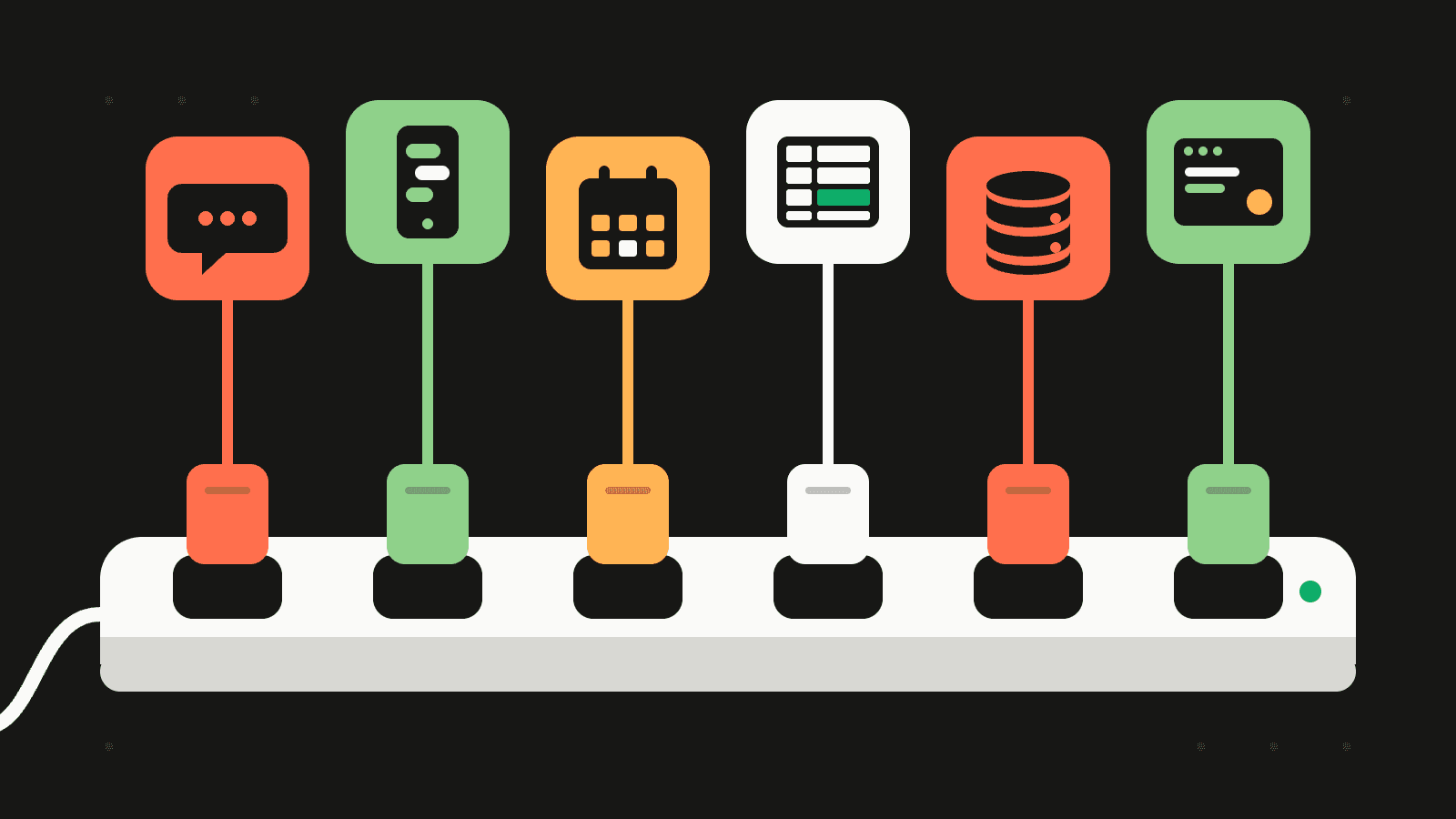
A multi-channel chatbot platform is the kind of tool that allows multiple chatbot integrations in one place. You build the bot once, then plug in the chat apps your customers use, the content the bot should answer from, and the tools it should act through, such as a booking calendar or your own API. BoundBot is one example: one bot can sit behind a website widget, WhatsApp, Messenger, Telegram, Slack and Discord, and it can also connect to Calendly, Google Sheets, WordPress and external tool servers.
The harder part is that "integration" means four different things, and most comparison pages only count one of them. This guide separates the four, shows what to check for each, and lists exactly what BoundBot connects today so you can compare it with whatever else is on your shortlist.
What tool allows multiple chatbot integrations in one platform?
Look for a platform where the bot, its knowledge and its connections live in one account, and where adding a new connection does not mean rebuilding the bot. In practice that means the tool should cover four layers:
- Channels: where customers talk to the bot, such as a website widget or WhatsApp.
- Knowledge sources: what the bot reads to answer, such as your FAQs, files, website pages and product list.
- Actions: things the bot can do inside a chat, such as offering a booking link, collecting a lead or sending data to your API.
- Live tools: outside systems the bot can query while it is replying, such as stock levels or a CRM.
A tool that has many channels but no way to act or fetch live data will still leave your team copying details between apps. A tool with many app connectors but only a website widget will miss the customers who message you elsewhere. You want a reasonable answer on all four.
The four kinds of chatbot integration, side by side
This table shows each layer, the question it answers, and what BoundBot offers for it. The BoundBot column comes from the public docs and the pricing page, both checked on 24 November 2026.
Swipe to view all columns →
| Integration layer | The question it answers | What BoundBot connects |
|---|---|---|
| Channels | Where can customers reach the bot? | WebChat, WhatsApp, Messenger (marked Beta in the docs), Telegram, Slack, Discord |
| Knowledge sources | What does the bot answer from? | FAQs, uploaded files, website sources, products |
| Actions | What can the bot do in the chat? | Button links, lead capture, Cal and Calendly booking, human handoff, custom API calls |
| Live tools | What can the bot look up or trigger elsewhere? | External tool servers through Connected MCPs (Pro plan and above) |
| Setup helpers | How does it get onto my site or load my data? | WordPress plugin for the widget, Google Sheets import for products |
Channel integrations: one bot, several chat apps
In BoundBot a channel is the connection between a bot and a customer-facing app. Every channel points to a bot, so the same bot, with the same knowledge, can answer on your website and in a messaging app. Conversations from all of them arrive in one inbox.
Plan matters here. WebChat is on every plan. WhatsApp and Telegram start on the Starter plan, and Slack and Discord start on Pro. If you want a longer look at how channel coverage differs between products, we compared ten tools in Multi Channel Chatbot Platforms Compared.
What to check before you count a channel
- Is the channel included in the plan you can afford, or only in a higher tier?
- Does it need a provider account first? WhatsApp needs a WhatsApp Business setup, and Telegram needs a bot token from BotFather.
- Do replies from every channel land in the same inbox, so a teammate can step in?
Knowledge and data integrations: what the bot answers from
Channels decide where the bot talks. Knowledge decides whether what it says is right. BoundBot has four reference sources: FAQs you write, files you upload, website sources it crawls, and a product list. They are for content the bot only needs to read.
If your product list already lives in a spreadsheet, the Google Sheets integration imports it, so nobody has to paste rows by hand. If your site runs on WordPress, a downloadable plugin adds the chat widget without editing embed code. Both are listed on the integrations page in the docs, along with the note that integrations belong to a team, so a second team in the same account needs its own connections.
Action integrations: bookings, leads and your own API
Actions are small tools the bot can use during a conversation. Each one has a "when to use" instruction, written in plain words, that tells the bot when it is appropriate. The actions guide lists six types:
- Button: shows a link to a page, such as a signup form.
- Collect Leads: asks for contact details in the chat.
- Cal and Calendly: start a booking flow. Calendly must be connected in Settings first.
- Stop Auto Reply: mutes the bot on that conversation so a person can take over in the inbox.
- Custom Actions: send the details the bot collected to your own API using GET, POST, PUT or DELETE, with placeholders such as an email field filled in from the chat.
Custom Actions are the general-purpose option. If the system you care about has an API, you can usually reach it this way without waiting for a named connector. It does need someone comfortable with headers and request bodies.
Live tool integrations with MCP
The fourth layer is the newest. The Model Context Protocol, or MCP, is described by its maintainers as an open-source standard for connecting AI applications to external systems. Instead of one connector per app, a business or a vendor runs an MCP server that exposes tools, and any AI product that speaks MCP can use them.
In BoundBot this feature is called Connected MCPs. You give it a server URL, pick the transport (SSE or Streamable HTTP), add an API key if the server needs one, and press Test Connection. The test reports whether the server answered, how many tools it found and how long it took. Typical uses in the docs are checking calendar availability, looking up or creating CRM contacts, and querying an internal API for current stock.
A hypothetical example: Imagine a furniture shop with a website and a WhatsApp number. One bot answers on both. It reads delivery rules from an uploaded file, imports the product list from Google Sheets, offers a Calendly slot for showroom visits, and checks stock through the shop's own MCP server. That is five integrations and two channels behind one bot. The shop is invented for illustration; the pieces are the ones described above.
What BoundBot does not connect, and what it costs
It is fair to say what is missing. On 24 November 2026 the public docs listed no Shopify or WooCommerce app and no SMS channel. A store on those platforms can still add the website widget and load products from a sheet, but there is no one-click store connector to point to. If a native store app is a must, check that first with any vendor.
On price, the pricing page showed a Free plan, Starter at $9.99 per month and Pro at $29.99 per month when checked on 24 November 2026, both marked as discounted. MCP integrations appear from Pro upward. Prices and discounts change, so read the page itself before you budget.
A short checklist for comparing tools
- Write down the chat apps your customers actually use, then confirm each one is in the plan you would buy.
- List the three systems your team copies information into most often. Ask whether the bot can reach them through a built-in action, an API call or MCP.
- Check where your answers live today (a help page, a PDF, a spreadsheet) and whether the tool can read that format.
- Test the handoff. Ask the bot for a human and see where the conversation goes.
- Run the free plan or trial on one channel before you connect the rest.
Frequently asked questions
What is the best platform for consolidating multiple chatbots?
There is no single best one, but the useful test is whether several bots can share one account, one inbox and one bill. BoundBot allows up to 3 bots on Starter and up to 10 on Pro, each attached to its own channels. Our guide to chatbot platforms for several brands or websites covers that setup in detail.
Which AI platforms integrate with Shopify and WooCommerce?
Some support tools publish native apps for those stores, so check each vendor's app listing directly. BoundBot's public docs did not list a Shopify or WooCommerce app when checked on 24 November 2026. What it does offer is a website widget, a WordPress plugin for installing that widget, product import from Google Sheets, and custom API actions.
What support software works best across multiple channels?
The one that covers the channels your customers already use and puts every conversation in a single inbox. Count channels by plan, not by the logo wall on the homepage, because messaging apps are often reserved for paid tiers.
Can a website chat tool support both bots and human agents?
Yes. In BoundBot the Stop Auto Reply action mutes the bot on a conversation when the customer asks for a person or the issue needs a manual decision. A teammate then replies from the inbox, and the bot stays quiet on that thread until someone turns auto reply back on.
A sensible next step
Pick one channel and one integration that would save your team the most retyping, and set up just those two. The Free plan is enough to put a bot on your website and see how it answers from your own content. Add the next connection once the first one is working the way you want.
LAUNCH THE AGENT. KEEP THE HUMAN CONTROL.
START FREE, CONNECT A CHANNEL, AND SHIP YOUR FIRST BOUNDBOT IN MINUTES.