
Multi-Channel Chatbot Pricing: What a Three-Person Team Should Budget
Budget multi-channel chatbot costs for a three-person team using current BoundBot prices, reply credits, a traffic spike, and a worked comparison.
10 Nov 2026•7 min read

SEO & Content Marketing Specialist

The entry price looks affordable. Then you start asking practical questions. Can three people use the inbox? Are your channels included? How many AI replies will the allowance cover?
That is where multi-channel chatbot pricing becomes easier to understand: put your team and workload beside the plan.
Let’s build a budget for a hypothetical three-person business preparing a November campaign. We will use BoundBot’s published prices for the concrete example, then show how to compare a different pricing model fairly.
All dollar amounts in this guide are USD. Public prices were checked on November 10, 2026; confirm the checkout terms before buying.
Start with the work your team needs to do
Our example team has an owner and two teammates. They want to handle questions from a website and a few messaging channels. Most questions concern product details, prices, and delivery policies.
They expect 500 AI replies in a billing period and plan an initial crawl of 200 website pages. Those are planning assumptions. They are not a forecast for every small business.
Write down your equivalent figures before comparing plans:
- The people who need access.
- The exact channels and number of connections.
- Expected AI replies, including several replies in one conversation.
- Website crawling and knowledge-storage needs.
- Features required for product questions, lead capture, and handoff.
That list helps you see whether a cheaper plan covers the intended job or leaves an important requirement outside the budget.
A message, a reply, and a conversation are different units
One customer conversation might include four AI replies. If a plan meters AI replies, that conversation uses four reply units, even if you count it as one enquiry in your sales report.
Other providers may charge for seats, contacts, outcomes, messages, or a combination. Keep the units visible in your comparison.
For the BoundBot example, standard AI replies use 10 credits each. Pro Mode uses 30 credits per AI reply. Website crawling also consumes credits, so dividing the full allowance by reply cost gives an upper bound before crawl usage.
The plans and limits reference explains the current credit assumptions and plan gates. Check which mode your bots use before estimating volume.
Keep the pricing units separate
Swipe to view all columns →
| Unit | What it counts | Budget question |
|---|---|---|
| Seat | A teammate with relevant access | How many people need this role? |
| Conversation | A thread or session under the vendor definition | Can one thread contain many replies? |
| AI reply | One generated response | How many replies does a typical question need? |
| Credit | A platform usage unit | Which tasks draw from this pool? |
| Outcome | A result defined by the provider | Which events trigger a charge? |
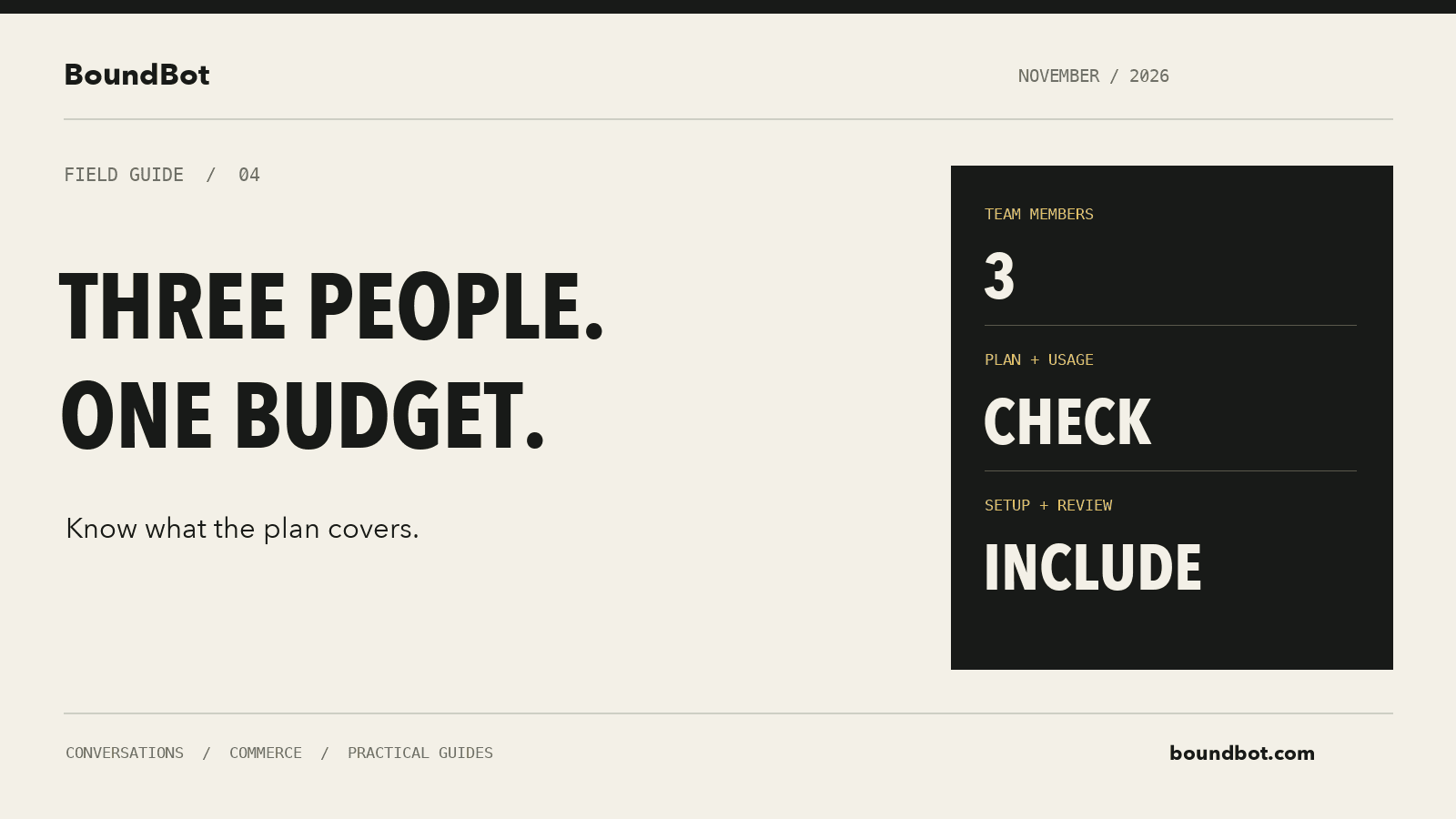
Illustrative overview. Editorial budget worksheet for a three-person chatbot team, with seats, AI usage, and setup as separate cost items.
A Starter budget for the three-person example
BoundBot’s public pricing page lists Starter at $9.99 per month, with 7,500 monthly credits and up to three team members.
Assume the required channel connections and other features fit Starter. With Pro Mode off, the example workload would use:
Swipe to view all columns →
| Budget item | Calculation | Credits |
|---|---|---|
| Standard AI replies | 500 × 10 | 5,000 |
| Website crawl | 200 pages × 2 | 400 |
| Total planned usage | 5,000 + 400 | 5,400 |
| Unused allowance under these assumptions | 7,500 − 5,400 | 2,100 |
The workload fits the allowance in this model. The base subscription would be $9.99 before tax and any other applicable costs outside the subscription.
The remaining 2,100 credits would cover 210 further standard AI replies if there were no additional crawl usage. That is a capacity calculation, not a promise that every customer question takes only one reply.
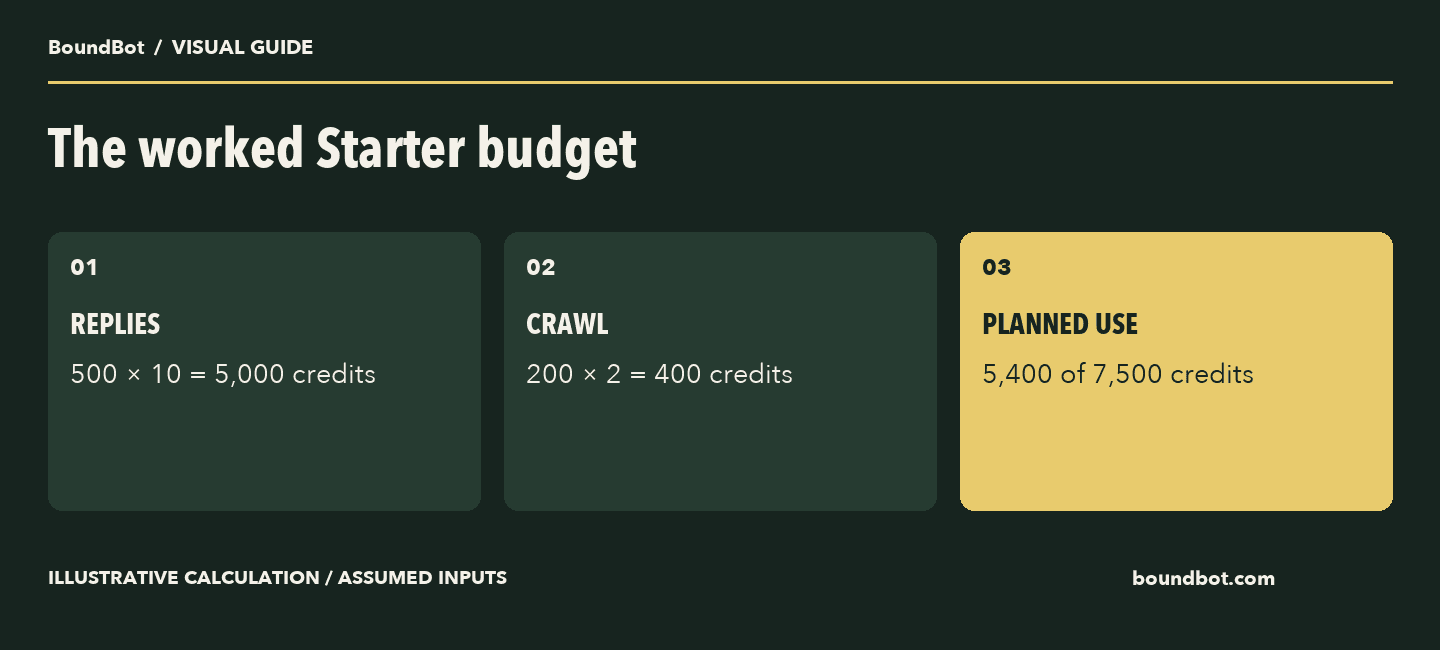
Illustrative workload using the public Starter terms checked on November 10, 2026. Other applicable costs remain separate.
What happens if the campaign gets busier?
Now assume the same team needs 1,000 standard AI replies and the same 200-page crawl. Usage becomes 10,400 credits: 10,000 for replies and 400 for crawling.
That exceeds the Starter allowance by 2,900 credits.
Where top-ups are enabled for an active paid workspace, the published minimum purchase is 5,000 credits at $1 per 1,000 credits before tax. Buying that minimum would add $5, making the subscription plus that purchase $14.99 before tax for this example.
The purchase is larger than the immediate shortfall, so include the whole $5 in the cash budget. Purchased-credit validity and billing-period allowance rules are different; check the billing guide when planning across several months.
Also make an operational plan for running out. A campaign should have a clear route to a human when the AI cannot continue.
When upgrading may make more sense
Capacity is only one reason to choose a higher tier. The required feature may determine the plan before usage does.
For example, Slack and Discord are available on Pro and above. If your three-person team needs a Slack assistant, Starter is not the relevant comparison even when the expected reply volume is small.
Pro is publicly listed at $29.99 per month with 60,000 monthly credits. At 10 credits per reply, that is roughly 6,000 standard AI replies before crawling. At 30 credits per reply with Pro Mode, the same pool covers roughly 2,000 replies before crawling.
Choose based on the combination of features and expected workload. A higher allowance has limited value if the smaller plan already meets your needs; a smaller allowance is irrelevant when the plan does not include the channel you require.
Plan details relevant to this example
Swipe to view all columns →
| Item | Starter | Pro |
|---|---|---|
| Public monthly price in USD | $9.99 | $29.99 |
| Monthly credit allowance | 7,500 | 60,000 |
| Team member cap | 3 | 10 |
| Slack and Discord | Not included | Included |
| Standard AI reply cost | 10 credits | 10 credits |
| Pro Mode AI reply cost | Not available | 30 credits |
Compare seat-based quotes using the same workload
Here is a separate hypothetical quote to illustrate another billing model. It is not a named competitor’s price.
Suppose a vendor charges $20 per person, a $15 platform fee, and an estimated $25 for the campaign’s AI usage. A three-person budget would be $60 + $15 + $25 = $100 for the month before tax and other applicable charges.
That number alone does not make the tool poor value. It may include capabilities your team needs. The useful comparison is what each complete setup costs to deliver the same required workflow.
Ask the vendor to show which costs are fixed, which depend on use, and which assumptions could change the bill. Keep annual commitments separate from a monthly payment you can cancel after the campaign.
Include setup and maintenance in the decision
Someone still needs to prepare the knowledge, connect the channels, test replies, and update the offer when it changes.
If that takes four hours, record those four hours. If a teammate spends an hour each week checking answers, include that ongoing effort too.
You can value staff time for planning without treating it as a new cash expense. An existing employee’s time and an additional paid contractor invoice affect the business differently. Show both clearly when comparing options.
Also ask about any applicable channel-provider, payment, or integration charges. A software subscription should not be assumed to cover every service connected to it.
Measure the cost of useful conversations
A cheap reply that gives the wrong price creates more work. A higher-cost answer that correctly helps a customer reach the next step may be more useful.
Review a sample of conversations for accuracy, completed next steps, human effort, and cost. Keep buying enquiries separate from support requests when you evaluate sales outcomes.
If you need to connect the budget with a sales model, start with unique enquiries and completed orders. Do not assign every sale after installation to the chatbot. Product demand, pricing, availability, and the wider campaign still matter.
Our multi-channel chatbot guide can help you build a shortlist. Bring your own workload estimate to each candidate so the quotes are comparable.
Frequently asked questions
Is the lowest monthly price always the cheapest option?
Compare the full setup you need, including people, usage, channels, and required features. An entry tier may serve a different workload from yours.
How many conversations does an allowance cover?
That depends on the billing unit and how many replies each conversation needs. Estimate from a sample of your actual conversations rather than equating one conversation with one reply.
Should I enable Pro Mode for every bot?
Decide according to the task and the reply quality you verify. In BoundBot, Pro Mode changes the credit cost, so account for it explicitly in your estimate.
Can I use these figures as a guaranteed bill?
Use them as worked examples. Your checkout terms, usage, tax, connected services, and future pricing determine the amount you actually pay.
LAUNCH THE AGENT. KEEP THE HUMAN CONTROL.
START FREE, CONNECT A CHANNEL, AND SHIP YOUR FIRST BOUNDBOT IN MINUTES.