
Customer Messaging Tools for a Two-Person Team: A Practical November Setup
Set up customer messaging for a two-person business with clear roles, approved answers, human takeover, handovers, and a manageable weekly review.
10 Nov 2026•7 min read

SEO & Content Marketing Specialist

One of you is packing orders. The other is answering messages. Then a customer asks a question only the first person can answer, and the conversation sits there while both assume someone will come back to it.
For a two-person business, a customer messaging tool has to fit around that kind of day.
You need to see what came in, understand what the customer needs, and know who will do the next thing. A November promotion makes those basics more important because a few extra enquiries can arrive while the rest of the work continues.
Here is a manageable setup for choosing and using customer messaging tools with a small team.
Start by looking at where the useful conversations happen
List the channels you checked yesterday. Then mark which ones brought buying enquiries, existing-order questions, and general comments.
You may find that most useful conversations happen in two places. Start there rather than connecting every account simply because the option is available.
Also distinguish collecting messages from recognizing the same customer. A shared inbox can bring channels into one workspace while still keeping separate channel identities. Check how your chosen tool handles this before assuming it will combine every repeat enquiry.
Our customer messaging tools comparison gives you a broader shortlist. For a two-person team, use the everyday workflow below to decide which candidate fits.
Give each person a clear role during a shift
You do not need a large support department to define who is watching new messages.
For example, one teammate can handle the first useful reply during the morning, while the other checks stock, delivery details, and exceptions. Swap those roles when the work requires it, but make the change explicit.
Swipe to view all columns →
| Situation | Person watching the inbox | Person handling operations |
|---|---|---|
| New product enquiry | Answer approved information and clarify the need | Check an uncertain variant or quantity |
| Delivery question | Explain the current published terms | Confirm an exception or courier-dependent detail |
| Customer complaint | Acknowledge and record the issue | Review the decision or action required |
| Shift handover | Identify every conversation needing another action | Accept the next actions and expected timing |
These are sample responsibilities, not a claim that software will assign them automatically. Use your tool’s ownership features where available, or maintain a short shared handover list.
Prepare answers for the questions you already receive
Read a recent group of conversations and choose the questions both people keep answering. Start with product details, pricing, delivery, returns, business hours, and how to reach a person.
Agree on one current answer for each. Include the conditions that matter. “Delivery is available” may still leave the customer asking about the charge and expected dispatch time.
Put an owner and review date beside information that changes. A November offer should have someone responsible for updating it when the price, stock, or offer period changes.
If you use BoundBot, its knowledge source documentation explains where FAQs, files, website information, and product data fit. Choose a maintainable source for each kind of answer rather than copying the same changing price into several places.
Keep the first reply short and useful
The first reply should answer what the customer actually asked or explain the one detail needed to answer it.
If someone asks about a particular product, begin there. A long introduction to your business adds work before the customer gets the information they wanted.
A useful pattern is: answer the known question, state any condition, then ask for the next necessary detail. For example: “That option is listed in our catalog. Which size would you like us to check?”
When information needs confirmation, give the next action an owner internally. Avoid sending a confident answer merely because it is faster to type.
Decide what automation is allowed to handle
A small team can start with repeatable information and keep decisions with people.
Good initial candidates include explaining current opening hours, locating an approved product description, or sharing a published delivery policy. An exception to that policy may still need the owner.
Define what happens when the assistant cannot verify an answer or the customer asks for a person. The customer needs an understandable next step, and your team needs a visible request to act on.
Test that path. An assistant saying “I will connect you” is only useful when the configured process makes the request available to the person expected to continue it.
Decide which answer needs a person
Swipe to view all columns →
| Request | First action | Who finishes |
|---|---|---|
| Approved factual question | Use the current answer | Assistant or inbox teammate |
| Uncertain availability | Record the item and variant | Person responsible for stock |
| Policy exception | Explain that review is needed | Authorized decision-maker |
| Human requested | Use the agreed takeover path | Named available teammate |
| Private order detail | Use the identity process | Authorized support process |
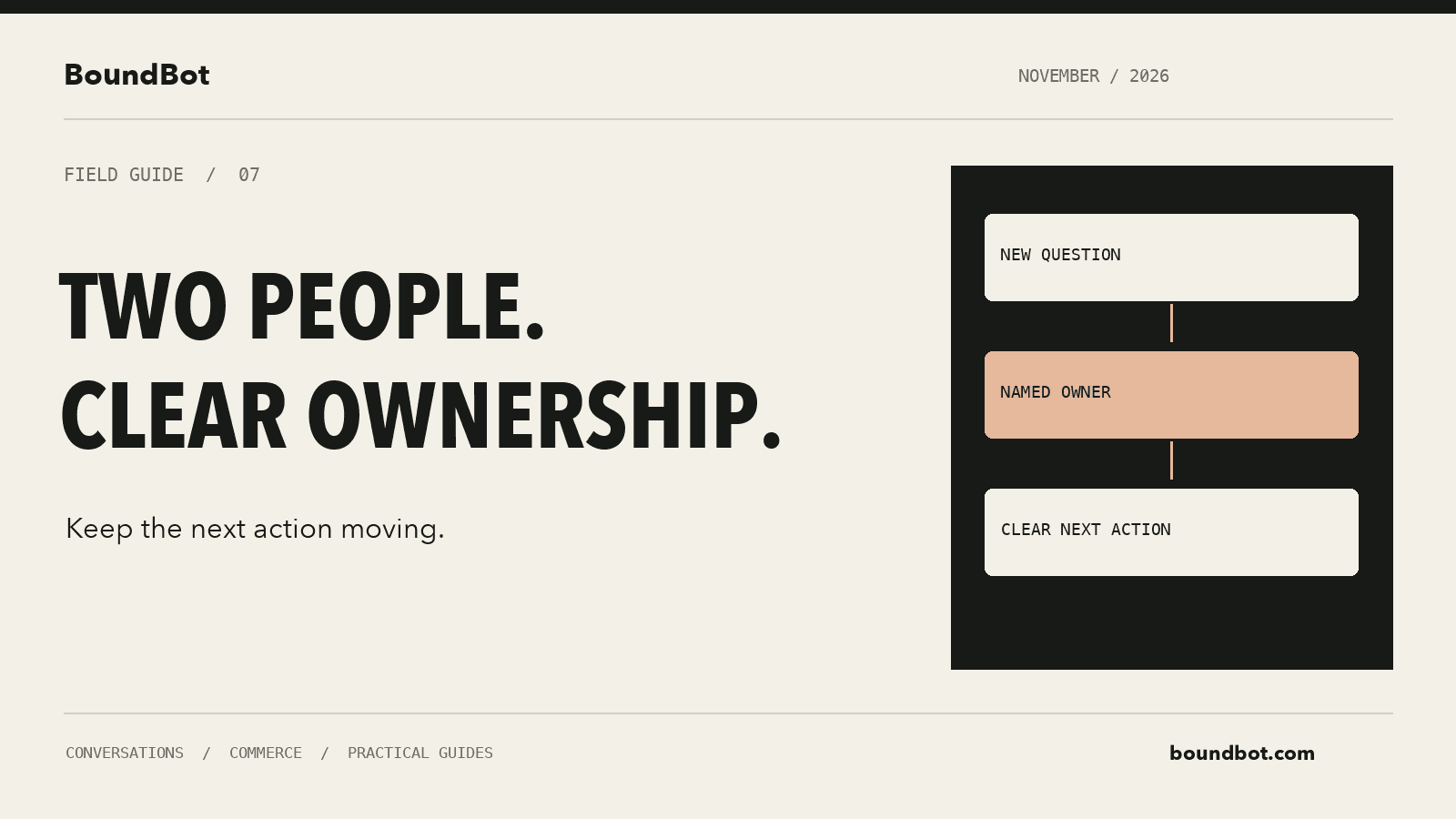
Illustrative overview. Editorial handover diagram showing two teammates sharing customer messaging responsibilities.
Make human takeover explicit
Imagine one teammate starts resolving a complaint while the bot continues offering general suggestions. The conversation can become confusing even when each individual reply sounds polite.
In BoundBot, the current Inbox guide describes manual replies and the control for muting automatic replies in a conversation. If you need the bot to stop, use the relevant control; do not assume that typing a manual answer completes every part of the handoff.
Your internal handover should include the request, what was already explained, what remains uncertain, and the next action. Keep personal customer information inside the appropriate business system rather than copying it into an unrelated team chat.
Use a small set of conversation stages
The two of you should be able to look at the work and understand what is waiting.
Useful stages to distinguish include a new request, a request needing your reply, a request waiting for the customer, and a completed outcome. Use the stages supported by your tool or reflect them in your working list.
Do not treat “we sent a message” as the same thing as “the issue is resolved.” A customer waiting for a stock check still needs an answer. A buyer who has received a quote may still be deciding.
Keep sales stages separate where necessary. An enquiry, an order request, a confirmed order, and collected payment are different events. Mixing them can make a busy day look more profitable than it was.
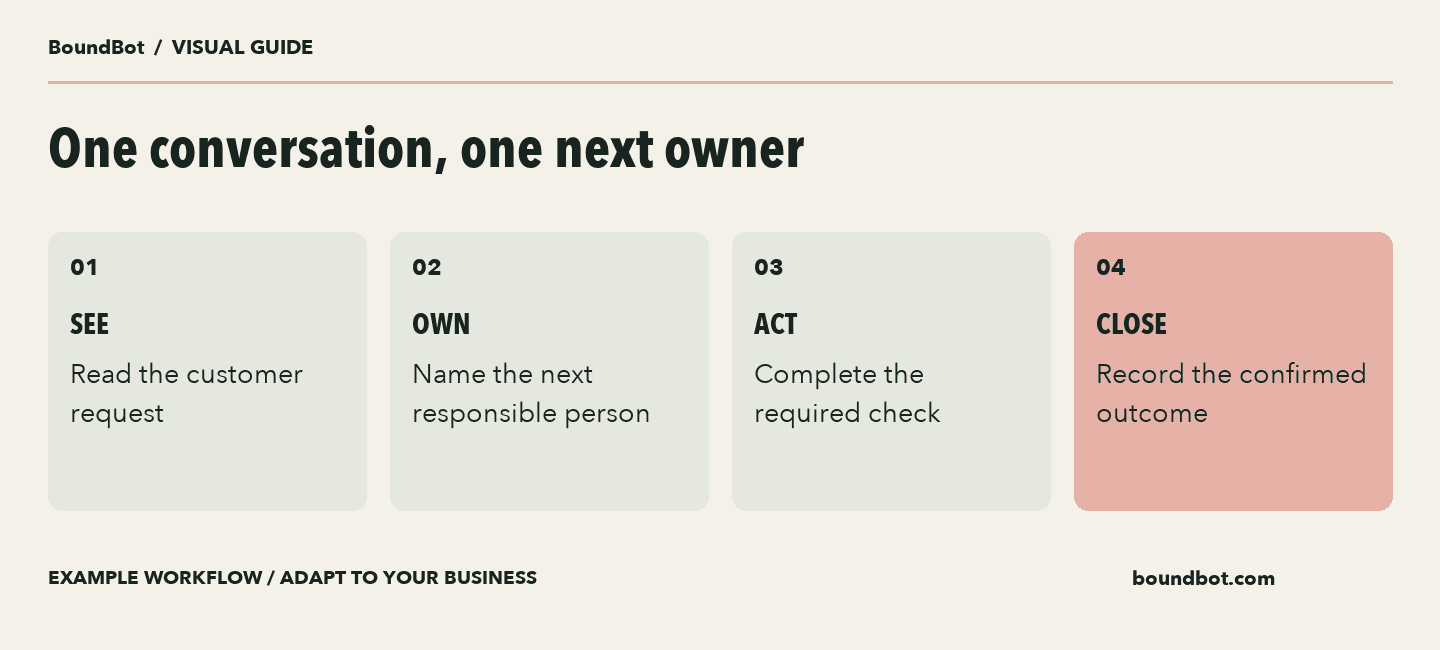
Example two-person handover. Visibility and responsibility are separate parts of the workflow.
Build a handover that takes a few minutes to read
Before one person steps away, review only the conversations that need another action. For each, record what is needed, who will do it, and the expected time.
A sample note might read: “Customer needs confirmation of the blue medium option. Stock check pending. Operations will check before the afternoon reply window.”
The wording should give the next person enough context to continue without asking the customer to start again.
At the end of the day, look for requests that were missed or bounced between you. Fix one repeated problem before adding more rules or channels.
A short shift-handover checklist
Swipe to view all columns →
| Field | What the next person needs |
|---|---|
| Customer request | The question still needing an answer |
| Already explained | Relevant answer and confirmed terms |
| Missing information | The exact check still outstanding |
| Next owner | One person responsible for continuing |
| Expected timing | A realistic review or reply time |
Keep follow-up tied to a useful reason
If the customer was waiting for information you promised to check, return with that information. If they have declined or opted out, respect that choice.
Messaging channels have their own conditions for business replies. Check the relevant rules and the state of the conversation before planning later follow-up. A shared inbox does not remove those conditions.
Keep any expected reply time realistic. Two people managing orders and messages may need a clear staffed-hours policy rather than an unsupported promise that every question will receive an immediate human answer.
Review the week using a few practical measures
Choose a small group of measures both people understand: buying enquiries, conversations left without a next action, questions requiring a correction, completed orders, and manual time spent.
Record what changed during the week. A new offer or a sold-out product can affect enquiries and sales independently of the messaging setup.
If you capture demand and orders in BoundBot, review the Leads and Orders pages alongside your fulfillment and payment records. Use the system that confirms the transaction to establish what was actually completed.
Begin with two channels, a short approved answer set, and an explicit handover. Once those work, you will have a clearer reason for each feature or channel you add.
Frequently asked questions
Does a two-person team need a shared inbox?
It can help when both people need visibility into the same customer work. Compare that benefit with the setup effort and the channels you actually use.
Should both people reply to everything?
Give each active conversation a clear next owner. Both people can have visibility without assuming both are responsible for the next reply.
Can we automate the whole inbox immediately?
Start with a narrow set of approved answers and test the exceptions. Expand after reviewing whether the setup handles the work accurately and leaves a clear route to a person.
What should we improve first?
Look for the repeated question or handover that creates the most unfinished work. A clearer answer or owner may solve the problem before another feature is needed.
LAUNCH THE AGENT. KEEP THE HUMAN CONTROL.
START FREE, CONNECT A CHANNEL, AND SHIP YOUR FIRST BOUNDBOT IN MINUTES.