Why Your Chatbot Is Losing You Customers (And How to Fix It With a Smarter Hybrid Model)
A chatbot without clear escalation rules can trap customers in loops. Use this framework to automate predictable questions, route sensitive cases to people, and design a stronger AI-human support model.
18 Aug 2026•6 min read
SEO Content Writer

Why AI-Only Customer Support Breaks Down

Illustration of a frustrated customer, an AI chatbot, and a human agent during a support escalation
Many businesses deploy an AI chatbot customer service tool, measure the questions it answers, and call the rollout a success.
The unanswered or mishandled cases are where the real risk sits: customers can get trapped in loops, repeat themselves, and leave without a clear path to a person.
The problem is not AI alone. It is the absence of a deliberate escalation strategy. Strong support systems define when automation should answer, when it should ask for more context, and when a human should take over.
Here is a practical framework you can adapt.
The Core Principle: AI Runs the Relay, Humans Cross the Finish Line
Think of hybrid customer support like a relay race. AI handles the first leg — fast, tireless, consistent. But the baton must pass cleanly when the terrain gets complex.
AI agents scale execution. Humans scale judgment. The moment you blur that line, both sides underperform.
Automation can shorten response times and remove repetitive work, but complex, emotional, or high-stakes cases still need human judgment.
That tradeoff is not a contradiction. It is the roadmap.
What Your AI Chatbot Customer Service Tool Should Handle Without Hesitation
AI is best for low-risk, repetitive, high-volume work where speed matters more than nuance.
These are Tier 1 automations — questions with clear, repeatable answers that do not always need human judgment:
Swipe to view all columns →
| Query Type | Why automation fits |
|---|---|
| Order & shipping tracking | Status lookup when connected to an approved order source |
| Password resets | Procedural when connected to an approved identity flow |
| Store hours & pricing | Static or database-driven |
| Subscription FAQs | Policy-based answers or approved workflows |
| FAQ & how-to guides | Knowledge base retrieval |
| Appointment reminders | Scheduled and consistent after the customer opts in |
An AI-first interaction works best when it gives a relevant answer quickly and provides a clear human handoff for complicated cases.
BoundBot setup tip: Use exact, contains, or regex keyword rules for repeatable intents such as order status, account access, and pricing. Let open-ended questions fall back to AI or a human takeover.
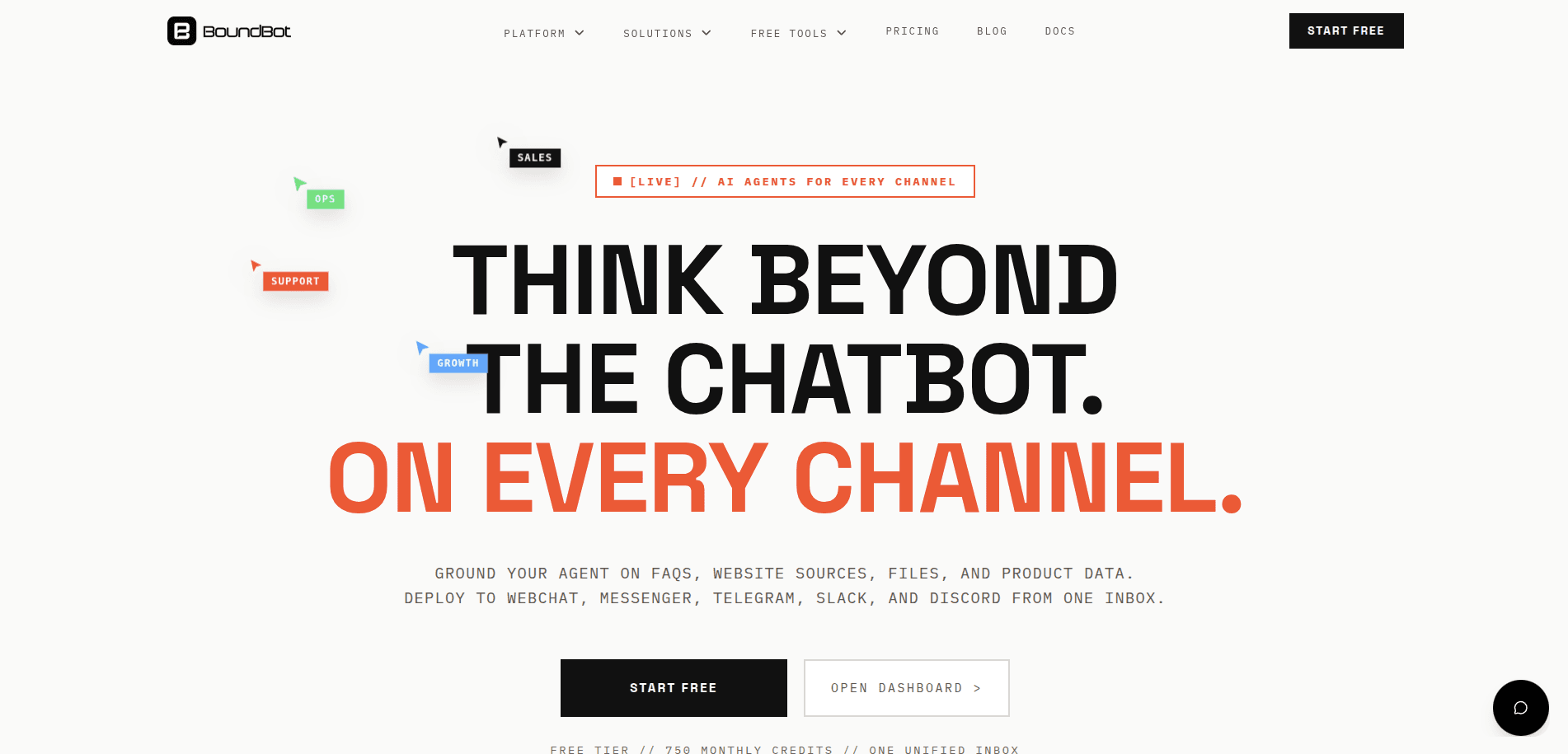
BoundBot homepage showing multi-channel AI support positioning and the Start Free call to action
The Escalation Layer: Frustration Signals Your Bot Must Never Ignore
This is a common failure point in chatbot deployments.
A bot that guesses when it should escalate can erode trust. A clear handoff path reduces that risk.
The 7 Hard Escalation Triggers
Escalate immediately when:
- Explicit human request — "I want to talk to a person." Non-negotiable. No loops, no resistance, no "I can help you with that" distraction.
- Repeated bot failure — Same input, two or more failed attempts
- Strong frustration language — "furious," "ridiculous," "I'm done," or repeated all-caps messages
- High-stakes topics — Billing disputes, fraud, legal questions, health concerns
- Ambiguous or vague tickets — Context can't be established without follow-up questions
- VIP or enterprise accounts — Revenue risk demands a human touch
- Multi-step complex issues — Problems requiring cross-team coordination
Setting Up BoundBot Keyword Rules for Frustration Detection
Start with explicit phrases that users actually type, then build exact, contains, or regex rules for the highest-confidence handoff signals.
Tier 1 — Explicit signals: "speak to an agent" / "real person" / "this isn't helping" / "cancel my account"
Tier 2 — Urgency language: "frustrated" / "angry" / "unacceptable" / "third time"
Tier 3 — Behavioral review: Use your inbox process to flag repeated messages or unresolved conversations for a human.
In BoundBot, use keyword rules for high-confidence phrases and keep human takeover available through the unified inbox. Test each rule against real transcripts before expanding it.
The Decision Matrix: Audit Your Own Support Queue Right Now
Swipe to view all columns →
| Scenario | Automate | Escalate | Why |
|---|---|---|---|
| "Where's my order?" | ✔ | Repeatable, data-driven | |
| "I've been charged twice" | ✔ | Financial dispute, trust-sensitive | |
| "How do I reset my password?" | ✔ | Procedural, instant | |
| "Your product ruined my event" | ✔ | Emotional, reputation risk | |
| "What are your return policies?" | ✔ | Static knowledge base | |
| "I want to cancel — nothing works" | ✔ | Churn risk + frustration signal | |
| "Can you recommend the right plan?" | Hybrid | AI suggests, human closes | |
| "I've contacted you 3 times already" | ✔ | Immediate escalation, every time |
The Handoff That Doesn't Undo Everything
A seamless escalation is only as good as what the human agent receives. Nothing frustrates customers more than repeating themselves.
For each handoff, give the human agent the context your workflow captures:
- Full chat transcript
- Customer's stated urgency or frustration cues
- Issue category or reason for escalation
- Bot replies and troubleshooting already attempted
- Account details relevant to the case and approved for the support team
Human agents should begin interactions already equipped with context and a clear problem definition. The handoff shouldn't feel like a reset — it should feel like the conversation never skipped a beat.
The Bottom Line
Support evolves from managing volume to managing systems.
Your chatbot isn't failing because AI is bad. It's failing because nobody defined the rules. Automate what's predictable. Escalate what's human. Build the bridge between them with deliberate keyword rules, behavioral triggers, and context-rich handoffs.
Done well, a hybrid model can reduce repetitive workload while making human conversations more focused and useful.
Start your audit today: pull your last 100 support tickets, run them through the decision matrix above, and identify which conversations your bot should never have tried to handle alone.
Frequently Asked Questions
Q1: What's the biggest mistake businesses make when deploying an AI chatbot for customer support?
A common mistake is treating escalation as an afterthought. Teams may configure a bot to handle queries without defining when it should step aside. The result is customers stuck in repetitive loops, asking for a human and getting stonewalled. Before launch, escalation rules should be as deliberate as automation rules.
Q2: How do I know if my current chatbot is hurting customer satisfaction instead of helping it?
Watch for these red flags in your support data: customers reopening tickets after a bot interaction, an increase in "I already spoke to your bot" complaints, or low CSAT scores tied to AI-handled conversations. A low escalation rate alongside low CSAT is a signal to review whether the bot is containing conversations that should be handed off.
Q3: Does using AI for customer service mean I need fewer human agents?
Not necessarily. The more useful goal is reallocation: use AI for repetitive, low-risk work so agents can focus on complex, emotional, or high-value cases. Measure resolution quality and handoff outcomes before making staffing decisions.
Have you read…
LAUNCH THE AGENT. KEEP THE HUMAN CONTROL.
START FREE, CONNECT A CHANNEL, AND SHIP YOUR FIRST BOUNDBOT IN MINUTES.