
Build a Slack AI FAQ Assistant Before Your November Rush
Build a focused Slack AI FAQ assistant with approved knowledge, a no-code BoundBot connection, tested answers, human handover, and a small pilot.
10 Nov 2026•7 min read

SEO & Content Marketing Specialist

Someone asks where to find the current offer terms. A teammate answers. An hour later, the same question appears in another conversation.
When a busy period is approaching, those repeated questions can interrupt the people who are already handling orders, customers, and day-to-day operations.
A Slack AI FAQ assistant can help with a specific part of that work: making approved answers easier to get inside the place your team already talks. Start with a narrow set of questions, a maintained source, and a clear route to a person.
Here is a practical no-code setup using BoundBot. The goal is a small assistant you can test before expanding its role.
Choose a question set the team can maintain
Begin with ten repeated questions from the work you expect in November. These might concern current campaign terms, where to find a product guide, the process for checking delivery exceptions, or who reviews a bulk enquiry.
Choose information appropriate for everyone who will use the assistant. Private customer records or sensitive employee information should not become general FAQ material simply because they are available somewhere in the business.
Assign an owner to each changing answer. For a campaign policy, record the current terms and when they expire. For a process, link to the maintained version rather than several copied documents.
This preparation matters because connecting a bot to Slack does not automatically make every answer in the business current or appropriate to share.
Step 1: Define what the assistant will answer
Write a short scope statement. For example: “This assistant explains the approved November offer terms and helps staff find the relevant operating guides.”
Then define the questions that need a person. An exception to the offer, a missing product detail, or a customer complaint requiring a decision may sit outside the FAQ’s scope.
Keep the first version small enough that someone can review every answer in the source. You can add topics when the initial setup is useful and maintained.
Step 2: Prepare the knowledge in a clear format
Use one question and a direct answer for each FAQ. Include the source link where the team can verify the information.
A sample entry could explain who reviews bulk pricing, which details a teammate should collect, and where the request goes next. It should not invent a standard discount when quotes need individual approval.
In BoundBot, use the knowledge source type that suits the information. FAQs work for short approved answers, while documents can hold longer maintained guides. Review what is accessible to the bot before making it available to the intended Slack audience.
Keep expiration details beside temporary information. When the November campaign ends, the source owner should know which entries need updating.
Prepare a maintainable FAQ source
Swipe to view all columns →
| Question type | Source to maintain | Responsible role |
|---|---|---|
| Offer terms | Approved dated campaign policy | Campaign owner |
| Product characteristics | Maintained product guide | Product owner |
| Delivery exception process | Operations instructions | Operations lead |
| Bulk quote request | Required details and request path | Authorized sales owner |
| Missing answer | Named handover process | Person responsible for the topic |
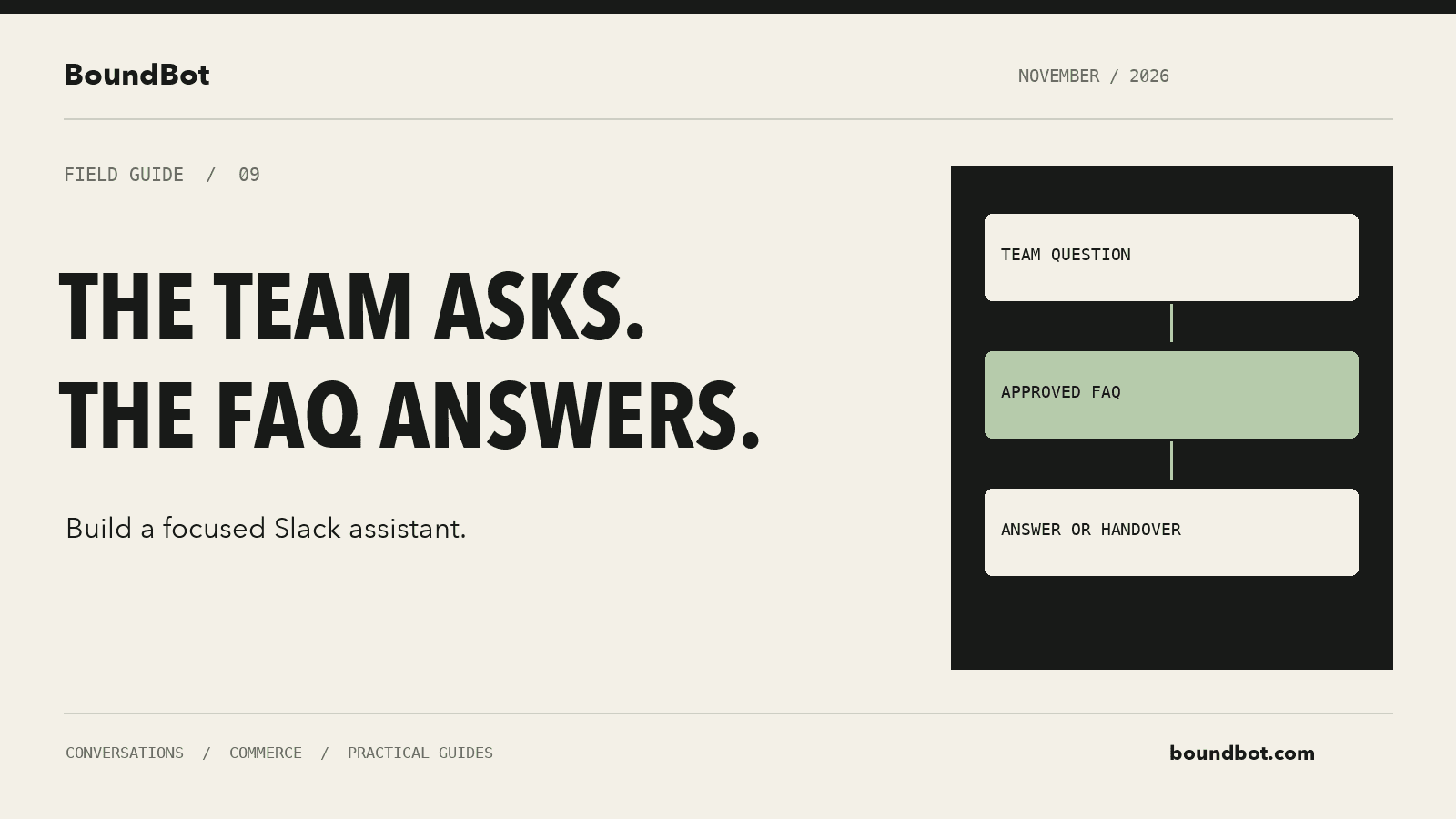
Illustrative overview. Editorial workflow of a team question, an approved FAQ, and an answer in Slack.
Step 3: Create a focused bot
Open Bots in BoundBot and create or select the assistant for this task. Give it a name the team will recognize and a welcome message that explains its scope.
Write operational instructions in the system prompt. A starting version could say:
Answer questions about the approved campaign and operating guides provided to you. Keep replies concise. Do not invent prices, policy exceptions, stock, or completed actions. When the source does not establish an answer, explain what needs checking and direct the request to the named team owner.
Replace “named team owner” with the actual process your team has agreed to follow. An instruction to escalate should correspond to a working handover, not just a reassuring sentence.
The bot configuration guide explains the relevant settings and testing workflow.
Step 4: Check the plan and connect Slack
BoundBot’s Slack setup guide places Slack on Pro and above. Confirm the workspace’s plan before building around that channel.
Open Channels → Slack, choose the connect option, select the bot, and continue through Slack’s authorization flow for the intended workspace.
Use the normal workspace approval process. Slack explains that owners can require app approval, and app permissions determine what information an integration can access.
Review the workspace and requested access before completing the connection. Plan the installation with the person who manages that workspace so the pilot appears in the intended place.
Step 5: Run a controlled question test
Start in an authorized test conversation, using the interaction supported by the connected app. Use a private test channel where appropriate and confirm the bot has the required access.
Ask the ten prepared questions, then change the wording. Try a short question, an incomplete one, and a question about information outside the approved source.
Record whether the answer is correct, whether the team can verify it, and whether the next action is clear. Include a temporary offer after its stated expiry in your test cases to see how the assistant handles that condition.
Do not judge the pilot by whether every question receives a confident answer. A useful assistant should also recognize when it lacks the information needed to help.
Step 6: Verify the conversation and handover in Inbox
Confirm that the Slack test conversation appears in BoundBot’s Inbox. Read the messages as the teammate who would handle an unresolved request.
Can that person understand what was asked? Is the source or missing information clear? Does the agreed owner know another action is needed?
Test the actual human path, including any configured routing or manual process. If a person needs to take over and stop automated replies, verify the relevant conversation control.
You can use the Inbox documentation for the current manual-reply and auto-reply behavior. Keep the pilot’s process aligned with what you have configured and observed.
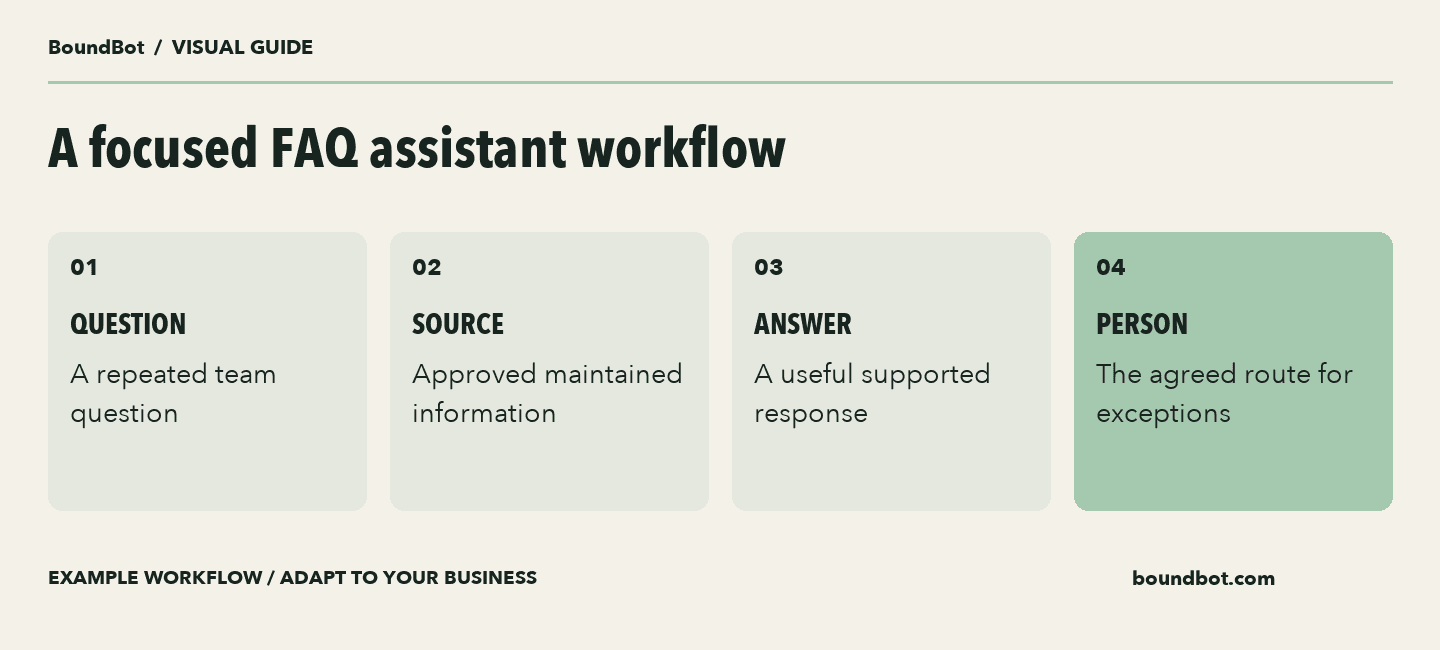
Example FAQ workflow. Connecting Slack does not automatically grant access to all messages or systems.
Step 7: Keep FAQ answers separate from live actions
Explaining the process for a stock check is different from checking a live quantity. Describing how to request a quote is different from approving one.
Decide which task the first version will perform. A maintained FAQ assistant can be useful without being given the ability to change other business systems.
If you later add a connected tool, verify the data access, the action it can perform, and how success or failure is confirmed. Connecting Slack alone should not be treated as proof that documents, historical messages, or external systems are all searchable.
Keep the assistant’s wording aligned with the task it actually completed. A prepared request should remain a request until the relevant system or person confirms the outcome.
A small FAQ pilot test sheet
Swipe to view all columns →
| Test case | Try | Useful result |
|---|---|---|
| Known answer | Ask a prepared question | Answer matches the source |
| Different wording | Ask the question casually | Meaning and conditions stay accurate |
| Missing information | Ask beyond the source | The gap is clear and a person can continue |
| Expired offer | Ask after stated expiry | No unsupported current-offer promise |
| Action request | Ask for an exception | Request stays distinct from approval |
| Handover | Use the agreed human path | The next person sees what is needed |
Step 8: Measure whether the pilot removes repeated work
Before launch, record a small baseline: how many relevant questions arrive, how long a person spends handling them, and which ones require follow-up.
During the pilot, count useful answers that did not need a human correction or a repeat question. Also record review time, source maintenance, and cases where the assistant added work.
You can value released time for planning, but do not call it a cash saving unless the business actually avoids a cost. A teammate spending less time repeating an answer may instead have more capacity for other tasks.
Review the source whenever terms change. For a short campaign, a quick daily check of active offer information may be more useful than adding another elaborate workflow.
Our original custom Slack AI agent guide explains the broader concept. Use this FAQ pilot to establish a small, observable workflow before extending it.
Frequently asked questions
Does connecting Slack train the assistant on all past messages?
Do not assume that. Verify the connected integration, permissions, and knowledge sources. This setup uses a deliberately prepared FAQ set.
Can the assistant make policy decisions?
Keep decisions and exceptions with the authorized owner unless you have explicitly designed and verified an appropriate process. The assistant can explain approved terms and help prepare the next request.
How many topics should the first version cover?
Start with a question set one person can review and maintain. Ten repeated questions are a practical pilot size, not a product limit.
What is the sign that the pilot is useful?
Look for correct, useful answers that reduce repeated human work, with manageable review effort and a clear handover when an answer is missing.
LAUNCH THE AGENT. KEEP THE HUMAN CONTROL.
START FREE, CONNECT A CHANNEL, AND SHIP YOUR FIRST BOUNDBOT IN MINUTES.