5 Multi-Channel Chatbot Platforms to Consider Before Your November Sales Rush
Compare five multi-channel chatbot platforms by sales workflow, channel needs, handoff, and costs. Use a November pilot to choose a practical fit.
10 Nov 2026•7 min read

SEO & Content Marketing Specialist

A customer asks about a product on Messenger, checks delivery on your website, and then comes back through WhatsApp. Meanwhile, your team is trying to remember which price was quoted and who was supposed to reply.
Adding another chatbot will only help if it fits that everyday work.
When choosing multi-channel chatbot platforms for a November campaign, start with the conversations you need to handle. Which channels bring buying enquiries? Which questions repeat? When does someone need to take over?
Below are five platforms worth considering for different workflows. The product descriptions are based on their official pages, checked for this November 2026 guide. The recommended fit is an editorial judgment; test your own use case before committing.
Define one sales conversation before comparing tools
Imagine a small shop preparing an offer across its website, WhatsApp, Messenger, and Telegram. A buyer needs to choose a variant, confirm the total, and understand the next step.
Write that conversation out before opening a pricing page. Include an unavailable product, an unclear question, and a request to speak with a person.
You now have something useful to test. A platform can look excellent in a polished demonstration while still leaving your team to manage important steps manually. That may be acceptable, provided you understand the work involved.
Also separate a shared inbox from automatic customer recognition. Seeing several channels in one workspace does not establish that the system will identify the same person across every channel. Check how identity linking works for the accounts and integrations you will actually use.
A quick comparison by workflow
Swipe to view all columns →
| Platform | Workflow to evaluate | What to test before choosing |
|---|---|---|
| BoundBot | Business knowledge, product questions, and connected messaging channels | Catalog accuracy, channel eligibility, and human takeover |
| Intercom | Support and sales conversations around a digital product | Required seats, Fin usage, and channel charges |
| Zendesk | Support operations that need tickets and defined workflows | Sales enquiries moving into the right support process |
| Manychat | Social marketing conversations and campaign automation | The specific trigger, channel, and handoff your campaign needs |
| respond.io | Messaging-led sales with a team inbox and lead handling | Qualification, routing, and the relevant channel connections |
Use this as a shortlist. The right answer depends on the task you can complete reliably with your own team and information.
BoundBot is a relevant option when you want an assistant to use your business information while your team keeps control of customer conversations.
Its current documentation covers knowledge sources, products, messaging channels, and configured actions. For a November offer, that gives you a practical starting point: prepare the information customers need and test the path from a question to a useful next step.
Try a product question with a specific size or variant. Check the answer against your catalog. Then ask something the source does not establish, such as an unconfirmed delivery date. The assistant should handle the missing information appropriately.
Also test the human part of the process. Open the conversation, review the context, and confirm how your team will take over. BoundBot’s Inbox documentation describes manual replies and per-conversation auto-reply controls.
Check the plan for the channels you need. In particular, Slack and Discord require Pro or above. Avoid choosing a tier from the headline price alone.
2. Intercom for conversations connected to a digital product
Intercom is worth evaluating when customer messaging is closely tied to a software product, onboarding, or ongoing support.
Its official plan comparison lists a shared inbox, ticketing, help-center capabilities, and Fin AI Agent. The plans also distinguish more advanced workflow and collaboration features.
For a November promotion, test what happens when a new buyer asks about a plan and an existing customer asks for help. Your team should be able to keep the purpose of those conversations clear.
Build the budget around your actual seats and expected AI use. The page separates seat pricing from Fin outcomes and identifies pay-as-you-go channels. A monthly estimate should include the components relevant to your setup.
This is a sensible candidate when a product-led support workflow is central to the business. Confirm the commercial terms and required features before treating the displayed entry price as your complete cost.
3. Zendesk for a structured support process around sales
Some November enquiries need more than a quick answer. A delivery dispute, an order correction, or a product complaint may require tracking across several people.
Zendesk’s customer service platform brings together AI, agents, knowledge, and workflows. That makes it a candidate when a defined support process is an important part of the buying experience.
During a pilot, follow one enquiry beyond the first reply. Check how the team records the issue, who handles it next, and how the eventual outcome is visible.
Then test a simple buying question. Your small team should understand how much process is required for a routine answer as well as a complex case.
Evaluate the exact package you are considering. A ticketing entry plan and a wider multi-channel setup may have different capabilities and costs.
If the campaign starts with social content and a planned messaging flow, Manychat deserves a closer look.
Its official product site focuses on automation for Instagram, WhatsApp, TikTok, and Messenger, including social marketing use cases such as responding to comments.
Start with the exact campaign trigger you intend to use. What does the customer do? Which message follows? What information is collected? When can a person take over?
Test the flow on the intended channel rather than assuming that a feature shown for one platform works the same way elsewhere. Also check the relevant plan and account eligibility.
A useful pilot might follow one product post into a conversation about size and availability. You can then judge whether the flow helps the buyer continue and whether your team can handle questions outside the prepared path.
5. respond.io for messaging-led sales teams
For businesses where a large part of selling happens inside messaging apps, respond.io is another candidate.
Its official platform page describes a team inbox, AI agents, lead qualification, and lead routing. These are relevant areas to evaluate when several people handle enquiries and the next action needs to stay clear.
Give the pilot a concrete handover. A buyer asks a common product question, then needs a quote or a branch-specific answer. Check whether the right person can continue with the information they need.
Confirm your intended channels, integration requirements, and plan terms. The value of a sales workflow depends on whether it fits the people and systems doing the actual work.
Use the same pilot scorecard for each platform
Swipe to view all columns →
| Test | Try | Pass condition |
|---|---|---|
| Product accuracy | Ask about a specific variant | Answer matches the maintained source |
| Missing information | Ask for an unconfirmed delivery date | No invented promise |
| Human takeover | Ask to speak with a teammate | A person can continue with context |
| Channel coverage | Repeat on each required channel | The intended workflow works there |
| Identity handling | Test a permitted repeat-customer case | Linking matches the actual setup |
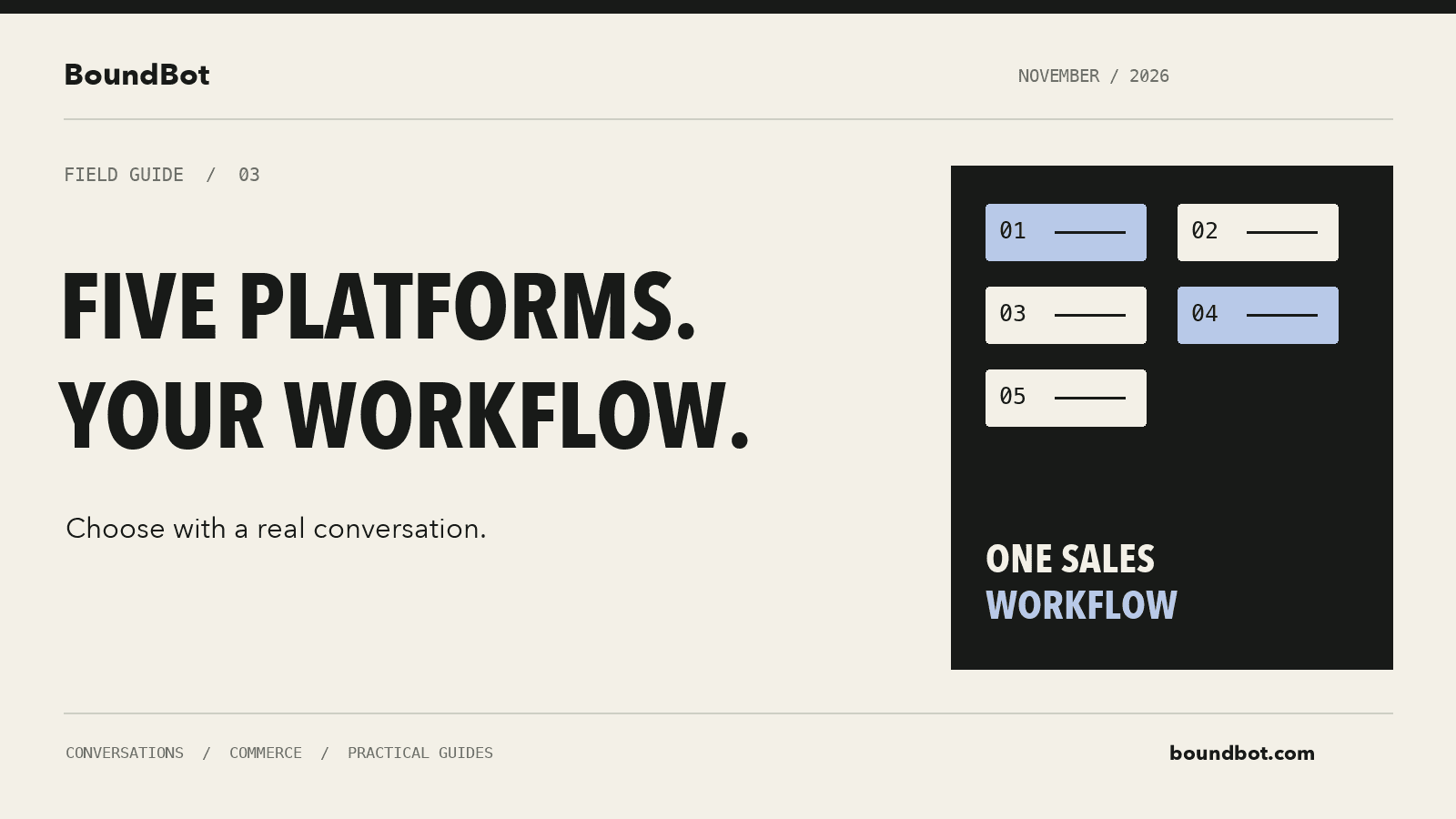
Illustrative overview. Editorial diagram comparing five chatbot platform choices around one sales workflow.
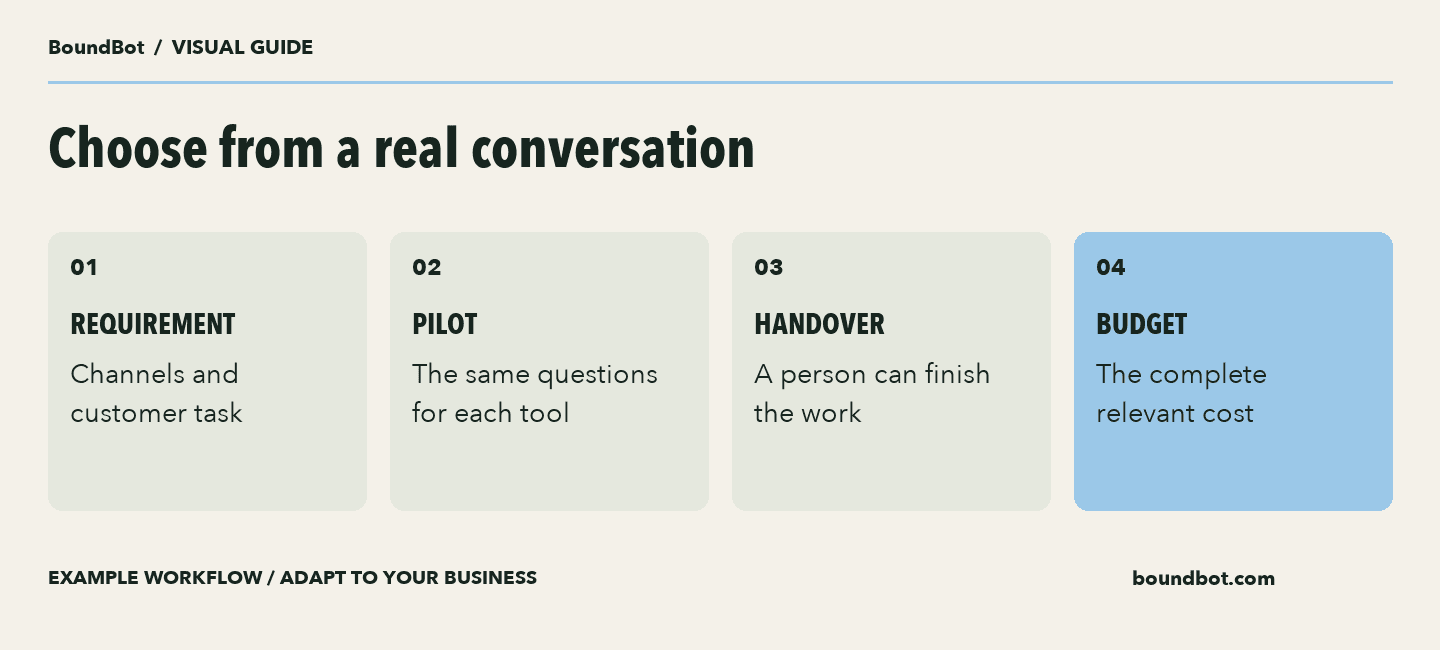
Example buying process. Judge platform fit against a defined workflow.
Run a small pilot before the busiest days
Choose two candidates and use the same approved questions with each. Include a correct-answer case, an unavailable item, a request the assistant cannot verify, and a human takeover.
Record whether the answer was correct, whether the next step was clear, and how much manual effort was needed. Keep the result understandable enough that another teammate could repeat the check.
Then try the workflow with a limited amount of real traffic and review the conversations. Correctness and useful resolution matter alongside response speed.
If the campaign is already close, begin with one channel and a small set of common questions. Expanding a working setup is easier to manage when you understand which parts still need a person.
For a broader shortlist, see our multi-channel chatbot platform comparison. Use this November guide to turn that research into a specific buying test.
Ask for a complete quote
Swipe to view all columns →
| Cost item | Question to ask | Why it matters |
|---|---|---|
| Team access | Which people need paid seats? | A starting price may cover one person |
| AI usage | What unit is billed? | Replies, contacts, and outcomes differ |
| Channels | Which connections add charges? | The required mix affects the budget |
| Setup | Who prepares and tests the workflow? | Include internal time and paid setup |
| Commitment | Is the price monthly or annual? | Compare equivalent purchase terms |
Frequently asked questions
Which platform is best for a small team?
Choose based on the channels, knowledge, handoff, and workflow you can verify in a pilot. A platform’s general reputation does not establish that it fits your particular sales process.
Do I need all my channels connected immediately?
Start with the channel that produces the most useful enquiries. Add others when the answers, ownership, and next steps work reliably.
Will one inbox automatically merge every customer identity?
Check that capability explicitly. Channel collection and cross-channel identity linking are separate things to evaluate.
What should I ask about pricing?
Ask for an estimate covering seats, expected usage, channels, integrations, setup, and the features your team requires. Compare the same workload across candidates.
LAUNCH THE AGENT. KEEP THE HUMAN CONTROL.
START FREE, CONNECT A CHANNEL, AND SHIP YOUR FIRST BOUNDBOT IN MINUTES.