10 Website Chatbot Welcome Messages for November Sales and Support
Use 10 chatbot welcome message templates for November offers, product choices, delivery, and support. Check capabilities and test the next step.
10 Nov 2026•8 min read

Software Engineer
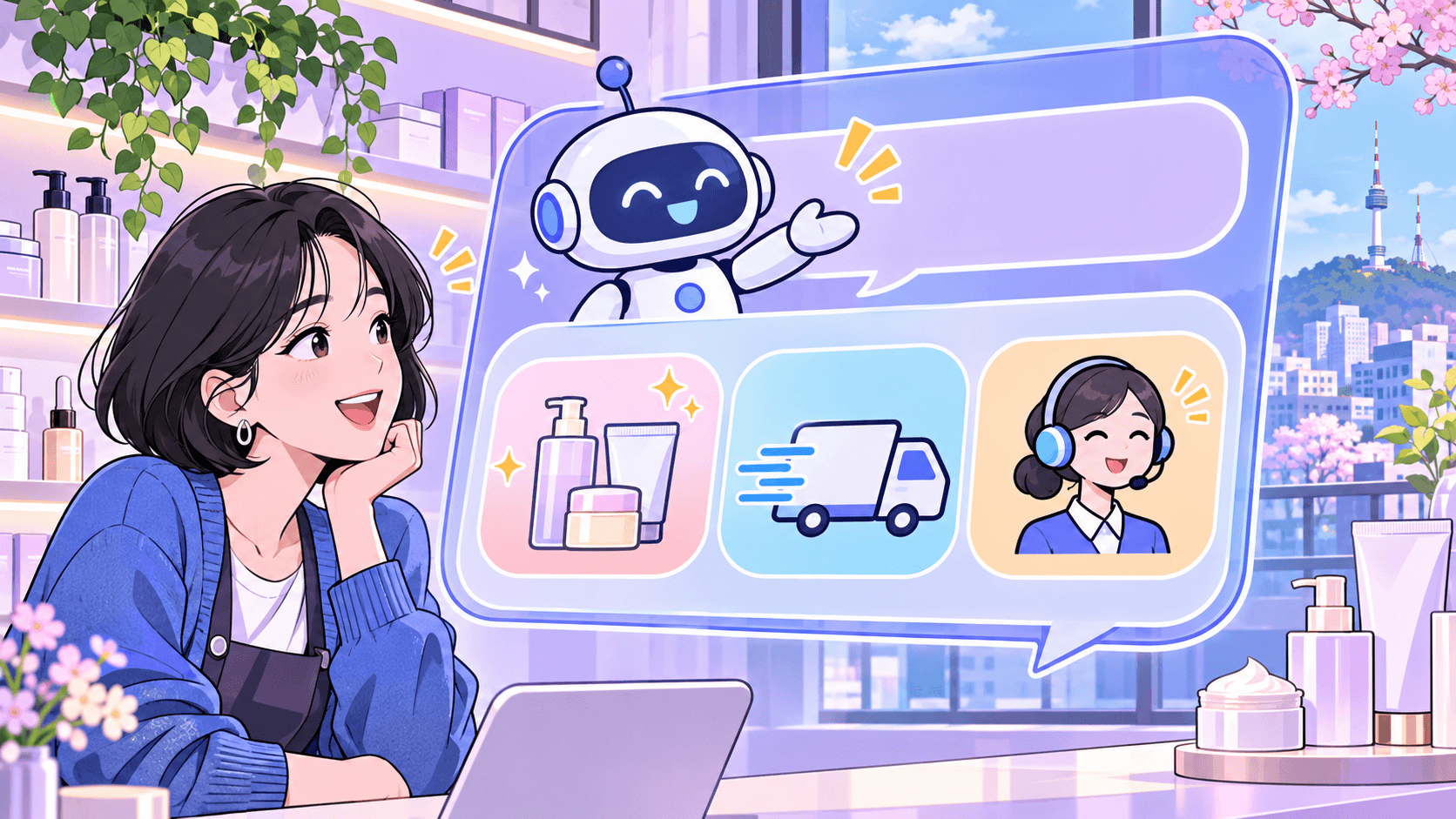
A visitor opens your website chat because something is unclear. The first message should help them decide what to do next.
A November promotion makes that job more specific. Visitors may be comparing an offer, checking delivery, choosing a variant, or returning for help with an order. A greeting that recognizes the page’s purpose can give them a useful starting point.
Use the following chatbot welcome message examples as templates. Replace the bracketed details with information your business can support, then test the complete conversation on your live website.
Build the greeting around a task
A practical welcome message does three things: identifies the assistant, explains what it can help with, and gives the visitor a clear next action.
Keep the scope accurate. A bot that can explain delivery policy should not promise to track a parcel unless the required system is connected and the customer is authorized to access that order.
Also distinguish the greeting from the choices around it. A welcome message is the introduction. Conversation starters are prompts the visitor can select. A voice greeting is spoken when a voice call begins. Test each setting in the surface where customers will encounter it.
Choose a greeting by page purpose
Swipe to view all columns →
| Page | Visitor need | Starting question |
|---|---|---|
| Offer | Understand the promotion | Which item are you considering? |
| Pricing | Choose a suitable plan | What does your team need to do? |
| Product | Check a size or color | Which option would you like checked? |
| Delivery | Understand charges or dispatch | What is the delivery area? |
| Comparison | Choose between alternatives | What matters most to you? |
| Bulk enquiry | Prepare a quote request | Which product and quantity? |
| Service | Understand a service or booking request | Which service interests you? |
| Existing order | Reach the support process | What help do you need? |
| Returns | Understand the policy | Which part would you like explained? |
| Outside staffed hours | Know what is available now | What can the assistant help with? |
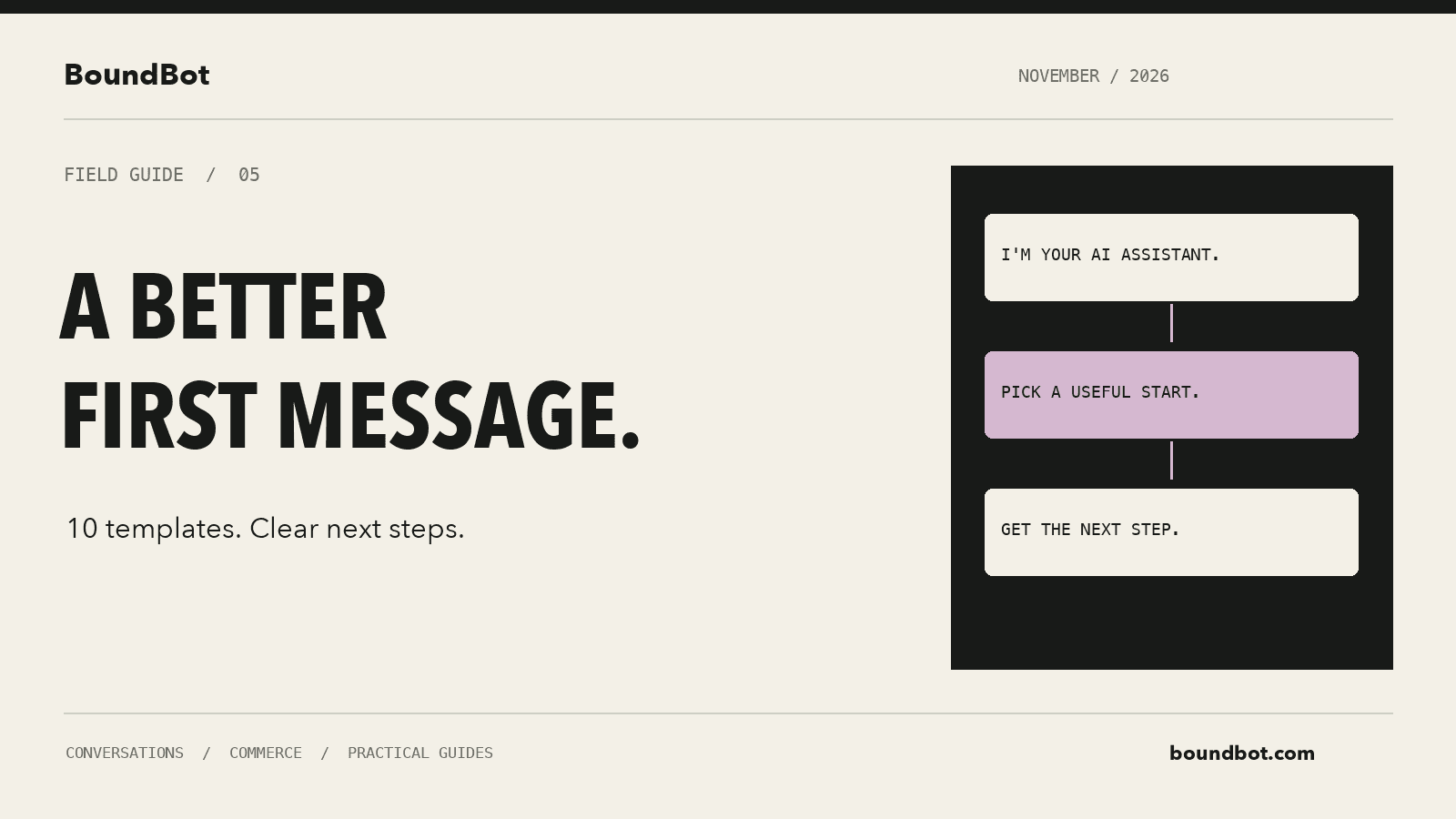
Illustrative overview. Editorial illustration of a transparent AI introduction and three useful conversation starting points.
1. The November offer page
The message:
Hi, I’m [Business]’s AI assistant. Need help understanding the November offer or choosing an eligible product? Tell me which item you are considering.
Why it helps: The visitor gets an immediate route into the offer rather than a general conversation about the whole business.
Setup check: Give the assistant the current offer dates, eligible items, exclusions, and pricing. Decide what happens after the offer ends. A greeting can remain visible longer than the campaign that inspired it.
2. The pricing page
The message:
Hi, I’m the AI assistant for [Business]. I can explain what each plan includes. What does your team need to do?
Why it helps: The question invites a requirement the assistant can use to explain the available options. It avoids forcing every visitor toward the most expensive plan.
Setup check: Keep billing periods, usage limits, and required add-ons current. If a quote depends on information the assistant cannot verify, route the request to the team.
3. A product page with several variants
The message:
Hi, I’m [Business]’s AI assistant. Choosing a size or color? Tell me the option you want, and I can help with the product information we have.
Why it helps: The visitor can ask a narrow question without explaining the entire shopping journey.
Setup check: Ensure the product and variant are identifiable. If quantity data is missing or stale, the assistant should not turn an availability label into a precise stock promise. Ask for a human check when needed.
4. A delivery information page
The message:
Hi, I’m the AI assistant for [Business]. Looking for delivery charges or dispatch information? Tell me your delivery area and which item you are considering.
Why it helps: Delivery answers often depend on location and the product. The greeting requests the context before suggesting a total or timeline.
Setup check: Separate dispatch timing from arrival timing. Show an estimated delivery period as an estimate, and only use a guaranteed date when your business can actually honor it.
5. A comparison or buying guide
The message:
Hi, I’m [Business]’s AI assistant. Comparing two options? Share their names and what matters most to you, such as size, price, or intended use.
Why it helps: It asks the visitor to define the decision. The answer can then focus on the difference that matters to that buyer.
Setup check: Use documented characteristics. A comparison should not invent a capability or label an option unsuitable simply to encourage an upgrade.
6. A wholesale or bulk enquiry page
The message:
Hi, I’m the AI assistant for [Business]. Need a bulk order quote? Share the product and approximate quantity, and I can help prepare the request for our team.
Why it helps: The message identifies the next step as a quote request. It does not imply that a special price has already been approved.
Setup check: Decide which information the sales team requires and how it will receive the request. Confirm a realistic reply expectation before putting one in the greeting.
7. A service or appointment page
The message:
Hi, I’m [Business]’s AI assistant. I can explain our services and help with a booking request. Which service are you interested in?
Why it helps: It separates understanding the service from choosing a time. The visitor can begin without filling out a long form.
Setup check: Use “book an appointment” only when the configured flow can complete that action. If a person must confirm availability, make the request status clear throughout the conversation.
8. An existing-order support page
The message:
Hi, I’m the AI assistant for [Business]. Need help with an existing order? I can explain the support process and help you reach the team.
Why it helps: Existing customers get a support path instead of being pushed back into a sales conversation.
Setup check: Do not expose private order information from an unauthenticated greeting or a guessed order reference. For private account and order questions, follow the authenticated visitor setup supported by your deployment.
9. A returns information page
The message:
Hi, I’m [Business]’s AI assistant. I can explain our return policy and help you contact the team about a request. What would you like to understand?
Why it helps: The greeting offers information and a clear route to a person without presenting a request as an approved refund.
Setup check: Keep eligibility rules, time limits, and exceptions accurate. If a decision requires inspection or approval, preserve that step in the conversation.
10. Help outside staffed hours
The message:
Hi, I’m the AI assistant for [Business]. I can help with common questions now. Our team reviews requests during [confirmed hours and time zone]. What do you need help with?
Why it helps: The visitor understands what is available immediately and when a person is expected to be available.
Setup check: Keep the hours accurate, including campaign-day changes. Offer to collect a request only when the configured process actually saves it for the team to review.
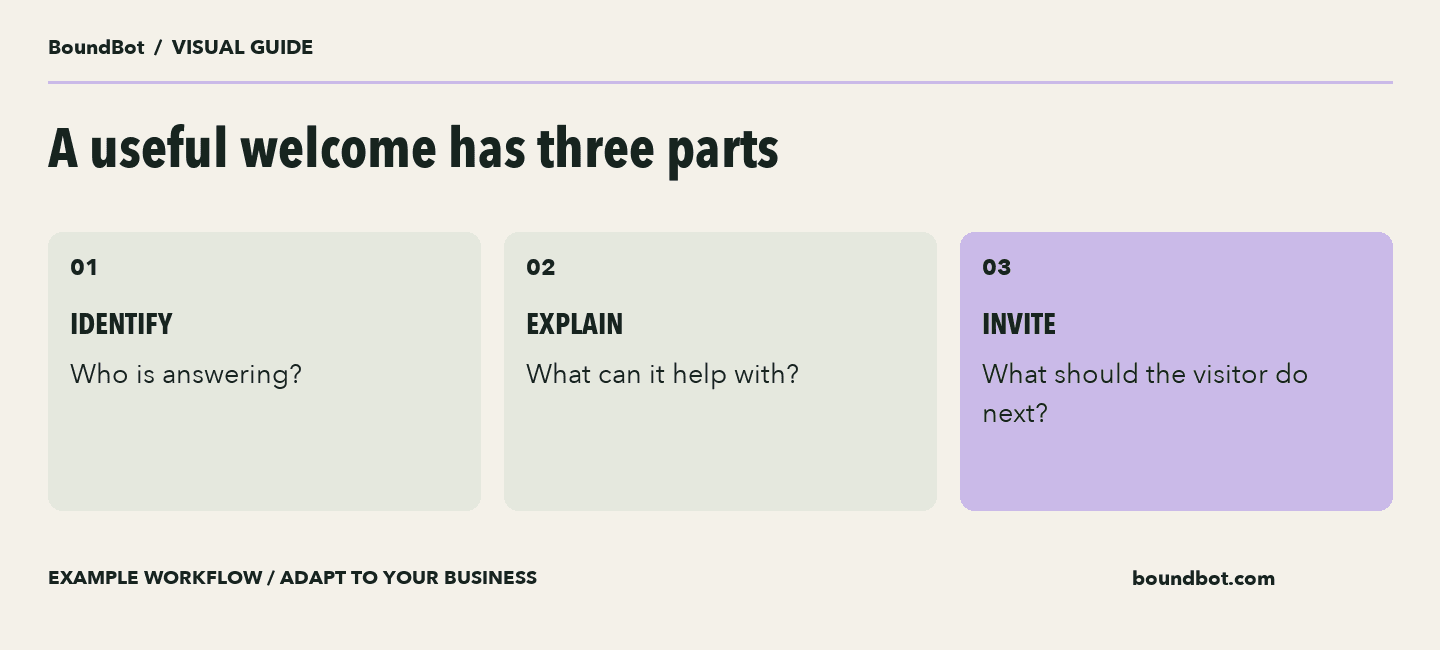
Greeting framework. Offered actions should match the configured capabilities.
Configure the message and starters separately in BoundBot
In the current app, open Bots, edit the assigned assistant, and use its Welcome message field. The bot guide covers the related behavior settings.
For WebChat starters, open Settings → Customize Widget, select the channel, and use the Chat tab. Choose prompts that lead to working answers, such as asking about an offer, a product choice, or delivery information.
A starter should describe an action the bot can support. Clicking “Check my order” should not produce a general marketing answer. Test the actual path before publishing that option.
The greeting may depend on the assigned bot and the surface where it appears. Verify the deployed widget on desktop and mobile rather than relying only on the text saved in a form.
Check the greeting before it goes live
Swipe to view all columns →
| Check | What good looks like |
|---|---|
| Identity | The introduction makes the assistant role clear |
| Capability | Each offered next step has a working path |
| Current facts | Price, dates, and policies are approved |
| Missing information | The agreed question or handover follows |
| Mobile view | Message and choices remain easy to scan |
Test the conversation beyond its opening line
For each greeting, try the expected question, an unclear version, missing information, and a request for a person. Check whether the assistant answers within its scope and whether your team can continue the conversation.
Measure useful next steps. These could be a qualified enquiry, a completed booking, or a purchase confirmed in your sales system. A chat opening alone is an engagement event, not proof of a sale.
Google Analytics distinguishes lead and purchase events. If you use it, implement the event that matches the outcome rather than assigning purchase value to every chat interaction.
For more examples by industry, see our original chatbot welcome-message guide. Start with one relevant template, then improve it using observed customer questions.
Frequently asked questions
How long should a welcome message be?
Keep it short enough to scan and specific enough to explain the next step. Two or three short sentences are a useful starting design, then test on the actual widget.
Should the assistant identify itself as AI?
Use a clear introduction so visitors understand who or what they are speaking with. Keep the capabilities in that introduction accurate.
Can one greeting work across the whole website?
It can be a starting point. More specific pages may need a different entry path. Confirm the targeting and bot-assignment controls available in your setup before designing several experiences.
Should the greeting include a discount?
Include an offer when it is relevant, current, and approved. The greeting should still help visitors who need product or support information before buying.
LAUNCH THE AGENT. KEEP THE HUMAN CONTROL.
START FREE, CONNECT A CHANNEL, AND SHIP YOUR FIRST BOUNDBOT IN MINUTES.